
County printers expose management protocols on the same VLAN as user workstations. What should the assessment highlight?
Select an answer to reveal the explanation.
Short Explanation
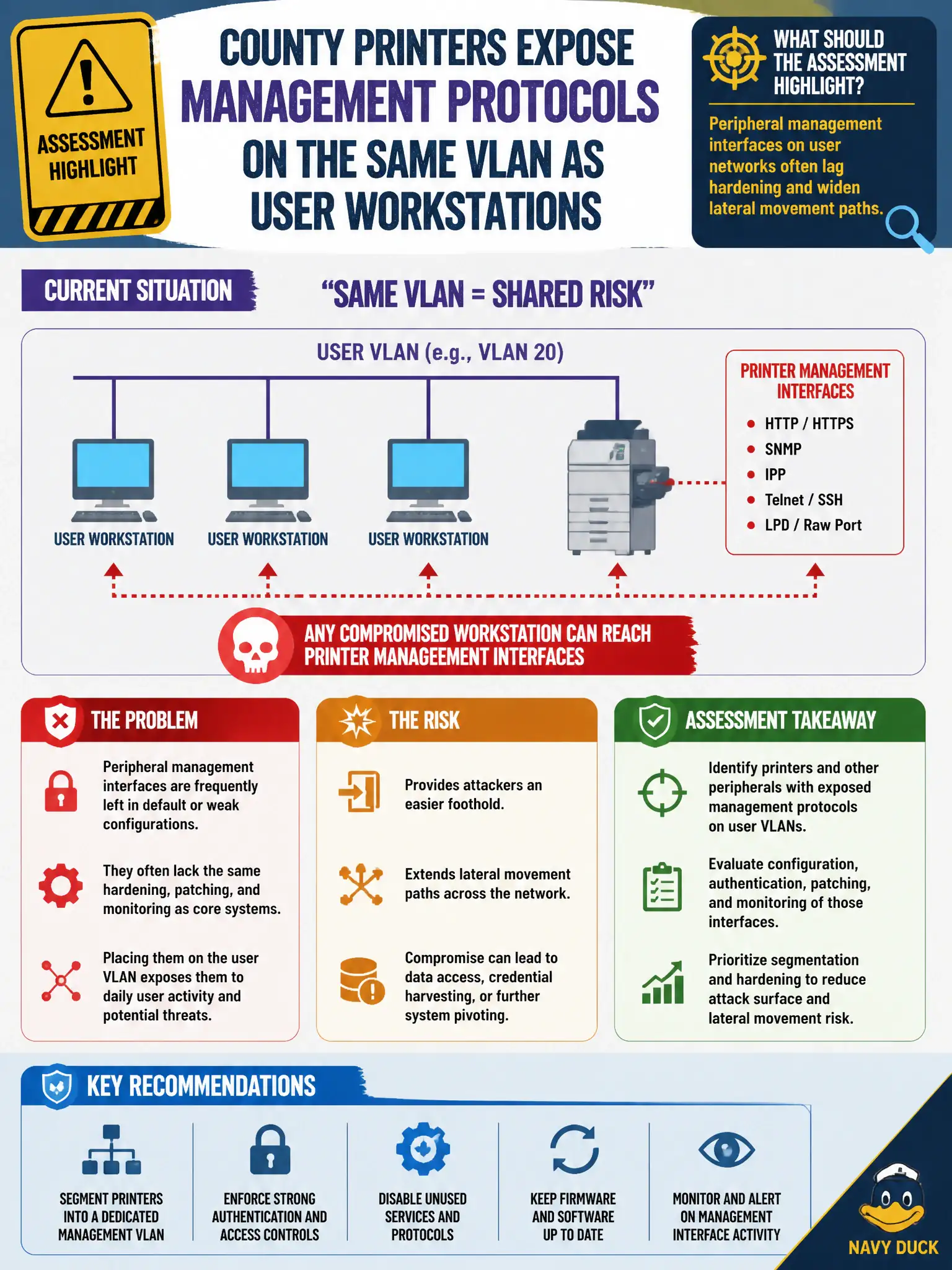
Printers on the user VLAN with open admin ports are the unlocked side door next to everyone’s desk. They’re rarely patched like servers and they make handy stepping stones. Segment management and harden them—or attackers will.
Full Explanation
County printers that expose management protocols on the same VLAN as user workstations should be highlighted because peripheral management interfaces on user networks often lag hardening and widen lateral movement paths. Printer admin protocols on user VLANs do not improve helpdesk speed in a security sense; they expand the set of weakly defended hosts adjacent to staff endpoints. Claiming only servers create lateral-movement findings ignores how printers, scanners, and similar appliances become footholds or credential stores. DHCP use does not make VLAN co-location irrelevant; addressing method is orthogonal to segmentation and management-plane exposure. Exam caveat: peripheral findings are about management exposure and trust boundaries, not about printing quality. Operational check: inventory management ports reachable from the user VLAN, note default or weak admin auth, recommend a dedicated management VLAN or ACL, and disable unused printer admin protocols in the county baseline. In municipal operations, record the rationale in the engagement notes so future testers and city defenders understand which approach was chosen and which failure modes the rejected options would create for civic services.