
A user's phone, which held their only authenticator app, was lost on a trip, and they cannot complete MFA to sign in. During enrollment, the organization issued each user a set of single-use recovery values. Which response BEST restores access while keeping MFA in place?
Select an answer to reveal the explanation.
Short Explanation
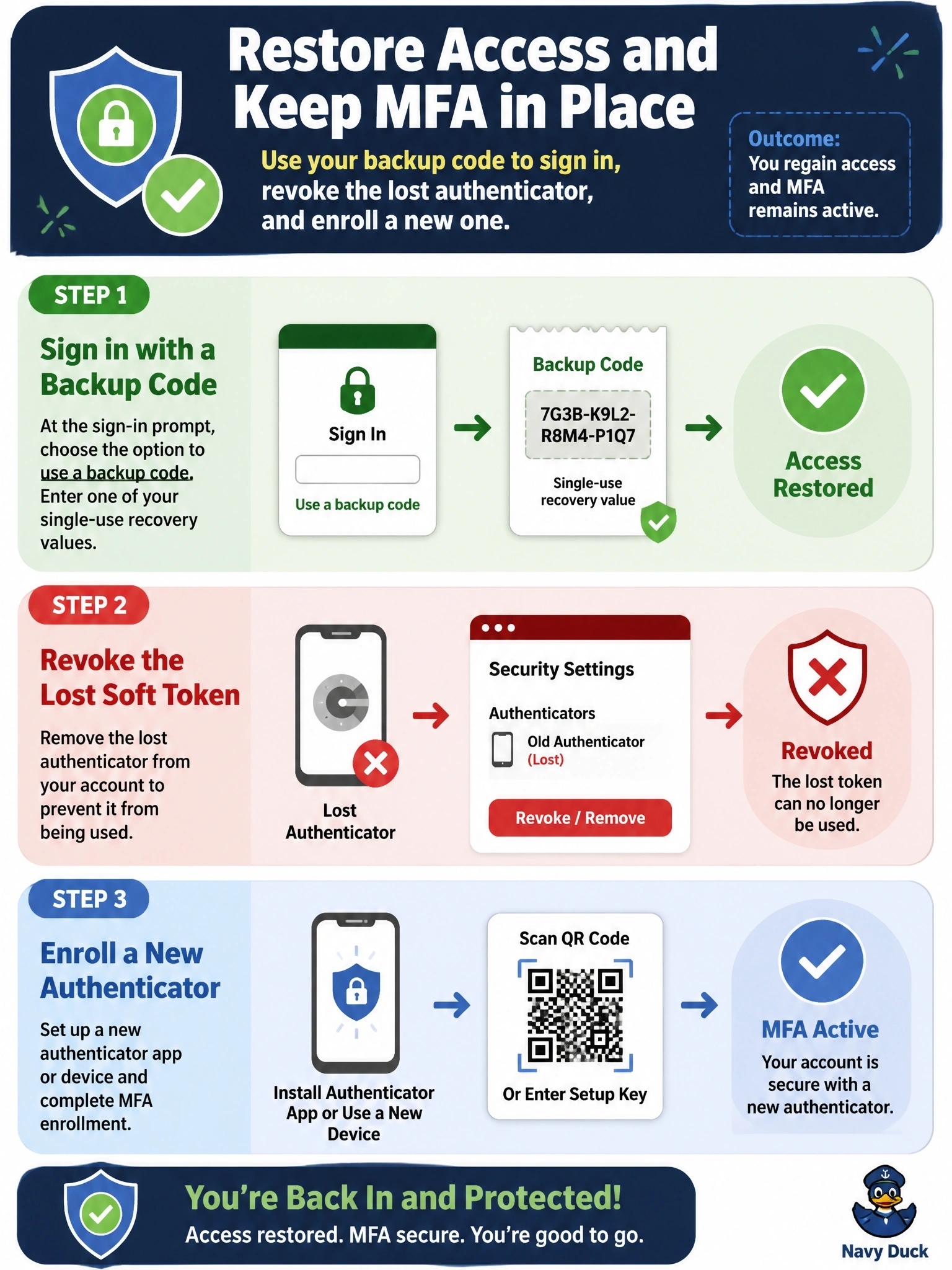
Backup codes are the spare key you tucked away when you set up MFA - use one to get in, then change the locks. The big trap is leaving that lost phone enrolled; whoever finds it could still pass your second factor.
Full Explanation
Backup codes are single-use recovery values issued at MFA enrollment for exactly this situation: the primary factor is unavailable. The user authenticates with a password plus one backup code, which is then consumed. Recovery is not complete until the lost authenticator, a soft token on the phone, is revoked so its one-time passwords stop working, and a new factor is enrolled on a replacement device. That sequence restores access, removes the lost factor, and keeps MFA enforced. Disabling MFA permanently fixes the user's inconvenience by removing a core control from the account, leaving it protected by a password alone. Resetting the password without revoking the lost authenticator leaves a valid second factor in the hands of whoever has the phone; if the password is also compromised, the account falls. Issuing a hardware token is a reasonable replacement factor, but keeping the lost soft token registered preserves the same exposure as the previous choice. Exam caveat: soft tokens live on general-purpose devices and are easier to lose or clone than hard tokens, which is why recovery procedures matter. Operational check: confirm in the identity platform that the old authenticator registration is deleted, the used backup code is invalidated, and the user has a fresh set of backup codes.