
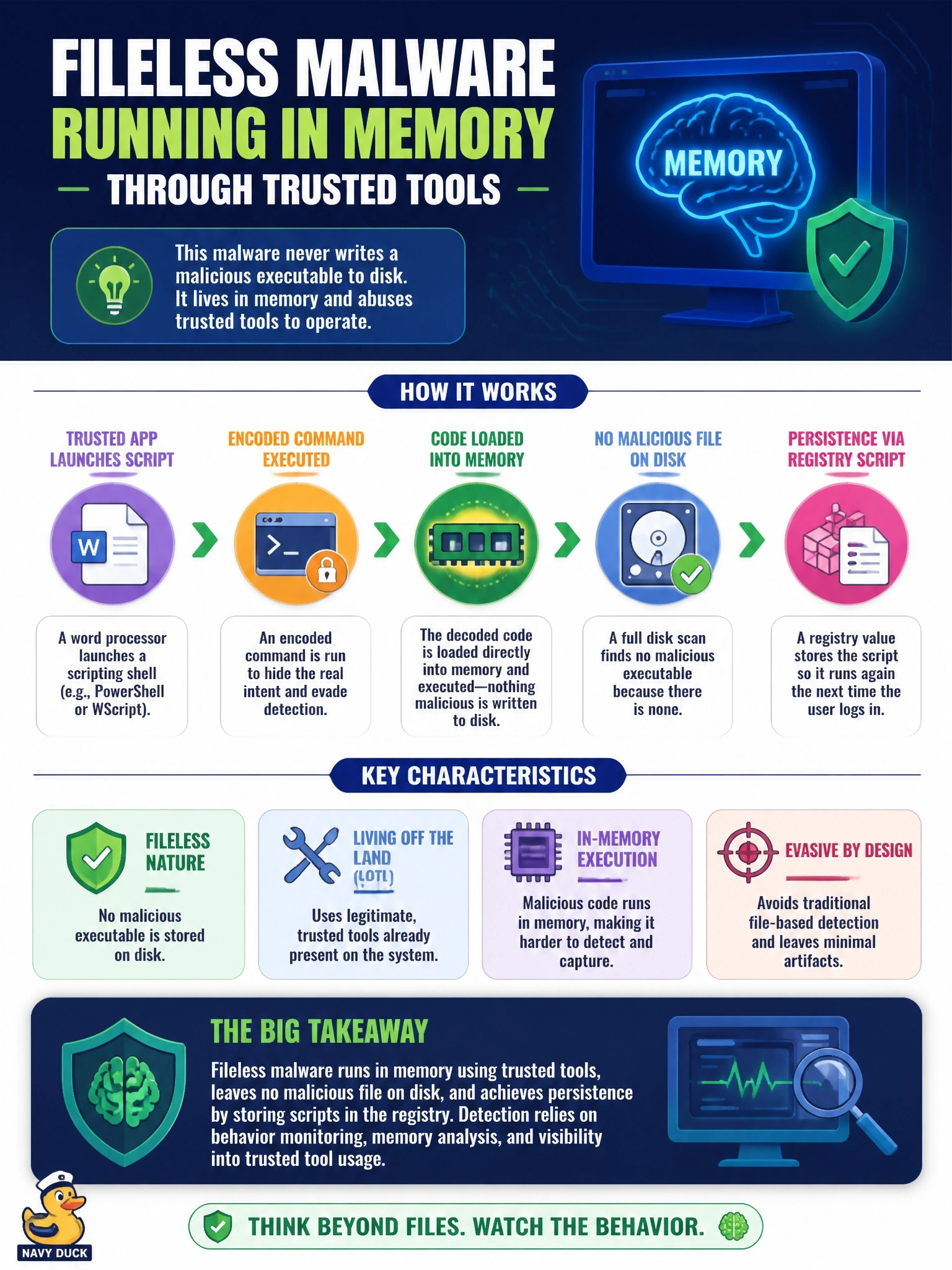
An EDR tool flags a scripting shell launched by a word processor, running an encoded command that loads code directly into memory. A full disk scan finds no malicious executable, and persistence is a registry value that stores a script. Which malware type is indicated?
Select an answer to reveal the explanation.
Short Explanation
Here's why your disk scan came up empty: there's nothing on the disk to find. Fileless malware lives in memory and borrows trusted tools like the system's script engine, stashing just enough in the registry to come back. The trap is trusting a clean file scan when your EDR's waving a red flag.
Full Explanation
Fileless malware avoids writing a traditional executable to disk. Instead, it uses legitimate interpreters and tools already on the system to load malicious code directly into memory, and it often persists by storing scripts or encoded commands in locations such as the registry. Indicators include a scripting shell spawned by an office application, encoded or obfuscated command lines, in-memory code loading and the absence of malicious files for scanners to find. A rootkit modifies the operating system, often at kernel level, to conceal processes and files; the scenario shows a visible scripting process flagged by the EDR rather than concealment through kernel changes. A file-infecting virus attaches itself to executables and spreads when infected files run, which contradicts a clean disk scan with no malicious executable. A worm propagates automatically across hosts by exploiting network services, and nothing here describes spreading to other systems. Exam caveat: fileless techniques overlap with living-off-the-land tools, but the indicator that defines fileless malware is execution from memory without a malicious file on disk. Operational check: capture memory from the host before rebooting, remove the registry persistence value, restrict scripting engines with application control and constrained modes, and alert on office applications spawning shells.