
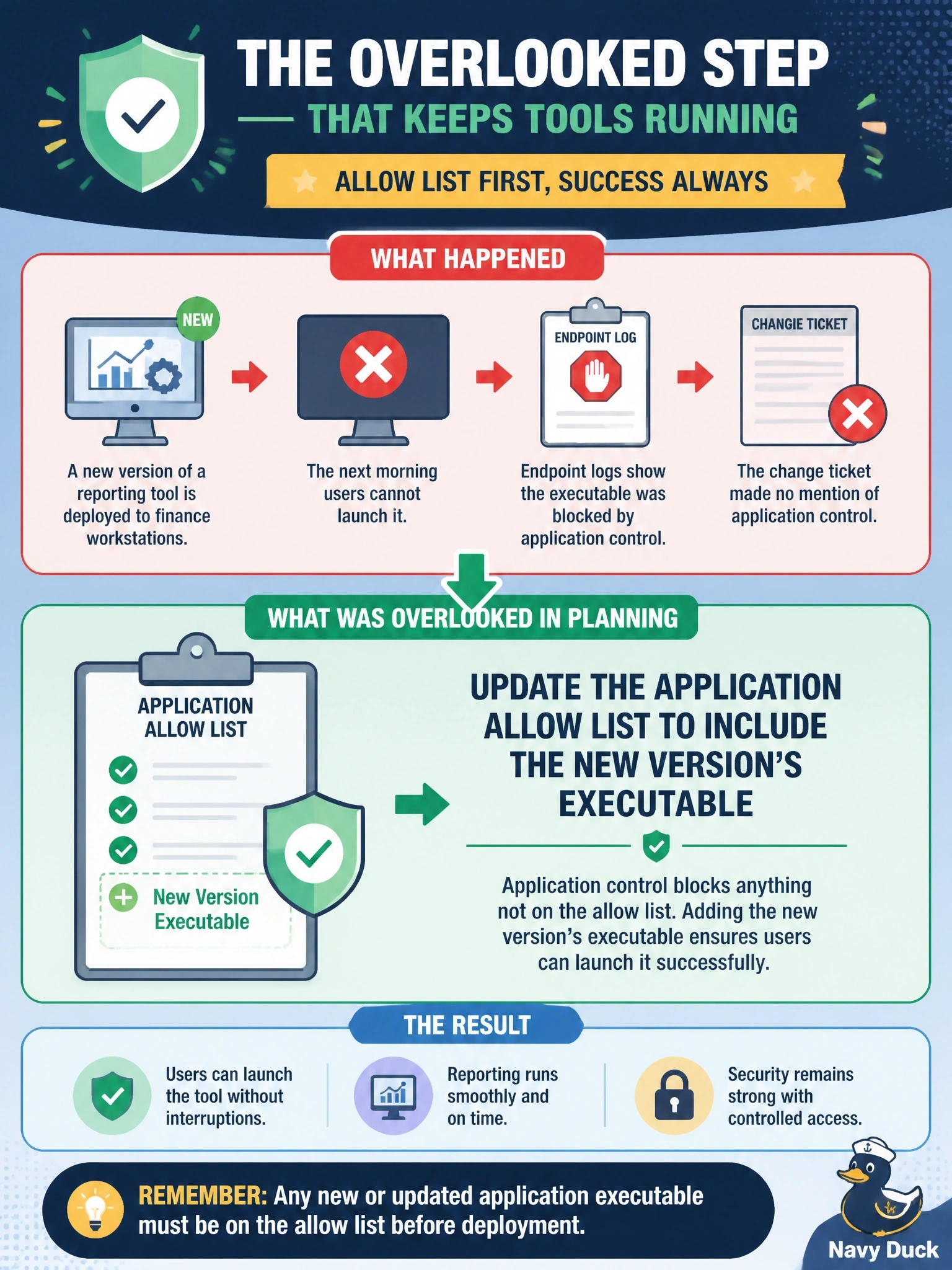
IT deploys a new version of a reporting tool to finance workstations. The next morning users cannot launch it, and endpoint logs show the executable was blocked by application control. The change ticket made no mention of application control. What was overlooked in planning the change?
Select an answer to reveal the explanation.
Short Explanation
An allow list is a bouncer with a guest list, and a new version of the app is a new face at the door. If nobody updated the list, you're not getting in. That's a technical implication you've got to plan for in every change.
Full Explanation
Application allow lists permit only approved executables to run, typically identified by file hash, publisher signature, or path. When a new version of software is deployed, its hash and sometimes its path change, so unless the allow list is updated as part of the change, the control blocks the new executable exactly as designed. Change planning should identify such technical implications, including allow and deny lists, restricted activities, required restarts, and dependencies, so that security controls and the change move together. Scheduling a service restart addresses software that must reload configuration or binaries, but a restart cannot overcome a policy that refuses to execute the file. Updating network diagrams is necessary documentation after changes that alter data flows, yet stale diagrams do not stop an application from launching. Adding the server to a deny list would block communications rather than enable them, and it concerns network filtering instead of endpoint execution control. Exam caveat: allow lists are deny-by-default, so any change that introduces new or modified executables must include an allow list update, or the control will appear as an outage. Operational check: add a change template field for application control impact, pilot new versions on a test group under the production policy, and confirm the allow list entry by publisher or hash before broad deployment.