
Halfway through a scheduled maintenance window, a firmware upgrade on a core router fails and the device stops passing traffic. The window closes in one hour. What should the team do according to change management best practice?
Select an answer to reveal the explanation.
Short Explanation
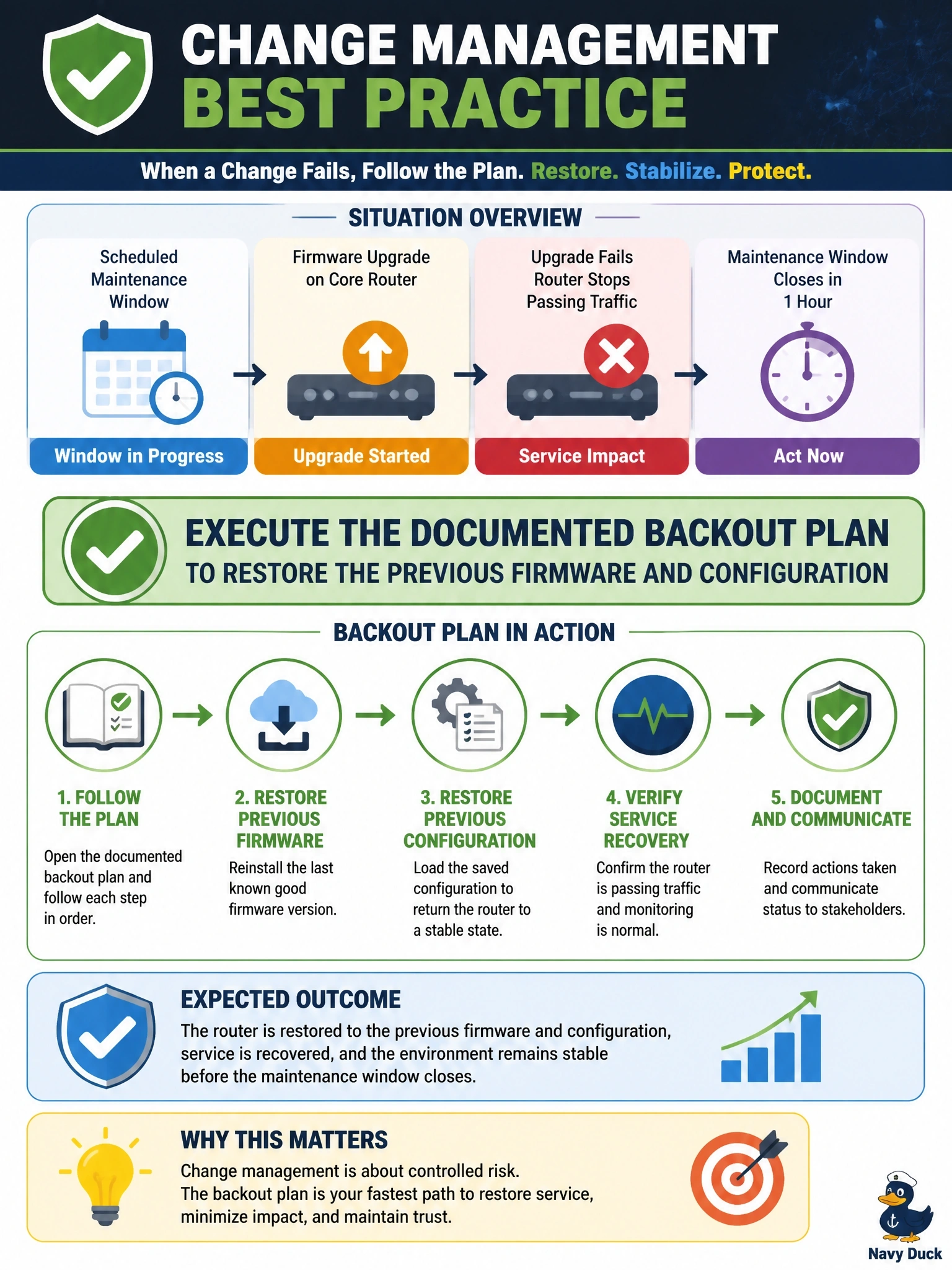
A backout plan is your undo button, and you wrote it before you started for exactly this moment. When the clock's running and the router's down, you hit undo. Untested fixes and open-ended waiting just make the outage worse.
Full Explanation
A backout plan documents the steps to reverse a change and return systems to their previous working state if the change fails or causes unacceptable impact. When a firmware upgrade leaves a core router unable to pass traffic and the maintenance window is closing, executing that plan restores service within the approved window and limits business impact. The team can then analyze the failure and resubmit the change. Extending the window indefinitely ignores the business agreement that defined the window and risks a prolonged outage during production hours without any guarantee of success. Failing forward with untested beta firmware introduces a new, unreviewed change under pressure, which is exactly what change control is designed to prevent; fail forward is appropriate only when reverting is not possible and the fix is understood. Leaving the router offline until the next CAB meeting turns a recoverable failure into an extended outage when an approved recovery path already exists. Exam caveat: backout restores the prior state, while fail forward continues ahead with a fix; choose backout when the previous state can be restored safely. Operational check: before any upgrade, confirm the previous firmware image and configuration are stored locally and offsite, test the rollback procedure in a lab, and set a decision point in the window by which backout begins.