
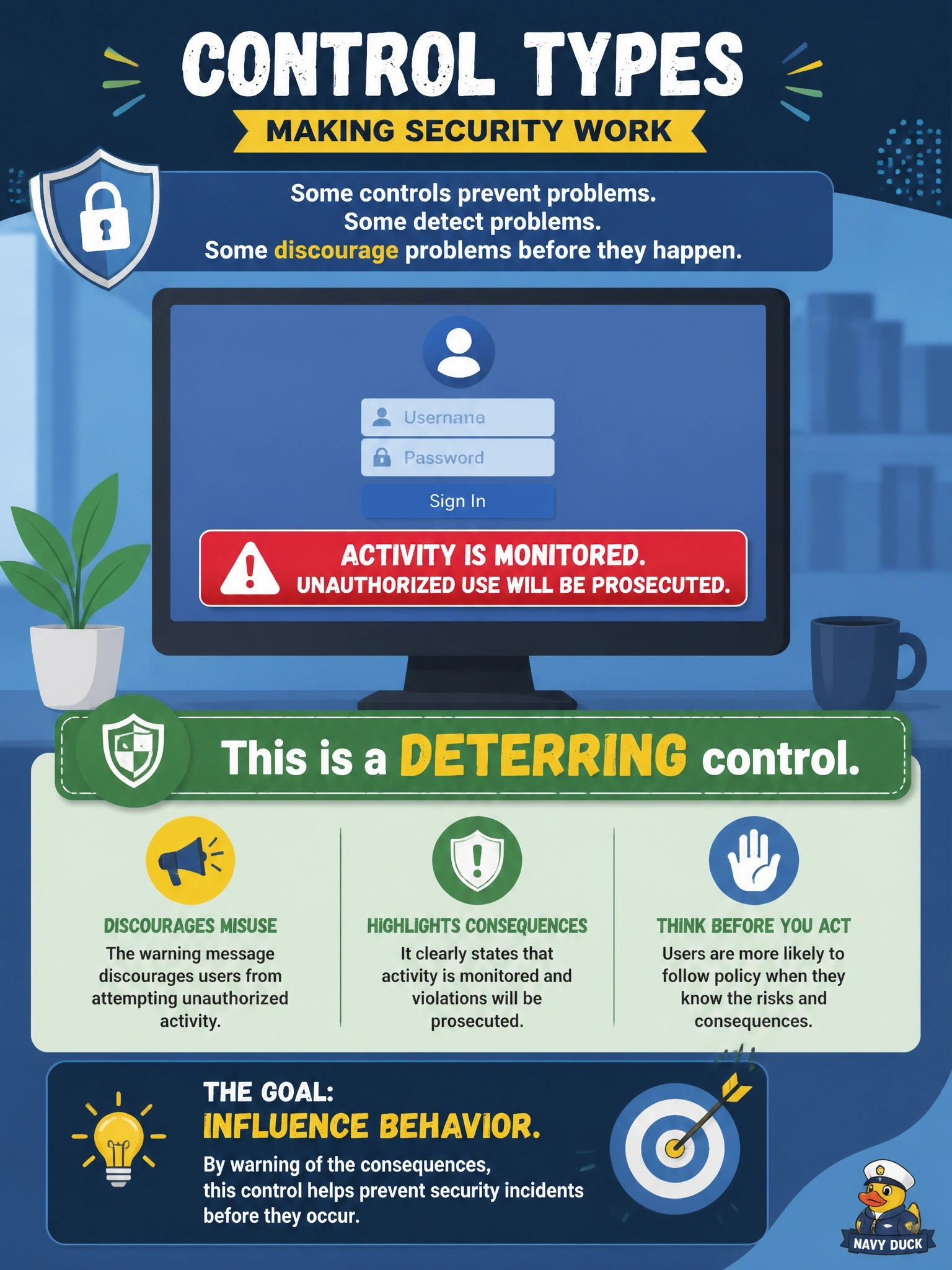
A login screen on every corporate workstation displays a banner stating that activity is monitored and that unauthorized use will be prosecuted. Which control type does the banner represent?
Select an answer to reveal the explanation.
Short Explanation
A "Beware of Dog" sign doesn't bite anybody. It just makes the burglar think twice. A login banner works the same way, and the trap is calling it preventive when it doesn't actually stop you from typing a password.
Full Explanation
Deterring controls aim to discourage a threat actor from attempting an action by making the consequences or the likelihood of being caught clear. A login banner warning of monitoring and prosecution does not technically stop anyone; its value lies in influencing behavior and in establishing notice that can support later disciplinary or legal action. Preventive controls physically or logically block an action, such as a firewall rule, a lock, or account lockout; the banner can be dismissed by anyone, so it prevents nothing on its own. Detective controls identify or record events, such as logs, alarms, and audit trails; the banner itself does not generate records, although the monitoring it mentions might. Compensating controls provide alternative protection when a required control cannot be implemented, such as isolating a system that cannot support MFA; a banner does not replace an authentication mechanism or reduce the risk that mechanism addresses. Exam caveat: warning signs, banners, and visible cameras are classic deterring examples, while the same camera recording footage for review is detective; read for the function the stem emphasizes. Operational check: confirm the banner text was reviewed by legal counsel, appears before authentication on all systems including remote access, and is consistent with the organization's monitoring policy.
Prefer to study offline? Printable PDF study book + test engine ($7.50, unofficial). These questions stay free here.