
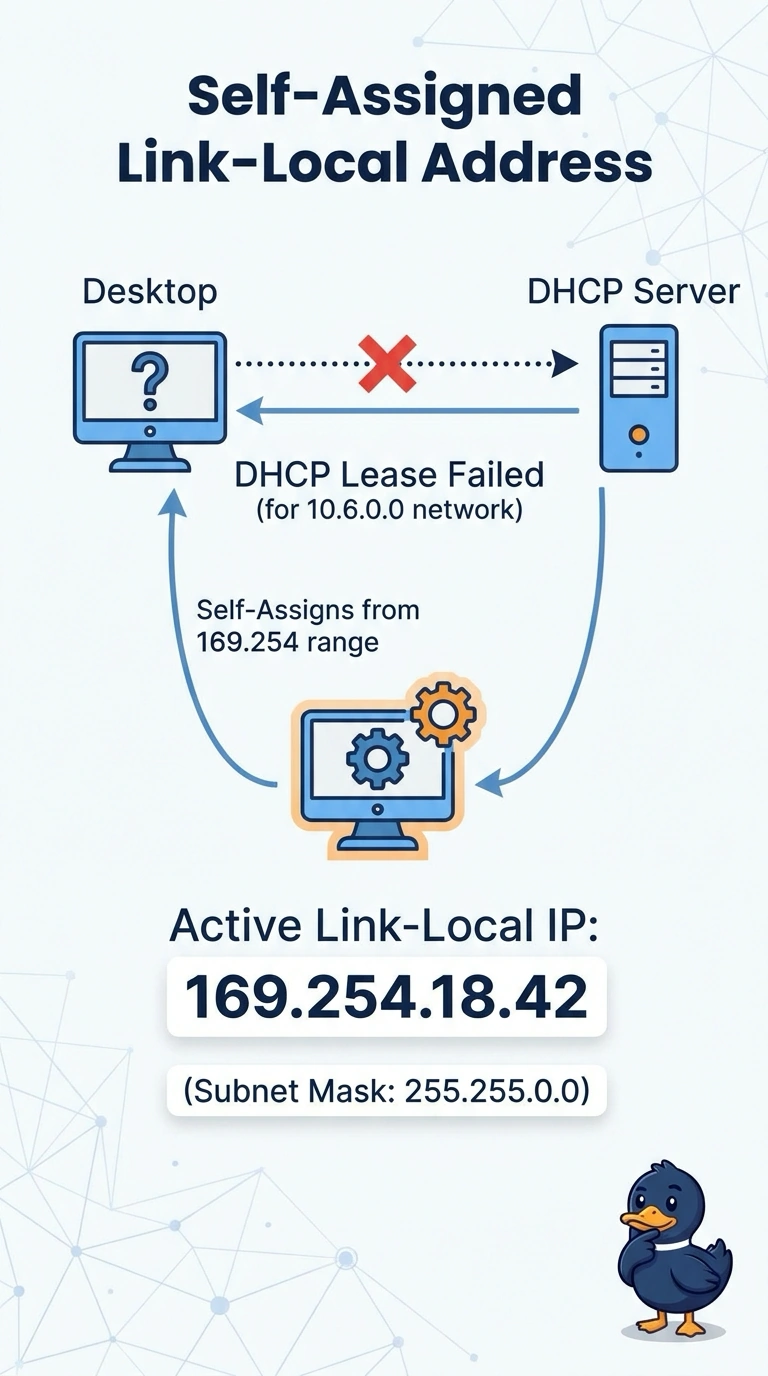
A new desktop at a retail store boots with the address 169.254.18.42 and the mask 255.255.0.0. It can reach other 169.254 addresses on the same switch and nothing on the store's 10.6.0.0 network. What does that address indicate?
Select an answer to reveal the explanation.
Short Explanation
When a host cannot find a DHCP server, it still wants some address so it can talk to the local wire. You get an address in 169.254.0.0/16, the automatic private range, which never came from the store's real scope. It is not loopback, and it is not one of the private ranges your routers are built to carry.
Full Explanation
Automatic Private IP Addressing uses 169.254.0.0/16, which appears with a 255.255.0.0 mask when an IPv4 host gives up on DHCP and picks its own link-local address. Hosts using those addresses can sometimes reach each other on the same link, and they have no routed place on the store's 10.6.0.0 network. That is why the new desktop looks locally alive and globally useless. A DHCP lease from the store would have come from the configured scope, not from 169.254.0.0/16, and 169.254 is not an RFC 1918 range. The RFC 1918 ranges are 10.0.0.0/8, 172.16.0.0/12, and 192.168.0.0/16. The IPv4 loopback range is 127.0.0.0/8, used to talk to the local stack, and 169.254.18.42 is not inside it. A reservation binds a chosen MAC address to an address inside a real scope. It does not manufacture a 169.254 address on a different VLAN. Exam caveat: seeing a link-local address proves the host did not accept a lease. It does not by itself prove whether the server, the VLAN, or the relay is what failed. Operational check: confirm the access VLAN and any DHCP relay, renew the lease, and verify the desktop then receives a 10.6 address with the store's gateway and DNS options.