
A technician at a warehouse must see whether a TCP SYN sent to the file server comes back as a SYN-ACK. Which tool shows that exchange on the wire?
Select an answer to reveal the explanation.
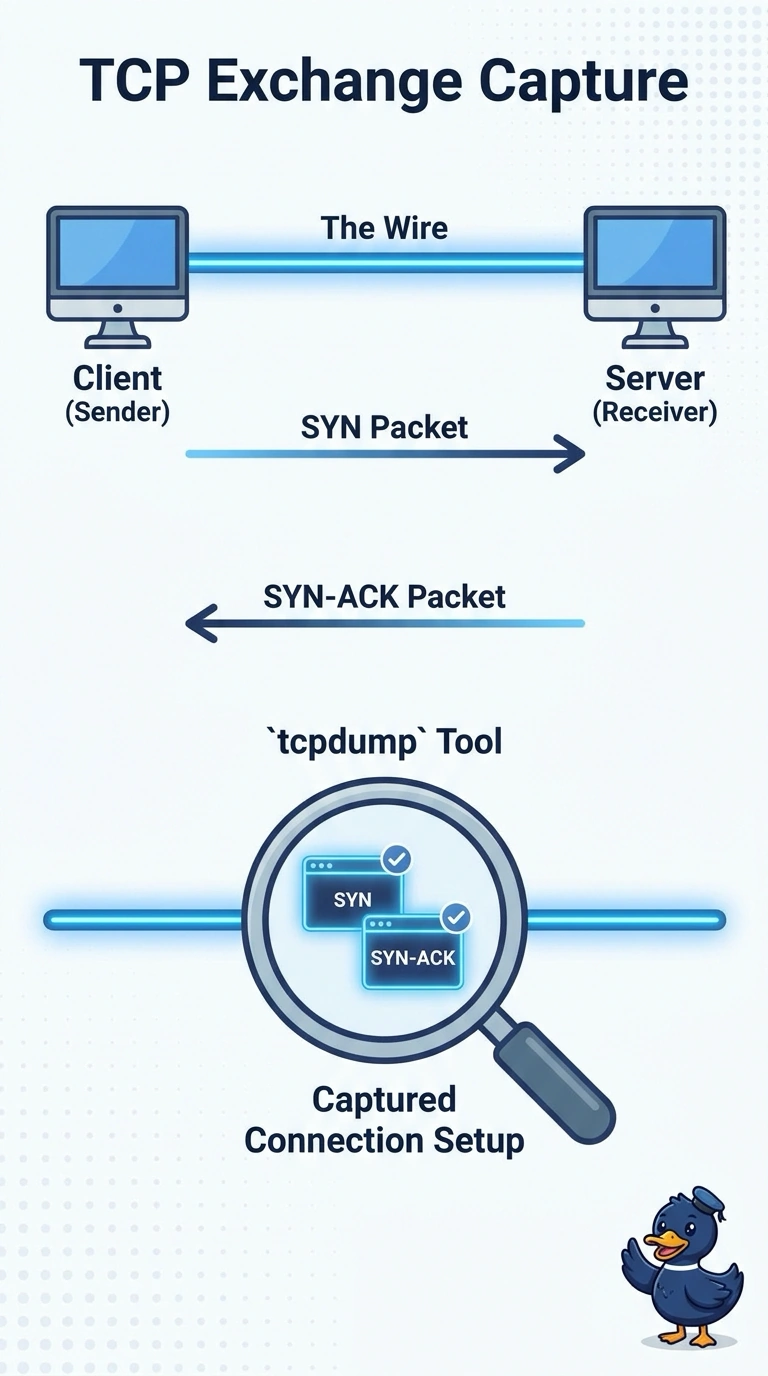
Short Explanation
You need to watch the handshake, not just ask the PC who it thinks it is talking to. A packet capture shows whether the SYN went out and whether a SYN-ACK came back. A socket list, a flow count, or a capture that starts after the handshake does not put those flags on the screen.
Full Explanation
A TCP connection starts with a SYN and a SYN-ACK. Seeing that exchange means looking at the packets on the wire. A packet capture displays those flags, the addresses, and the timing. Netstat lists local sockets and state. It can show an attempt, and it does not display the flags on the path. A flow record is the tempting twin because it also observes the conversation. It counts bytes and packets, and it does not display the SYN and the SYN-ACK. A capture started after the handshake can show the file transfer and has already missed the flags the technician must see. Exam caveat: if the SYN leaves and no SYN-ACK returns, capture nearer the server before blaming the application. The missing reply can be a filter in the middle. Operational check: start the capture, open one connection to the file server, and confirm the trace shows the SYN and either a SYN-ACK or the point where the reply stops. Record the reading before the change and the reading after it so the next shift can see the symptom actually moved.