
A hotel front-desk printer link shows late collisions and input errors. One switch port is locked to 100 full and the printer is set to auto. Which change matches the two ends?
Select an answer to reveal the explanation.
Short Explanation
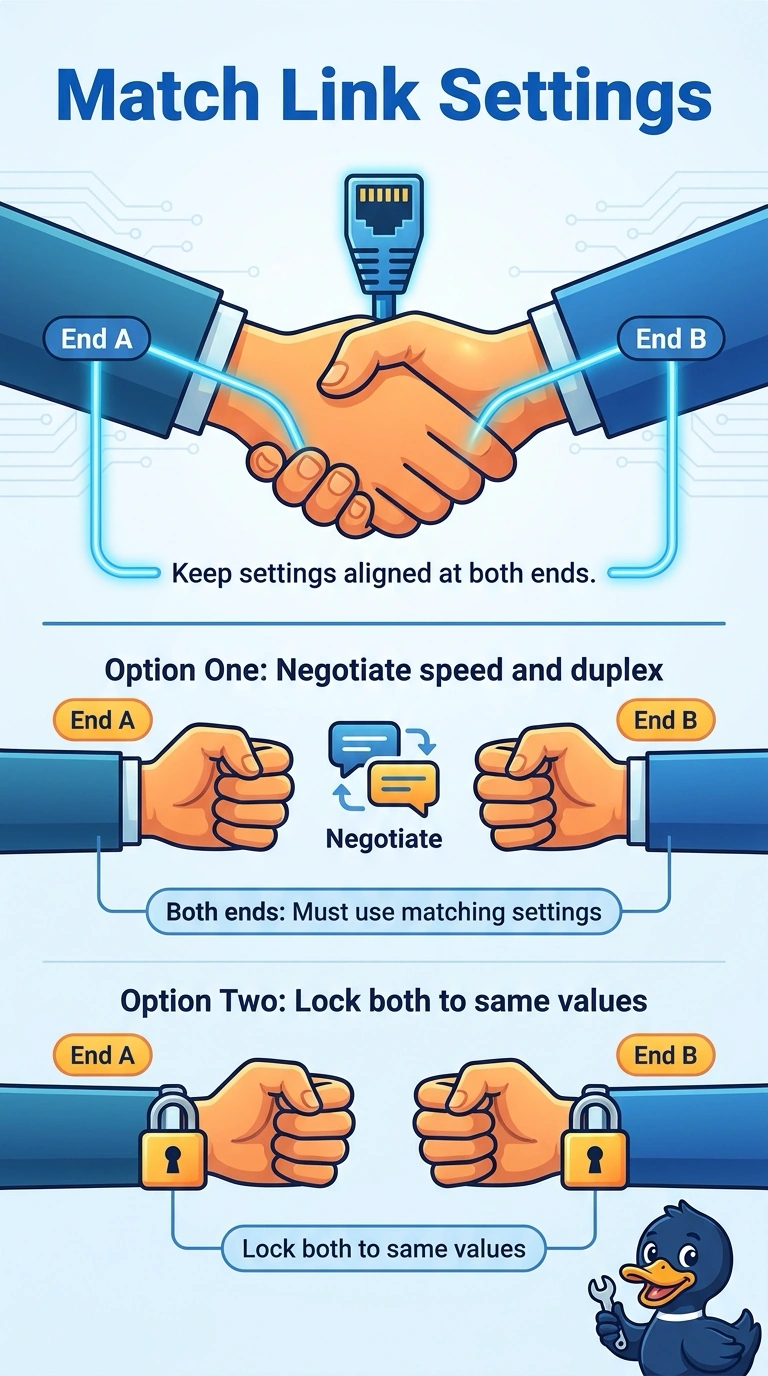
Two ends of a link have to agree on how fast they talk and whether they talk in both directions at once. You locked one side to 100 full and left the printer on auto, so the auto side falls back to half duplex and late collisions follow. Matching both ends fixes it, while matching only the speed and leaving duplex opposed does not.
Full Explanation
When one side of a copper link is forced to 100 full, it stops participating in autonegotiation. The side left on auto then commonly selects 100 megabit half duplex. The half-duplex end still counts late collisions, while the full-duplex end sends whenever it has data. The repair is to let both ends negotiate, or to lock both to the same speed and the same duplex. Locking the printer to 100 half matches the speed the auto side already fell back to and leaves duplex opposed, so the collisions continue. Setting the switch to auto while locking the printer to 100 half is the same mismatch written the other way around. A patch cord past 100 meters can weaken a link, and late collisions here are the duplex symptom, not a length reading the stem never gave. Exam caveat: forcing both ends to full duplex works only when both are truly set that way. Forcing one end recreates this fault. Operational check: confirm both sides show the same speed and full duplex, then verify the late-collision counter stops climbing while the printer is in use.