
A public-health agency job reads nearly every column of a huge history table. The profiler shows the job spends most of its time waiting on storage reads, with the processor mostly idle. Which change matches that bottleneck?
Select an answer to reveal the explanation.
Short Explanation
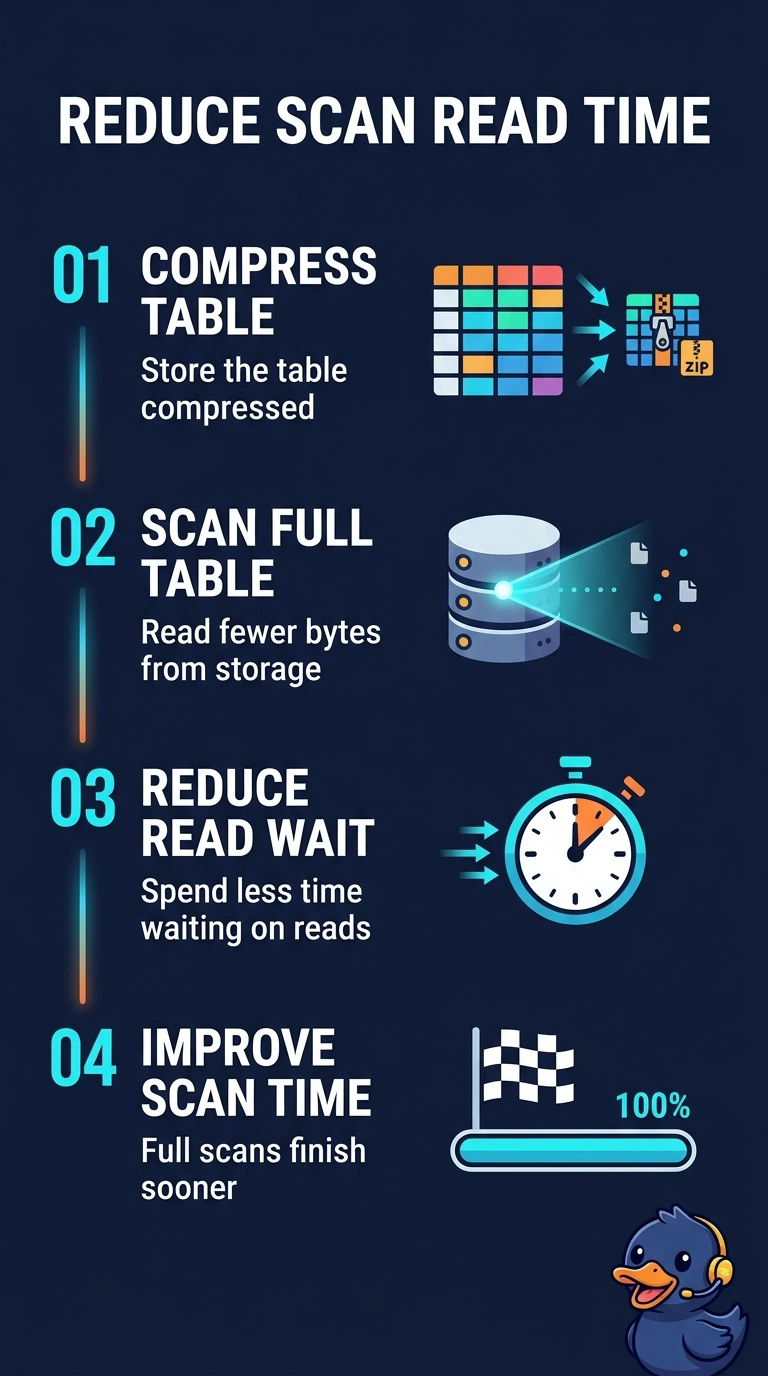
If the job is standing at the warehouse door waiting for boxes, a faster calculator in the office will not help. Compression means each scan pulls fewer bytes from storage, which is the bottleneck you measured. The trap is adding training accelerators, which speed matrix math this idle processor is not doing.
Full Explanation
Compression helps a job that scans many rows and is limited by reading bytes from storage. The history scan already touches nearly every column, and the profiler shows the processor waiting on reads, so storing the table compressed means each scan moves fewer bytes and spends less time on that wait. Lookup indexes speed fetches of one row by identifier and do little for a scan that already reads almost the whole table. Graphics accelerators speed matrix math in a compute-heavy training step, but this processor is mostly idle, so extra arithmetic hardware does not shorten the storage wait. Moving the scan onto the live event path changes a bulk historical read into one-arrival processing and does not reduce the bytes required to read the table. The useful change cuts the bytes a near-full scan has to pull from storage. Exam caveat: compression trades processor time for fewer bytes, so the same change can slow a job that is already compute-bound; the gain here depends on the measured storage wait. Operational check: compare bytes read and elapsed time on a sample scan before and after compression, and expect a shorter wait only while storage remains the limit.