
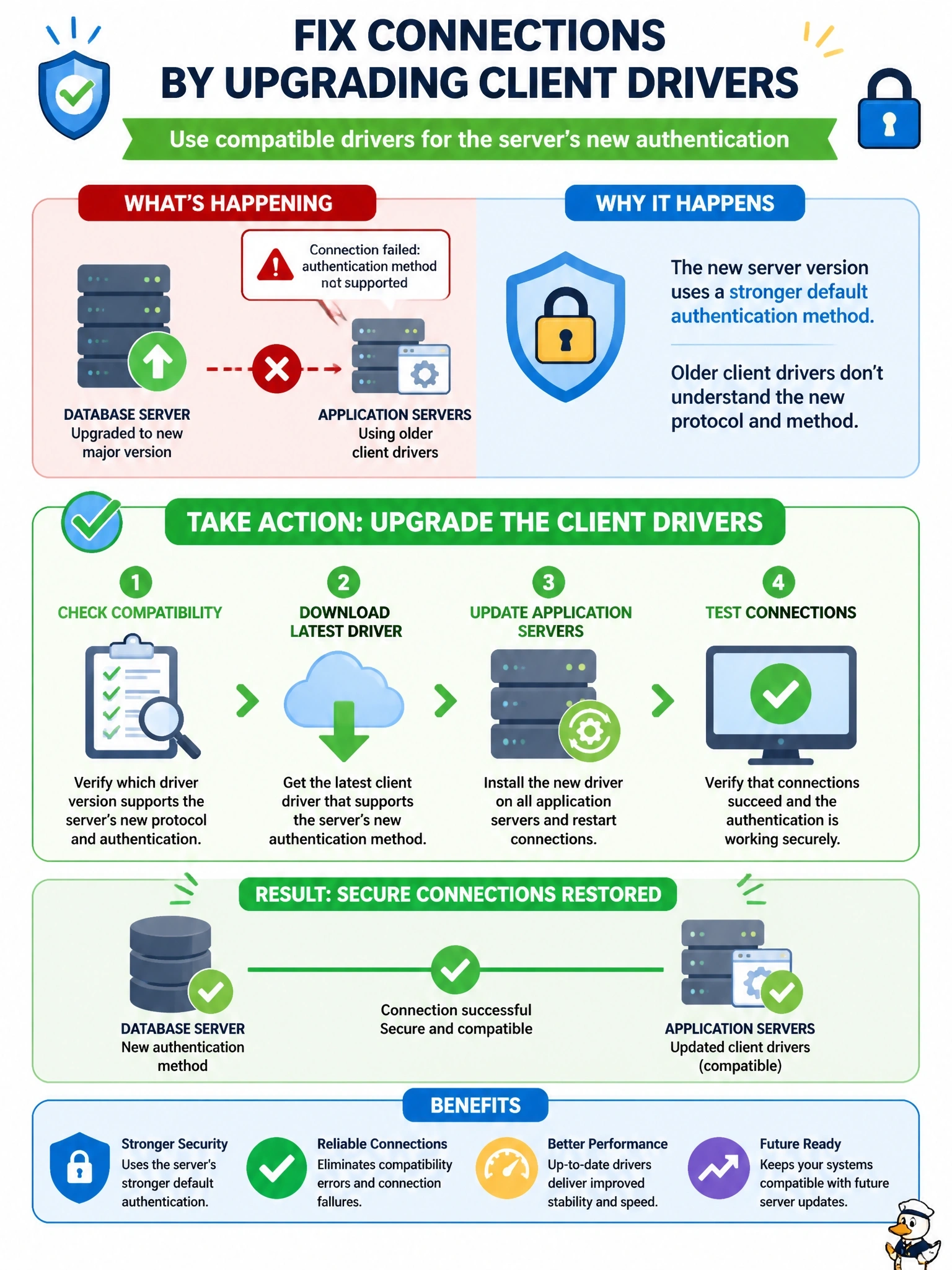
A database server was upgraded to a new major version that uses a stronger default authentication method. The application servers kept their older client drivers. Since the upgrade, connections fail with an error stating that the authentication method is not supported. What should the DBA do?
Select an answer to reveal the explanation.
Short Explanation
The server learned a new handshake and your old driver only knows the old one, so they can't shake hands. The fix is teaching the driver the new handshake by upgrading it. Rolling back the whole server just because the client's behind is like returning a new phone because your old charger doesn't fit.
Full Explanation
Client drivers implement the database's wire protocol, including the authentication exchange. When a server's major version introduces or defaults to a newer authentication method, drivers released before that method existed cannot complete the handshake, and the server rejects the connection with an unsupported authentication error. This is an infrastructure limitation tied to software versions and drivers. Updating the client drivers on the application servers to a version that supports the new method, after testing in non-production, restores connectivity without weakening security. Rolling back the upgrade is drastic and based on a false premise: servers often remain compatible with older clients for most features, and the specific incompatibility is resolved by the driver, not by abandoning the upgrade. Increasing the connection timeout does not help because the handshake fails immediately on an unsupported method rather than running slowly. Granting extra privileges affects authorization after login, but the failure occurs during authentication, before any privileges are evaluated, and adding privileges would violate least privilege anyway. Exam caveat: reverting to the older authentication method is at most a temporary workaround, because it weakens security. Operational check: before any upgrade, inventory every client and driver version against the new release's compatibility notes, then test each application's connection in a staging environment.