
A source system stores invoice amounts as DECIMAL(12,2), but the target column was created as DECIMAL(8,2). Rows with amounts above 999,999.99 now fail to load with numeric overflow errors. Which fix should the DBA apply?
Select an answer to reveal the explanation.
Short Explanation
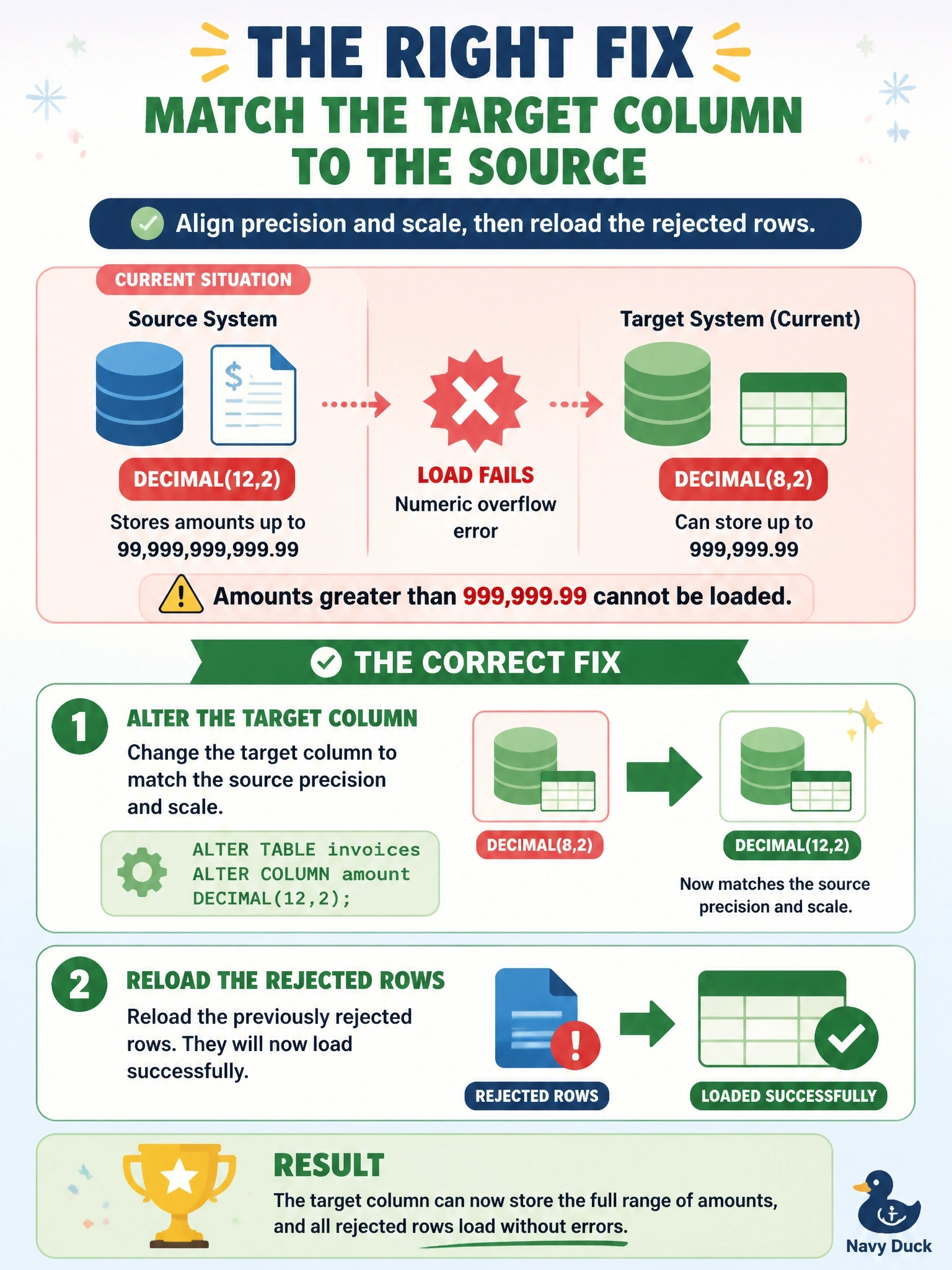
You're trying to pour a 12-digit amount into an 8-digit cup, so it spills. Make the cup match the source, DECIMAL(12,2), and reload what was rejected. The floating-point trap looks roomy, but floats can't store money exactly, and pennies start drifting.
Full Explanation
In standard SQL, DECIMAL(p,s) stores exact numeric values with precision p, the total number of digits, and scale s, the digits after the decimal point. DECIMAL(8,2) therefore holds at most six digits before the decimal point, a maximum of 999,999.99, while the source's DECIMAL(12,2) allows up to ten. Values beyond the target's range raise an overflow error rather than loading. Aligning the target definition with the source, altering the column to DECIMAL(12,2) after checking dependent objects and testing in non-production, and then reloading the rejected rows resolves the mismatch without losing information. Rounding large amounts down to fit falsifies financial data; even a few altered invoices break reconciliation and may breach audit requirements. Changing the column to an integer type would discard the cents and may still overflow depending on the integer size, so it trades one data loss for another. Floating-point types store approximate binary values, so many decimal amounts such as 0.10 cannot be represented exactly, and sums drift; exact decimal types are the standard choice for currency. Exam caveat: data type alignment should be checked whenever a source schema changes, including string lengths and date or time precision, not only numbers. Operational check: compare the source and target data dictionaries for every mapped column, then reconcile row counts and the summed invoice total between source and target after the reload.