
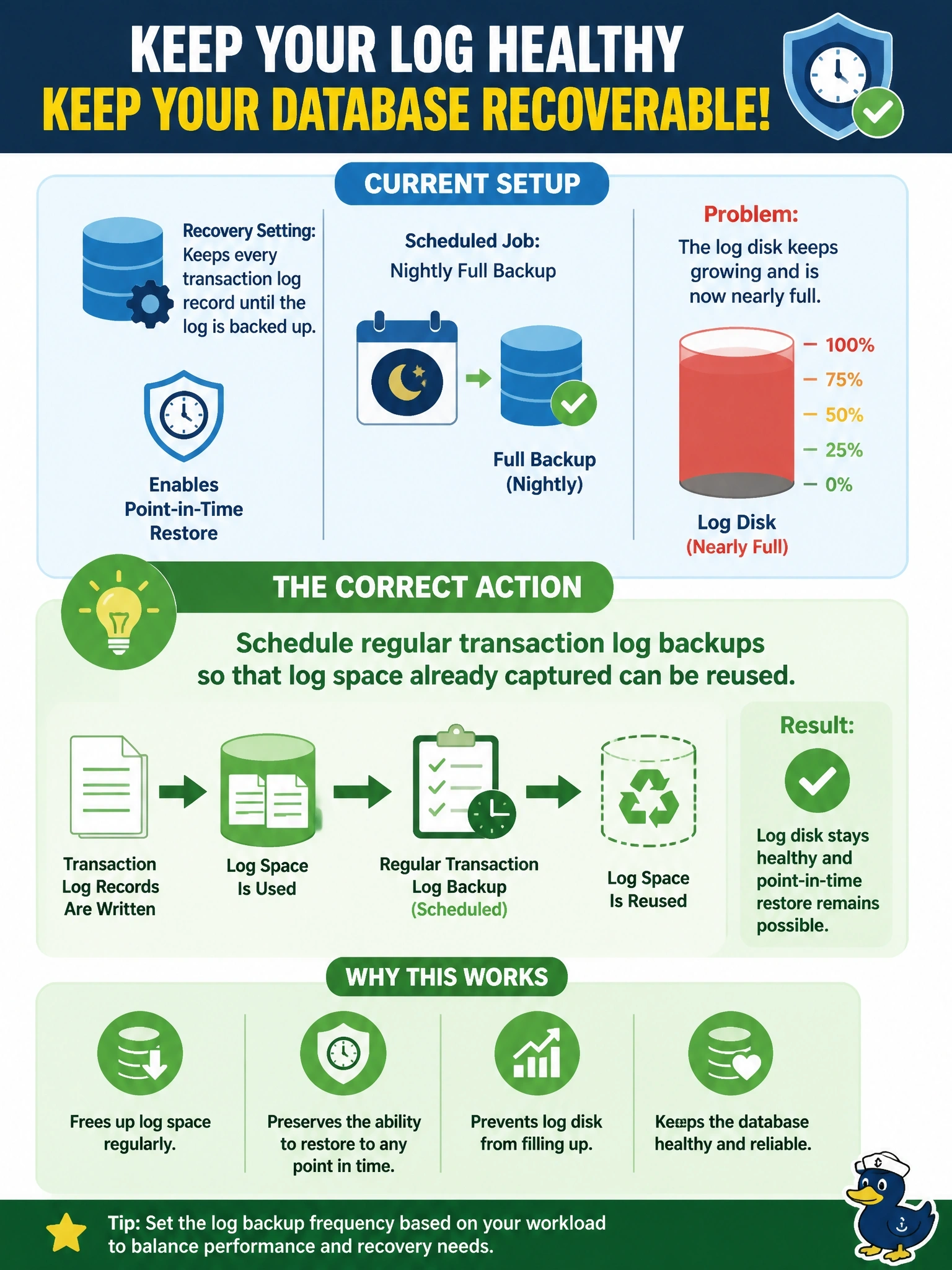
A database uses a recovery setting that keeps every transaction log record until the log is backed up, so that point-in-time restore is possible. The only scheduled job is a nightly full backup. The log disk keeps growing and is now nearly full. Which action correctly resolves the problem?
Select an answer to reveal the explanation.
Short Explanation
If you keep every receipt until the accountant files it, and the accountant never shows up, your desk drowns. That's this log. The fix is to actually back up the log on a schedule so the space can be reused, not to rip pages out of it, and definitely not to switch logging off.
Full Explanation
When a database is set to retain log records for point-in-time recovery, the engine cannot reuse log space until those records have been captured by a transaction log backup or an equivalent archiving step. A full backup alone does not mark the log as reusable in this mode, so with only nightly fulls the log grows until the disk fills, at which point new transactions cannot be written. Scheduling regular log backups, at an interval chosen to meet the RPO, both frees log space for reuse and provides the chain needed to restore to any point in time. Deleting a log file out from under a running database removes records the engine still needs for recovery and can leave the database unrecoverable or corrupt. Disabling transaction logging is not possible for a relational engine that guarantees durability, and any mode that minimizes logging sacrifices point-in-time recovery, which is the very reason the setting was chosen. Moving the log to a larger disk only delays the outage, because the underlying cause, no log backups, remains. Exam caveat: log backups have value only when the restore chain is unbroken, so test restores with the full backup plus every subsequent log backup. Operational check: after enabling log backups, confirm log space usage drops back after each run and alert when used log space exceeds a set percentage.