
A nightly backup file is copied from the database server to an off-site storage location over a WAN link that has dropped packets in the past. The DBA needs confidence that the off-site copy is bit-for-bit identical to the original before relying on it. What should the DBA do?
Select an answer to reveal the explanation.
Short Explanation
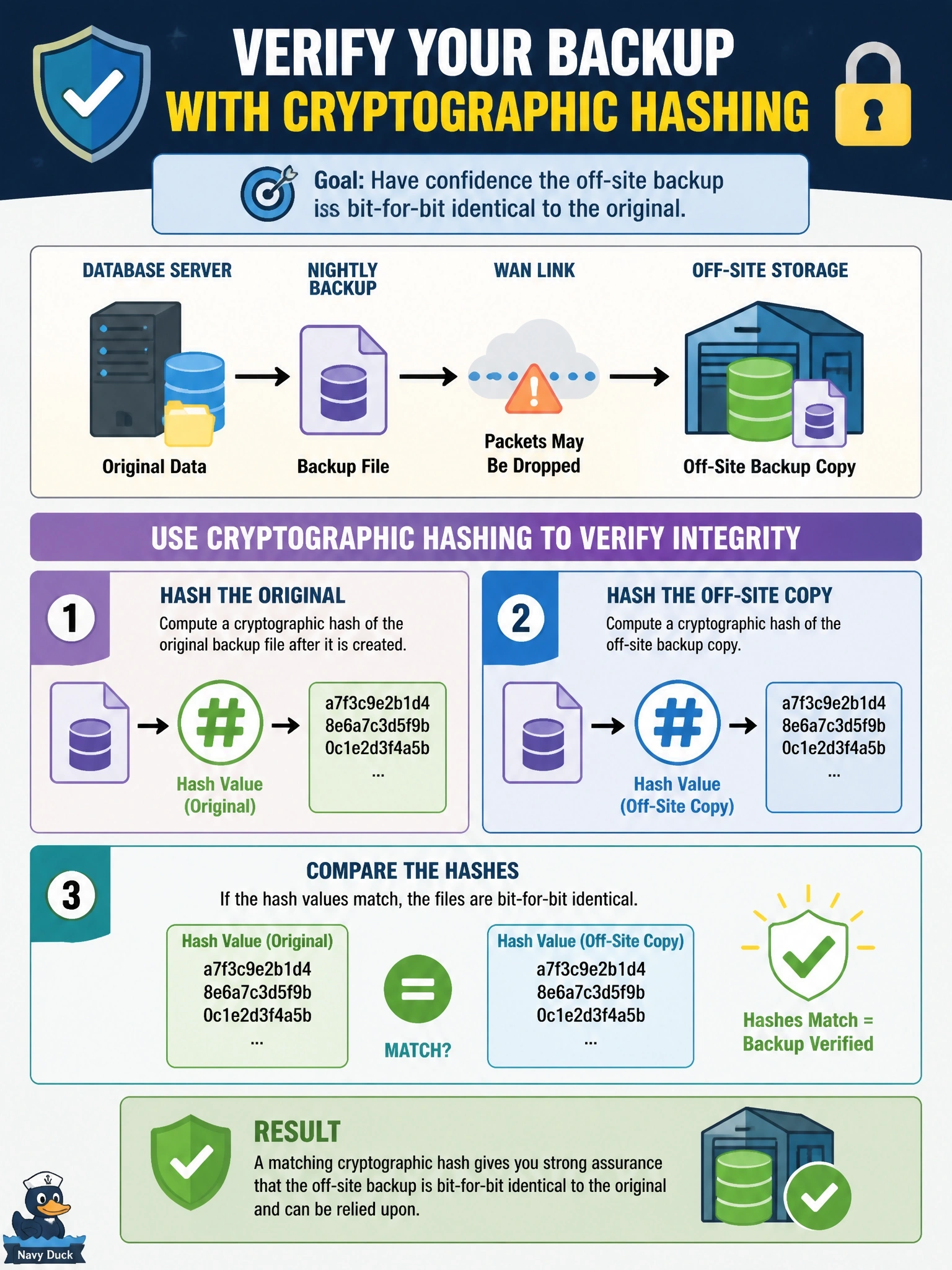
A hash is a fingerprint for a file: change one bit and the fingerprint changes completely. You fingerprint the original, fingerprint the copy, and if they match you know they're twins. Matching file sizes just tells you they weigh the same, not that they're identical.
Full Explanation
Validating a backup hash proves integrity. After the backup completes, the DBA computes a cryptographic hash, such as SHA-256, of the original file and records it. After the transfer, the same algorithm is run on the off-site copy, and the two values are compared. Matching hashes give very high confidence the files are identical, while any corruption, truncation or tampering, even a single changed bit, produces a different value. This check belongs alongside periodic test restores, which confirm the backup is usable as well as intact. Comparing file sizes detects truncation but not corrupted bytes in place, so a damaged file of the correct length would pass. A success exit code and a current timestamp confirm the copy job ran and wrote a file; transfer tools can report success while writing damaged data, and a timestamp says nothing about content. Opening the file to read the header confirms only the first bytes and the database name; damage further into the file would go unnoticed, and many backup formats are binary and compressed, so a text viewer shows little that is meaningful. Exam caveat: a hash proves the copy matches the source; it does not prove the source backup itself is restorable. Operational check: automate hash comparison after each transfer and alert on any mismatch.