
Fifty financial analysts need identical read access to the same reporting tables, and an analyst's access must change automatically when they move to another job. What is the best way to grant this access?
Select an answer to reveal the explanation.
Short Explanation
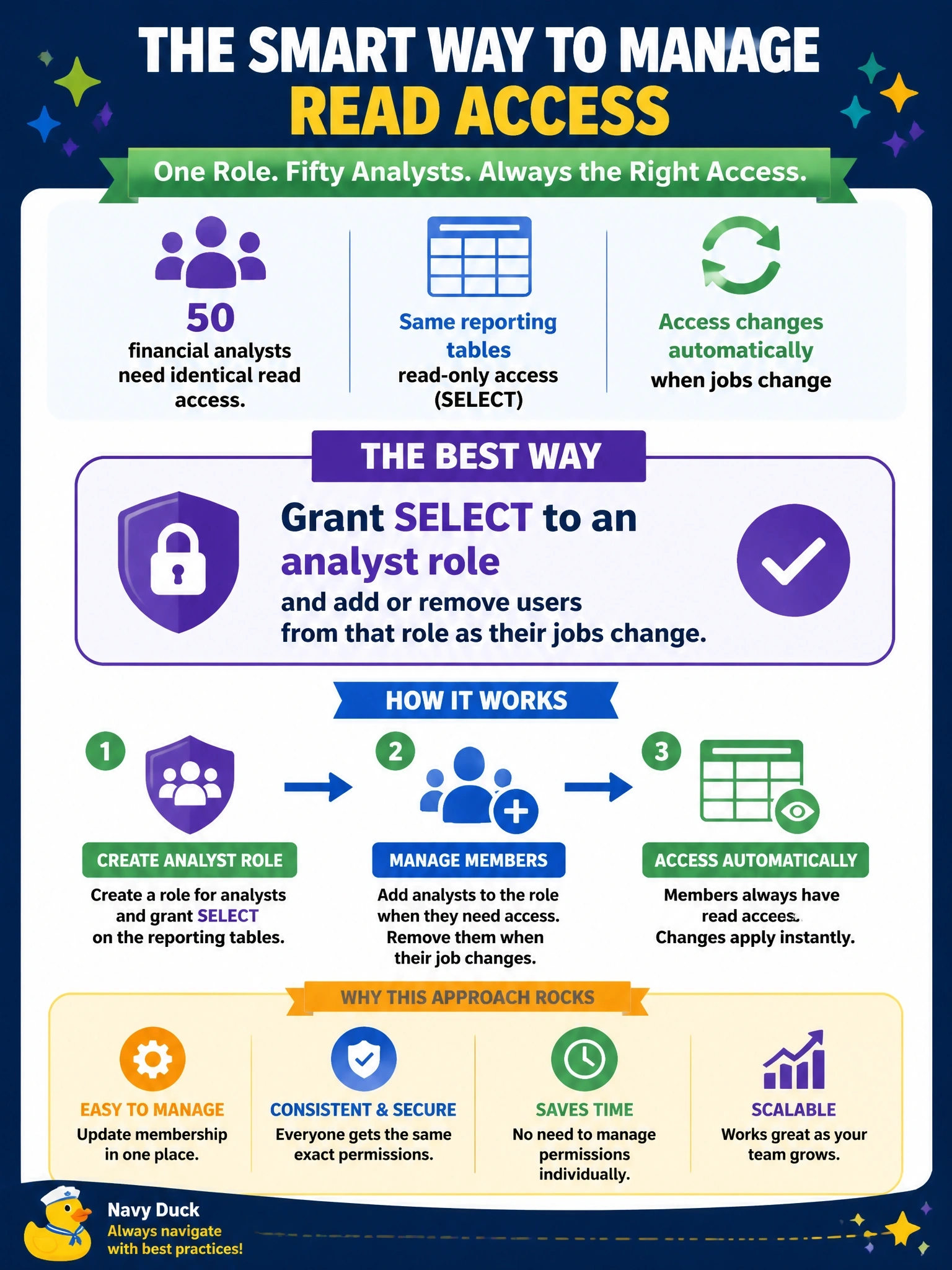
Instead of handing out fifty individual keys, you put the permissions on a role and just move people in and out of it. When someone changes jobs, you change one membership, not a dozen grants. Sharing a single login is the trap; you'd lose all accountability for who did what.
Full Explanation
Role-based access control assigns privileges to roles that reflect job functions, then grants users membership in those roles. Granting SELECT on the reporting tables to an analyst role, and adding the fifty analysts as members, gives everyone identical access and makes changes simple: when someone moves jobs, removing their membership revokes everything at once, and adding them to the new role grants the appropriate access. Permissions are reviewed once at the role level rather than per user. Granting privileges individually produces fifty sets of grants that drift over time, are easy to forget when people move, and are tedious to audit. A shared login destroys individual accountability, since audit logs cannot attribute actions to a person, and the password must be changed whenever anyone leaves. Granting to PUBLIC exposes the tables to every database user, including those with no business need, violating least privilege. Exam caveat: roles are typically fed from directory groups, so membership changes can follow HR job changes automatically through identity management. Operational check: query the role membership and its grants, confirm the analysts receive SELECT only through the role with no direct user-level grants, and review membership on a regular schedule.