
An investigation finds that employees regularly export customer lists from the CRM database and email them to personal accounts. Management wants sensitive data detected and blocked when it leaves through email and uploads. Which control best meets this goal?
Select an answer to reveal the explanation.
Short Explanation
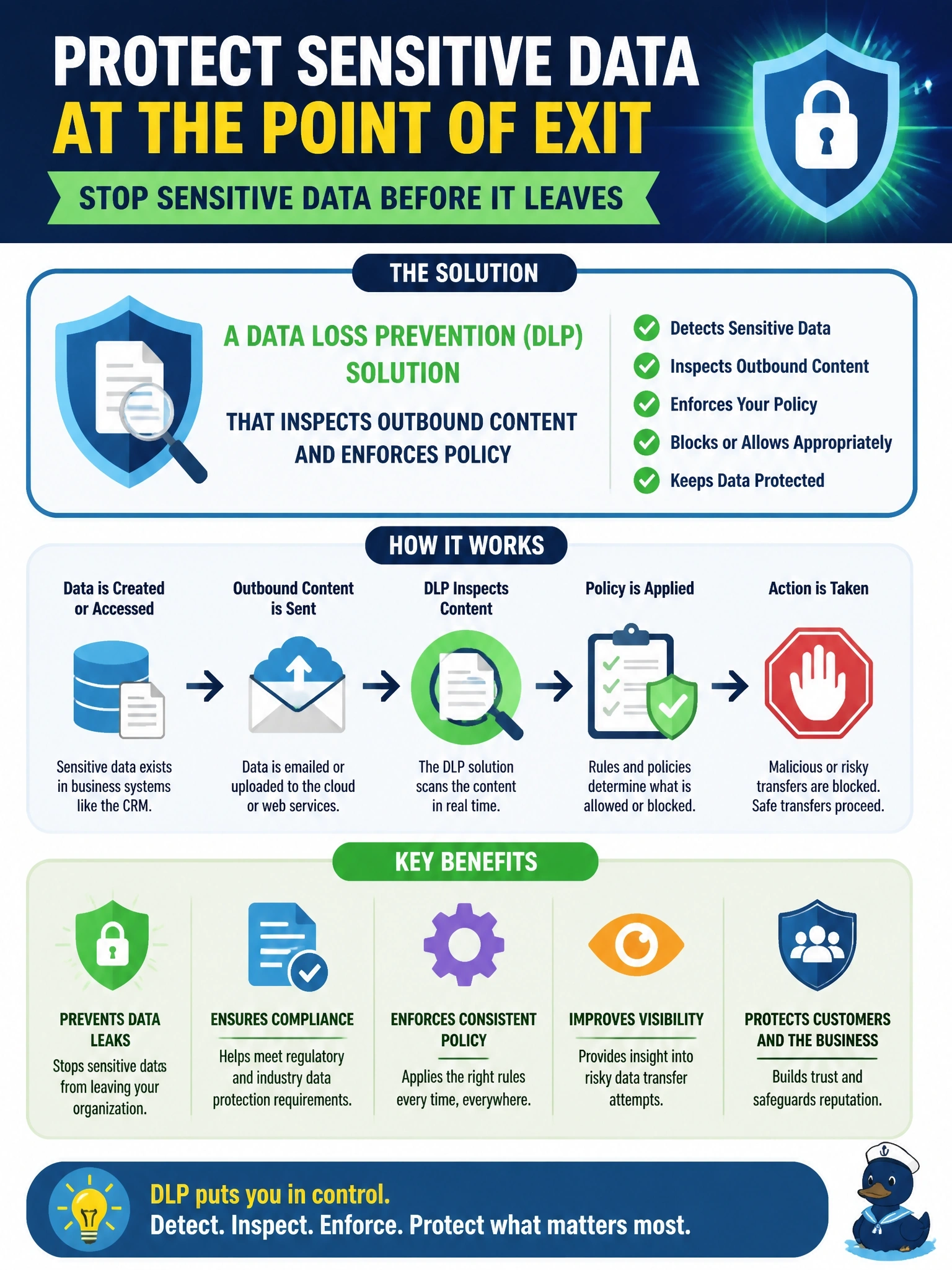
Here the data's walking out the front door in the hands of people who are allowed to see it, so login controls won't help you. DLP sits at the exits, recognizes customer data in emails and uploads, and stops it. TDE is the trap; the files are encrypted on disk, but users still read plaintext through the app.
Full Explanation
Data loss prevention tools identify sensitive information, using patterns, fingerprints of known data sets and classification labels, and monitor or block its movement through channels such as email, web uploads, removable media and cloud storage. Policies can block the transfer, quarantine it, require justification or alert security staff, which directly addresses authorized users exporting customer lists and sending them outside the organization. DLP supports governance by enforcing data handling rules defined by policy rather than relying on training alone. Transparent data encryption protects data files at rest from theft of the storage media; employees querying through the CRM receive decrypted data and can still email it. A stronger password policy reduces the risk of account compromise, but these users are legitimate account holders acting within their access. Off-site backups improve recoverability after loss or corruption, and they do nothing to stop data leaving through email. Exam caveat: DLP works best alongside data classification and least privilege, such as limiting who can perform bulk exports, so fewer people can extract large data sets in the first place. Operational check: run a controlled test sending a sample file containing tagged customer data to an external address and confirm the DLP policy blocks it and logs the event.