
A storage controller on a database server logged hardware errors overnight before being replaced. The database is online and users report no problems, but the DBA is concerned that some data pages may have been written incorrectly. What should the DBA do?
Select an answer to reveal the explanation.
Short Explanation
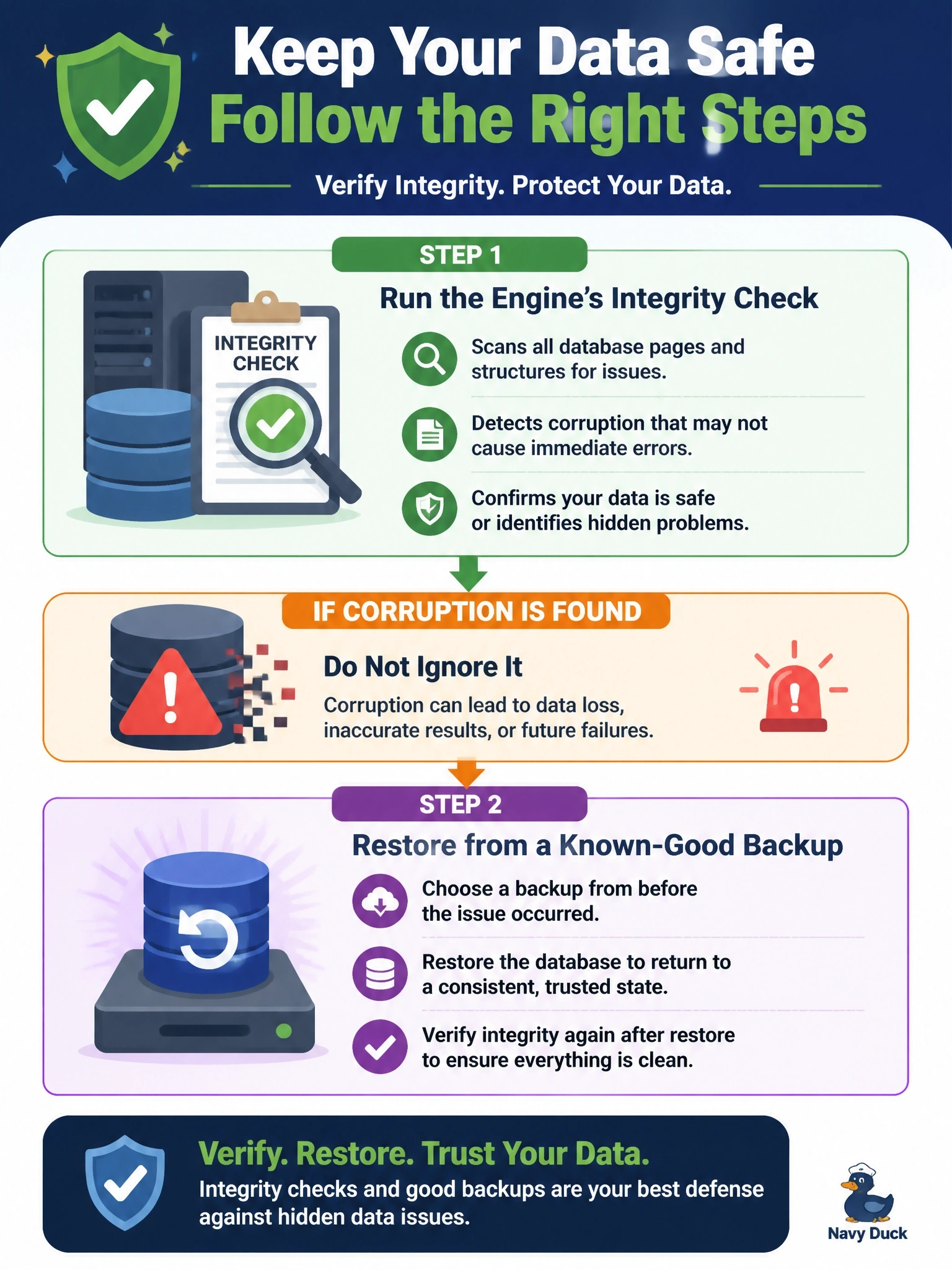
After a fender-bender, you get the frame checked even if the car still drives fine. A database integrity check is that inspection: it reads the pages and structures and tells you whether anything is bent. Only once you know what's damaged do you decide on repair or restore, and index rebuilds aren't a repair shop for corrupted data.
Full Explanation
Database engines provide integrity or consistency checks that read data and index pages and verify structural and logical consistency, including page checksums, allocation structures and relationships between tables and their indexes. After a storage fault, running this check is the way to detect silent corruption before it spreads into backups or surfaces as errors during critical operations. If corruption is reported, the safest recovery is usually to restore from a backup known to be clean and roll forward with transaction log backups, because engine repair options can discard data. Rebuilding indexes rewrites index structures from the underlying table data; it can fix damage confined to a nonclustered index, but it does not repair corrupted table data pages, and reading damaged pages may simply fail. Updating statistics refreshes the optimizer's information about data distribution; it does not detect or bypass corrupted pages, and statistics have no concept of damaged pages to skip. Shrinking data files moves pages and releases free space but does not identify or remove corruption. Exam caveat: integrity checks should also be scheduled routinely, not only after incidents, because corruption can be introduced silently. Operational check: run the integrity check during low activity, review its output, compare against the most recent clean result, and if errors appear, identify the last clean backup and plan a restore.