
At peak times an application starts receiving errors that new database sessions cannot be opened because the server has reached its connection limit. Off-peak, everything works. Several application servers each run their own connection pool. What should the DBA monitor and adjust?
Select an answer to reveal the explanation.
Short Explanation
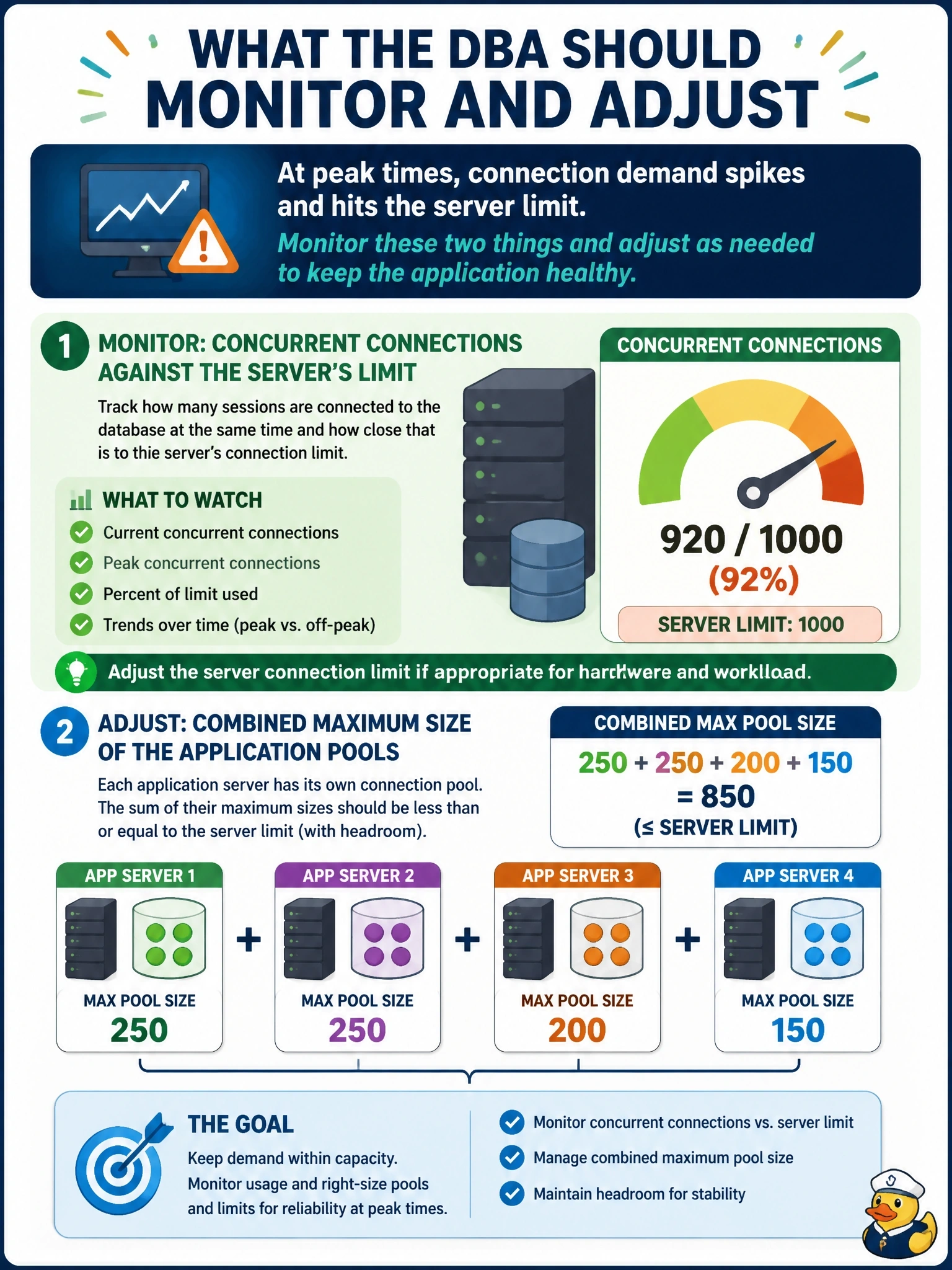
Think of the connection limit as the number of seats in a theater, and each app server's pool as a group that reserves a block of seats. Add up the blocks and you might have sold more tickets than seats. You watch concurrent connections against the limit and right-size the pools so the math works at peak.
Full Explanation
Every database server enforces a maximum number of concurrent connections or sessions, and each connection consumes memory and other resources. When several application servers each maintain a connection pool, the sum of their maximum pool sizes can exceed the server's limit, so at peak demand the pools try to open more connections than the server allows. Monitoring concurrent connections over time, broken down by client host or application, shows how close the server runs to its limit and which pools contribute most. The fix usually involves sizing each pool so the combined maximum stays within the limit with headroom for administration, and only raising the server limit if resources support it. Failed login attempts indicate authentication problems or possible attacks; the error here is a capacity refusal, not a credential failure. Query execution time against command timeouts relates to long-running statements; it does not explain an inability to open new sessions. Index fragmentation affects read efficiency and has no bearing on how many connections the server accepts. Exam caveat: connection monitoring covers both concurrent connections and failed or attempted connections; the first is capacity, the second is security and health. Operational check: graph peak concurrent connections per client host, total the configured maximum pool sizes, adjust pools or the server limit with a change request, and verify the peak no longer reaches the limit.