
After a weekend reboot, a database server came back with a different IP address from the DHCP pool. Several applications that use the server's IP address in their connection strings could no longer connect until their configuration was edited by hand. What should the DBA do to prevent a repeat?
Select an answer to reveal the explanation.
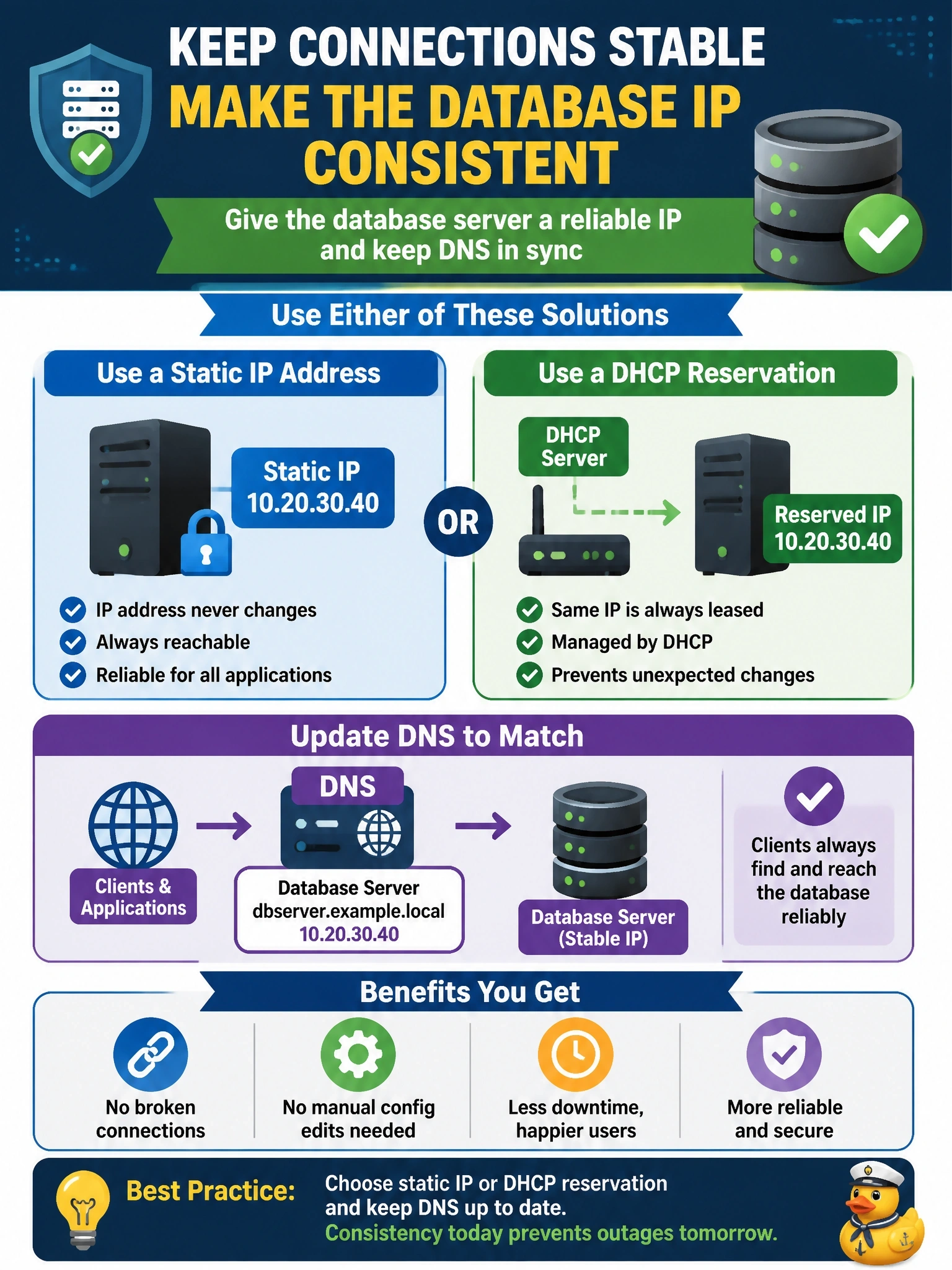
Short Explanation
Your database server is like a business that keeps moving to a new street address every time it closes for the weekend: the customers can't find it on Monday. Servers that other systems depend on need an address that doesn't change, so you pin it with a static address or a DHCP reservation. Don't fall for the lease-time trick, a shorter lease just means more chances to move.
Full Explanation
Servers that other systems connect to need predictable addressing. A static IP address, or a DHCP reservation that always hands the same address to the server's network interface, guarantees that the server returns at the same address after every reboot. Pairing that with an accurate DNS record lets applications use a host name, which further decouples connection strings from the underlying address. Shortening the DHCP lease does not help: a shorter lease increases the frequency of renewals and does nothing to guarantee the same address is returned, so it can make address changes more likely rather than less. Connection pooling manages reuse of open sessions inside the application; after the server reboots, pooled connections are broken anyway and new ones must be opened to whatever address the configuration names, so pooling cannot compensate for a moved server. A MAC address is a layer 2 hardware identifier used on the local segment; database drivers and connection strings address servers by host name or IP address, so a MAC cannot be used as a connection target. Exam caveat: dynamic addressing remains appropriate for client workstations; the distinction is about infrastructure that others depend on. Operational check: configure the static address or reservation, confirm the forward and reverse DNS records, reboot during a window, and verify each application reconnects without edits.