
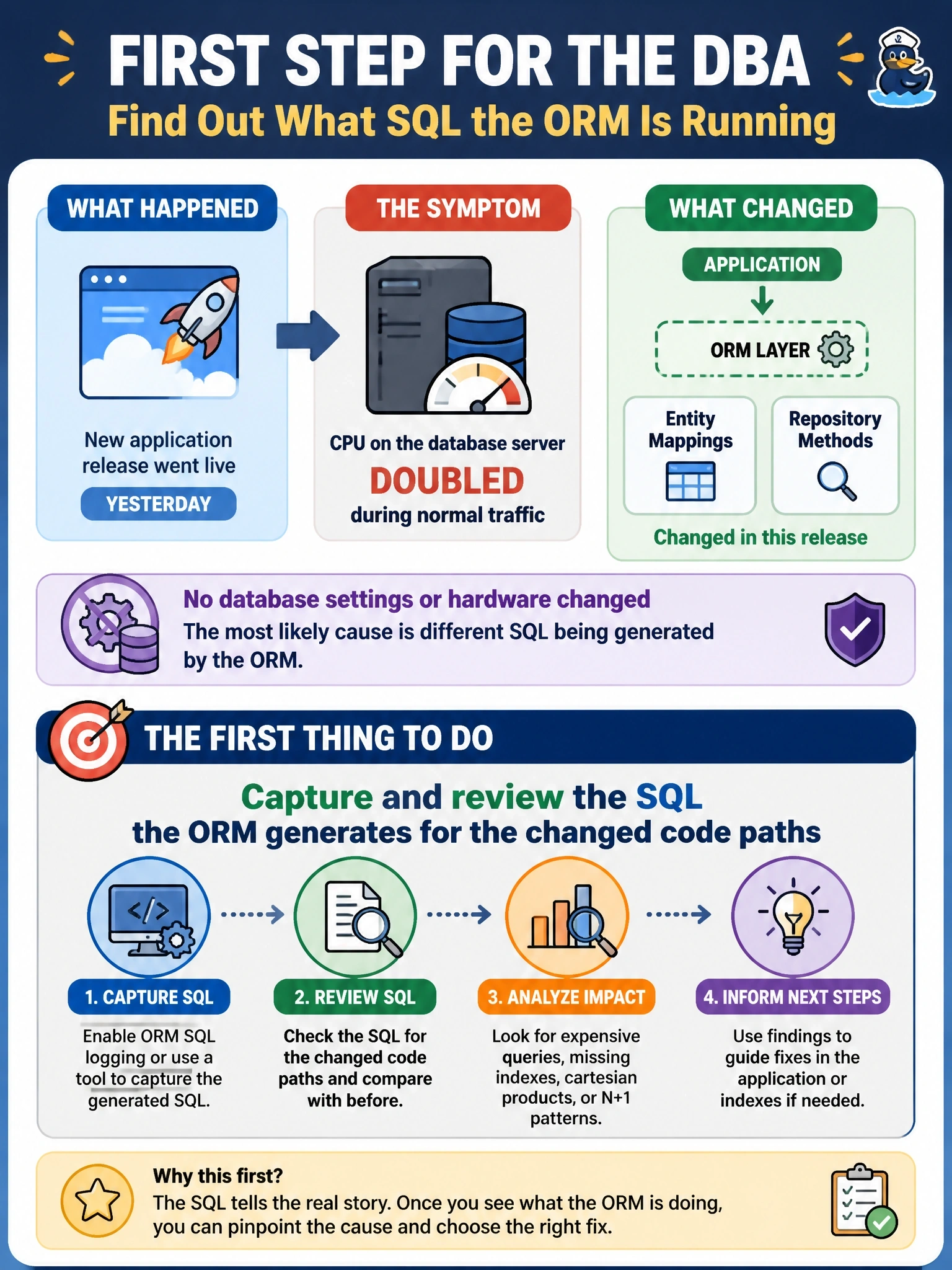
A new application release went live yesterday, and CPU on the database server has roughly doubled during normal traffic. The release changed several entity mappings and repository methods in the application's ORM layer, but no database settings or hardware changed. What should the DBA do first?
Select an answer to reveal the explanation.
Short Explanation
When the only thing that changed is the code, look at what the code is now sending you. The ORM writes the SQL, so a mapping tweak can quietly turn one query into hundreds or drop a filter. Don't reach for bigger hardware until you've seen the statements themselves.
Full Explanation
Because the release touched ORM mappings and repository methods while the server, settings and hardware stayed the same, the most likely cause is a change in the SQL the framework now emits. The first diagnostic step is to capture the statements for the changed code paths, through the ORM's SQL logging or the database's query statistics, and look for new patterns such as N+1 lazy-loading loops, missing WHERE clauses, unbounded result sets or queries that no longer match an existing index. Adding CPU cores treats the symptom without finding the cause; the inefficient queries would keep consuming resources and the problem would return as traffic grows. Rebuilding every index is unrelated to the evidence, since a code release does not fragment indexes and a blanket rebuild adds load during business hours. Restoring the database from a backup taken before the release would discard every legitimate transaction since then and would not change the application code that generates the load. Exam caveat: the objectives frame programming impact as review generated SQL, confirm validity, determine impact and remediate, in that order. Operational check: compare the top statements by CPU time before and after the release and trace each new one to the code path that emits it.