
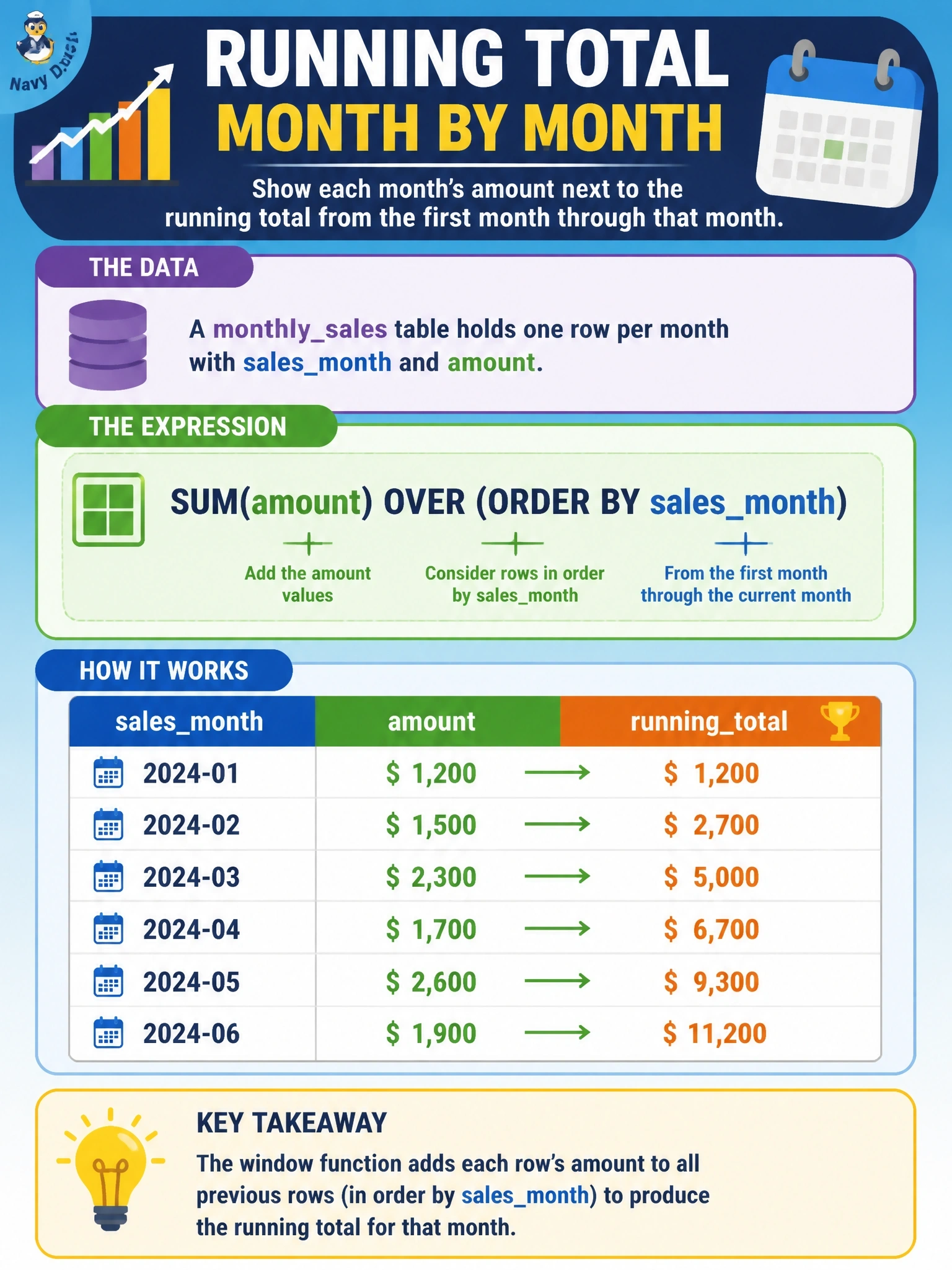
A monthly_sales table holds one row per month with sales_month and amount. The report must show each month's amount next to a running total from the first month through that month. Which expression produces the running total?
Select an answer to reveal the explanation.
Short Explanation
A running total is a snowball rolling downhill: each month picks up everything before it, and ORDER BY inside OVER is what makes your window grow month by month. Swap it for PARTITION BY and every month just totals itself.
Full Explanation
When a window specification includes ORDER BY and no explicit frame, the default frame runs from the first row of the partition through the current row (RANGE BETWEEN UNBOUNDED PRECEDING AND CURRENT ROW). SUM(amount) OVER (ORDER BY sales_month) therefore adds every month up to and including the current one, producing a cumulative total on each row while keeping one row per month. Partitioning by sales_month creates a separate window for each month; because the table has one row per month, each window holds a single row and the result simply repeats that month's amount. An empty OVER clause makes the whole result set one window with no ordering, so every row shows the same grand total for all months. AVG over the same ordered window is a valid running calculation, but it produces the cumulative average to date rather than the cumulative sum the report requires. Exam caveat: with duplicate values in the ORDER BY column, the default RANGE frame includes all peer rows, so writing ROWS BETWEEN UNBOUNDED PRECEDING AND CURRENT ROW makes the intent explicit when months could repeat. Operational check: run the query and confirm the first row's running total equals its own amount and the last row's running total equals SUM(amount) for the whole table.