
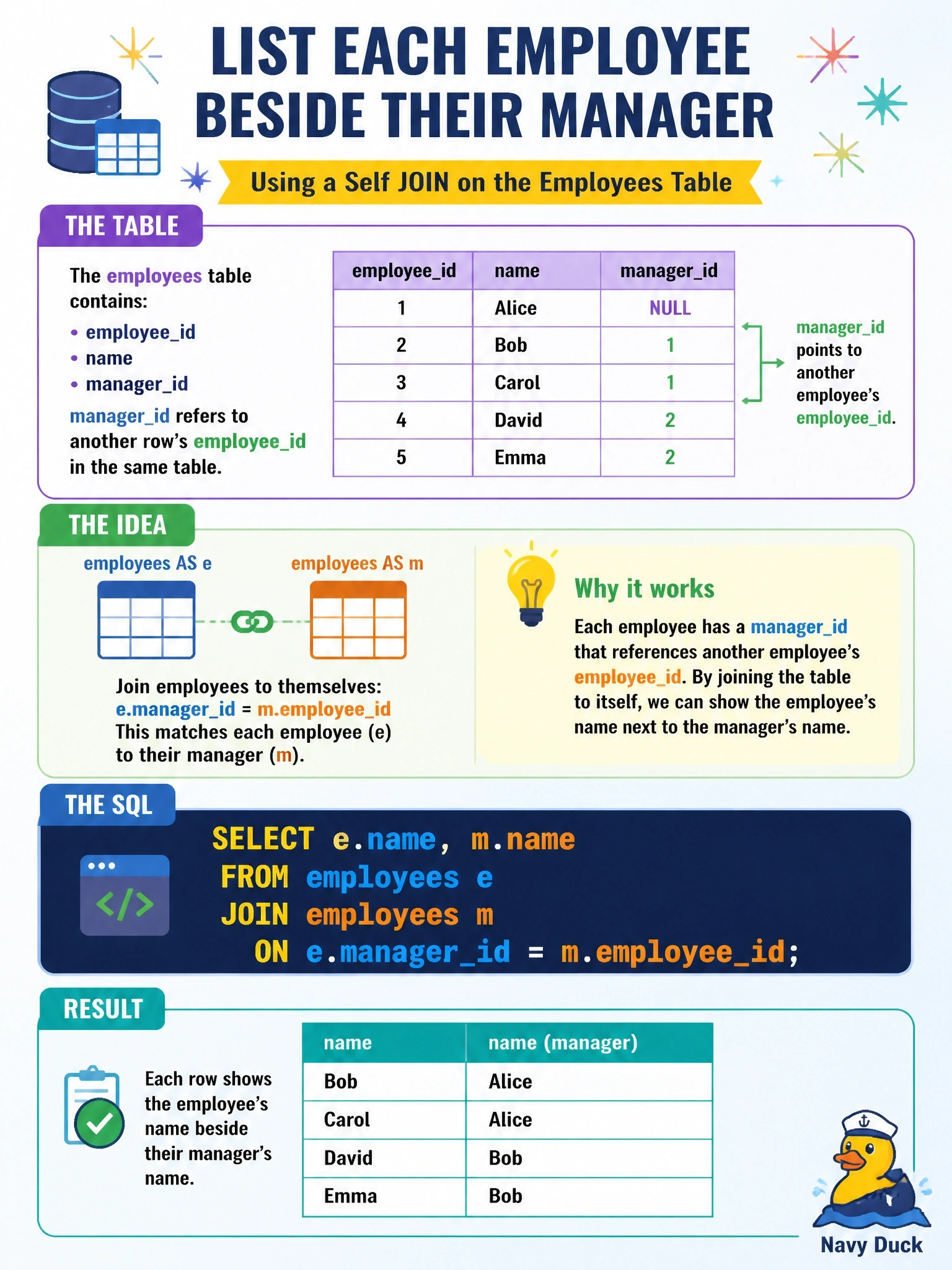
The employees table holds employee_id, name and manager_id, where manager_id refers to another row's employee_id in the same table. Which query lists each employee's name beside the manager's name?
Select an answer to reveal the explanation.
Short Explanation
A self-join is the table looking in a mirror: one alias plays the employee, the other plays the manager. The trick is wiring the employee's manager_id to the manager's employee_id. Join the wrong columns and you'll match people to themselves or to their coworkers instead.
Full Explanation
A self-join treats one table as two logical copies by giving it two aliases. Here alias e represents the employee and alias m represents the manager, and the condition e.manager_id = m.employee_id connects each employee row to the row of the person who manages them, so selecting e.name and m.name produces the employee and manager names side by side. Joining e.employee_id to m.employee_id matches every row to itself, so each employee would appear beside their own name rather than their manager's. Selecting e.manager_id without a join returns only the manager's numeric identifier, not the name the report needs, so it does not resolve the relationship. Joining e.manager_id to m.manager_id pairs employees who share the same manager, which lists peers rather than managers and multiplies rows within each team. Exam caveat: an inner self-join drops employees whose manager_id is NULL, such as the chief executive; if the report must include them, use a LEFT OUTER JOIN from the employee alias. Operational check: pick an employee whose manager is known, run the query, and confirm the second column shows that manager's name; then compare the row count with the number of employees that have a non-null manager_id.