
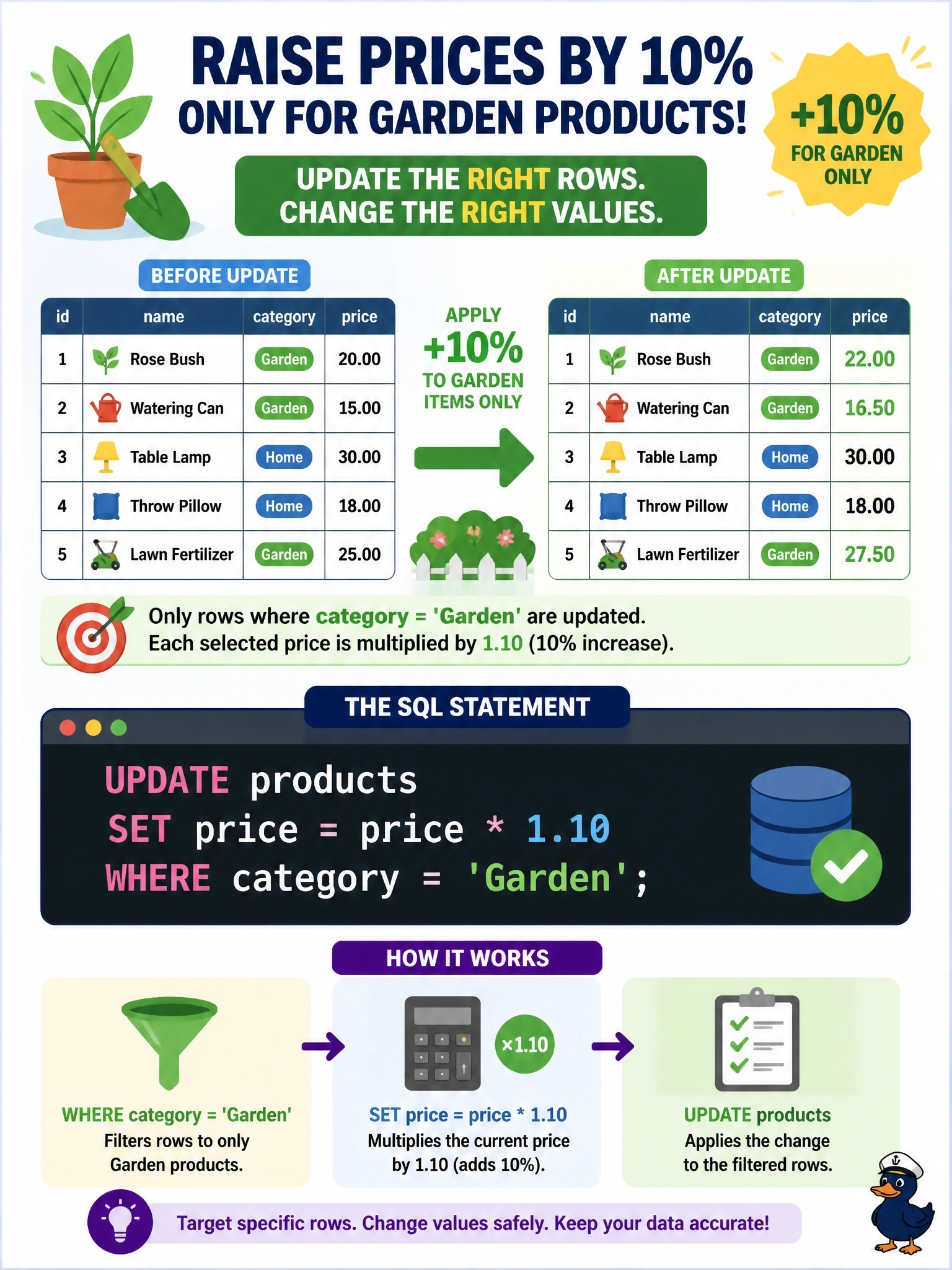
Prices in the products table must rise by 10 percent, but only for products in the 'Garden' category. Which statement makes this change correctly?
Select an answer to reveal the explanation.
Short Explanation
An UPDATE without a WHERE clause is like a sprinkler with no shutoff: it soaks the entire yard. You need the multiplier right (1.10, not 0.10) and the filter right, or you'll reprice the whole catalog. And remember, a SELECT only shows you numbers; it never changes them.
Full Explanation
UPDATE is a Data Manipulation Language statement that changes values in existing rows, and its WHERE clause decides which rows are affected. Multiplying price by 1.10 keeps the original value and adds 10 percent, and the predicate category = 'Garden' limits the change to the intended rows; every other product keeps its price. Omitting the WHERE clause is the classic and costly mistake: the same SET expression runs against every row in the table, raising prices across all categories. Using a multiplier of 0.10 does filter correctly but sets each Garden price to one tenth of its current value, a 90 percent cut rather than a 10 percent increase. A SELECT with the same expression only computes the increased prices in the result set; it is a query, so the stored values remain unchanged. Exam caveat: a correct statement can still be risky in production, so wrapping it in an explicit transaction lets the DBA inspect the affected row count before committing. Operational check: first run SELECT COUNT(*) FROM products WHERE category = 'Garden' to know the expected row count, then run the UPDATE inside a transaction, compare the reported rows affected, spot-check a few prices, and COMMIT only if both match.