
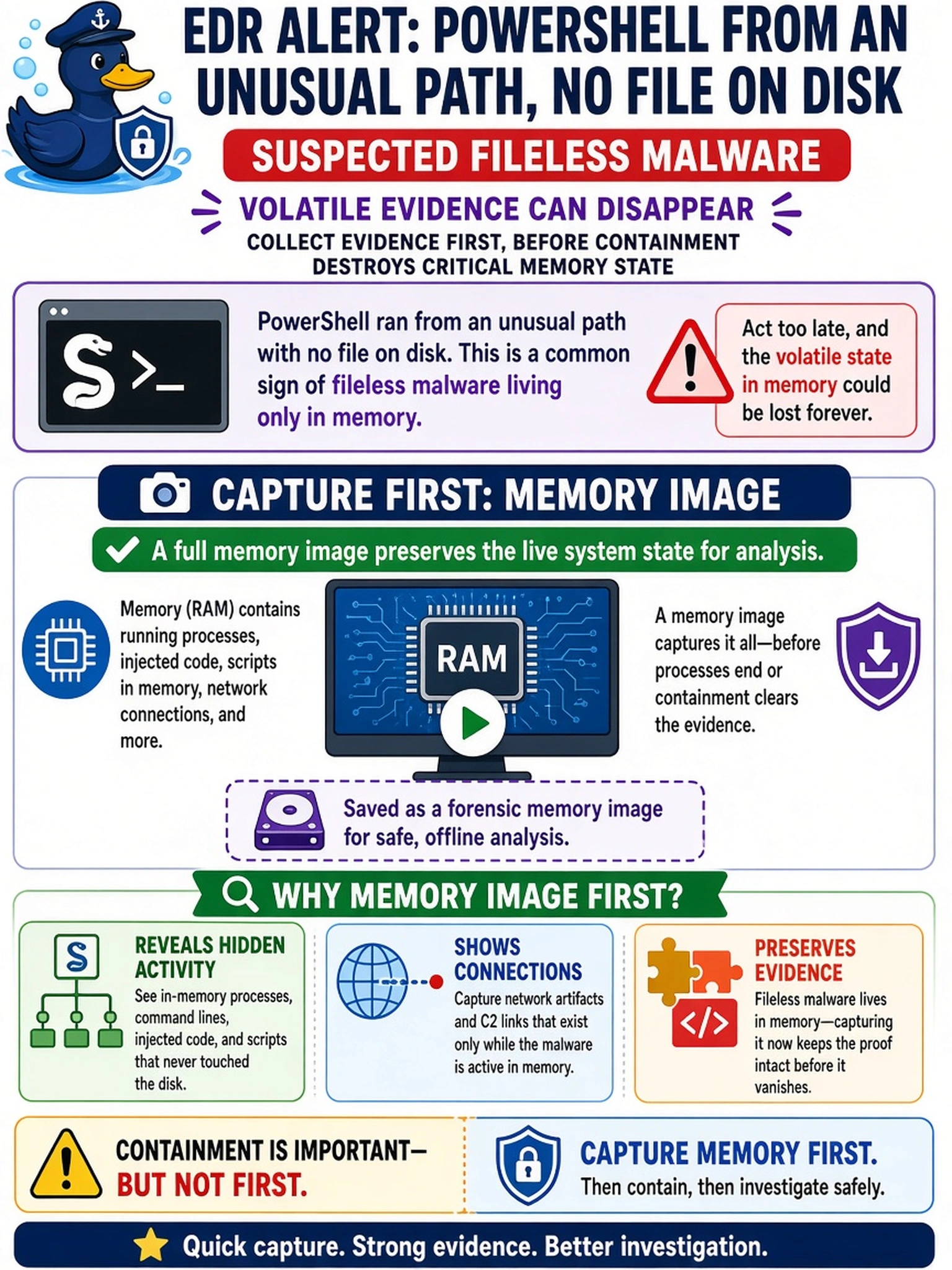
An EDR alert shows PowerShell spawning from an unusual path with no file on disk, and the endpoint is suspected of fileless malware. The analyst must collect evidence before containment could destroy volatile state. What should be captured first?
Select an answer to reveal the explanation.
Short Explanation
Think of RAM like the whiteboard in a meeting: if you pull the plug, whatever was written there vanishes. For fileless malware, the code often lives only in memory, so you capture that volatile state before containment wipes it. Don't wait for the slow disk copy first—grab the memory image while the evidence is still alive.
Full Explanation
Memory acquisition preserves the most volatile evidence first: running processes, injected code, loaded modules, open network connections, decrypted data, and registry data that may reveal fileless malware. Powering off, reimaging, or aggressive containment can erase this state, so a trusted memory image should be captured before destructive actions when the endpoint is still live. A full disk image after isolating the endpoint can support forensic reconstruction of persistent files, but it does not replace a memory capture because RAM contents may be lost during shutdown or may not be represented on disk. A network packet capture from the switch port can show command-and-control traffic or lateral movement, yet it cannot prove in-memory execution and may miss encrypted, fragmented, or short-lived activity. An EDR process tree export from the past seven days is useful for correlation, but it is a derived log, may omit injected code or memory-only artifacts, and depends on agent visibility. Exam caveat: CS0-004 expects you to follow volatile-first ordering before containment when evidence preservation conflicts with immediate isolation. Operational check: acquire memory with a validated tool, hash the output, document the analyst and timestamp, then move to isolation or eradication.