
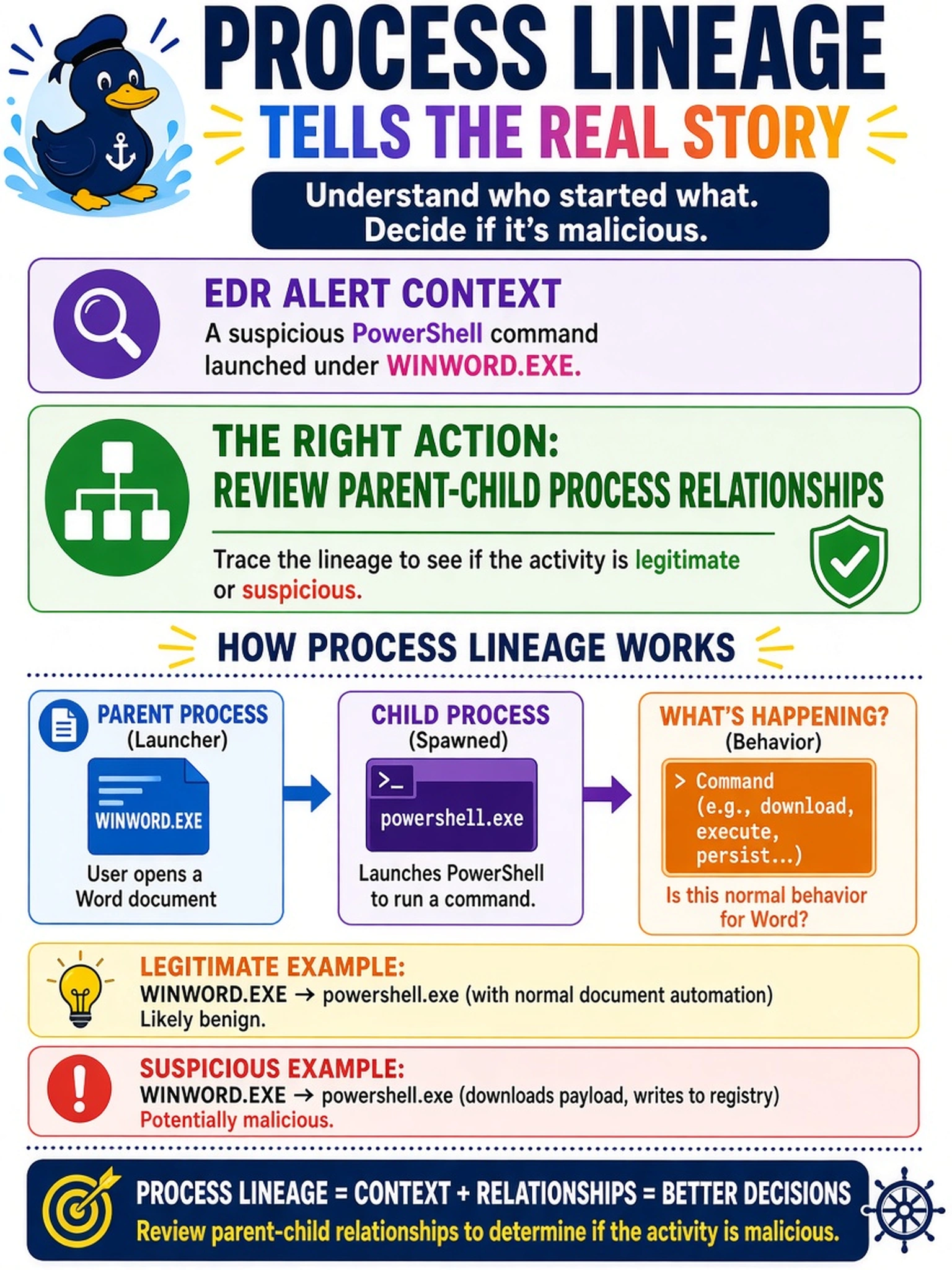
An EDR alert shows a suspicious PowerShell command launched under WINWORD.EXE. Which action uses process lineage to determine whether the activity is malicious?
Select an answer to reveal the explanation.
Short Explanation
Think of a process tree like a family reunion: if PowerShell shows up as Word’s kid, you check who invited whom. Use process lineage to see the parent-child chain, not just the scary command. The other checks can help, but they don’t answer where that process came from.
Full Explanation
Process lineage is the EDR view of how a process was created, typically shown as parent-child relationships with command lines, timestamps, and hashes. In this scenario, the analyst should review the parent-child process relationships because it directly tests execution context: a command spawned by WINWORD.EXE may indicate macro abuse, a false positive from add-ins, or a spoofed parent, and the lineage helps distinguish normal application behavior from an anomalous chain. Hash hunting across the SIEM can identify other hosts with the same artifact, but it does not explain whether the process was authorized by its parent. Reinstalling the EDR agent is an endpoint hygiene step that may restore telemetry, yet it does not determine maliciousness from the existing execution chain. Blocking a file path is a containment action that may be justified later, but it bypasses the analytical question of whether the process originated from a legitimate application chain. Exam caveat: CompTIA often asks for the next analyst action, so choose the method that evaluates context before containment or broad hunting. Operational check: open the EDR process tree for the alert and compare the observed parent, child, and command line against a baseline for that application.