
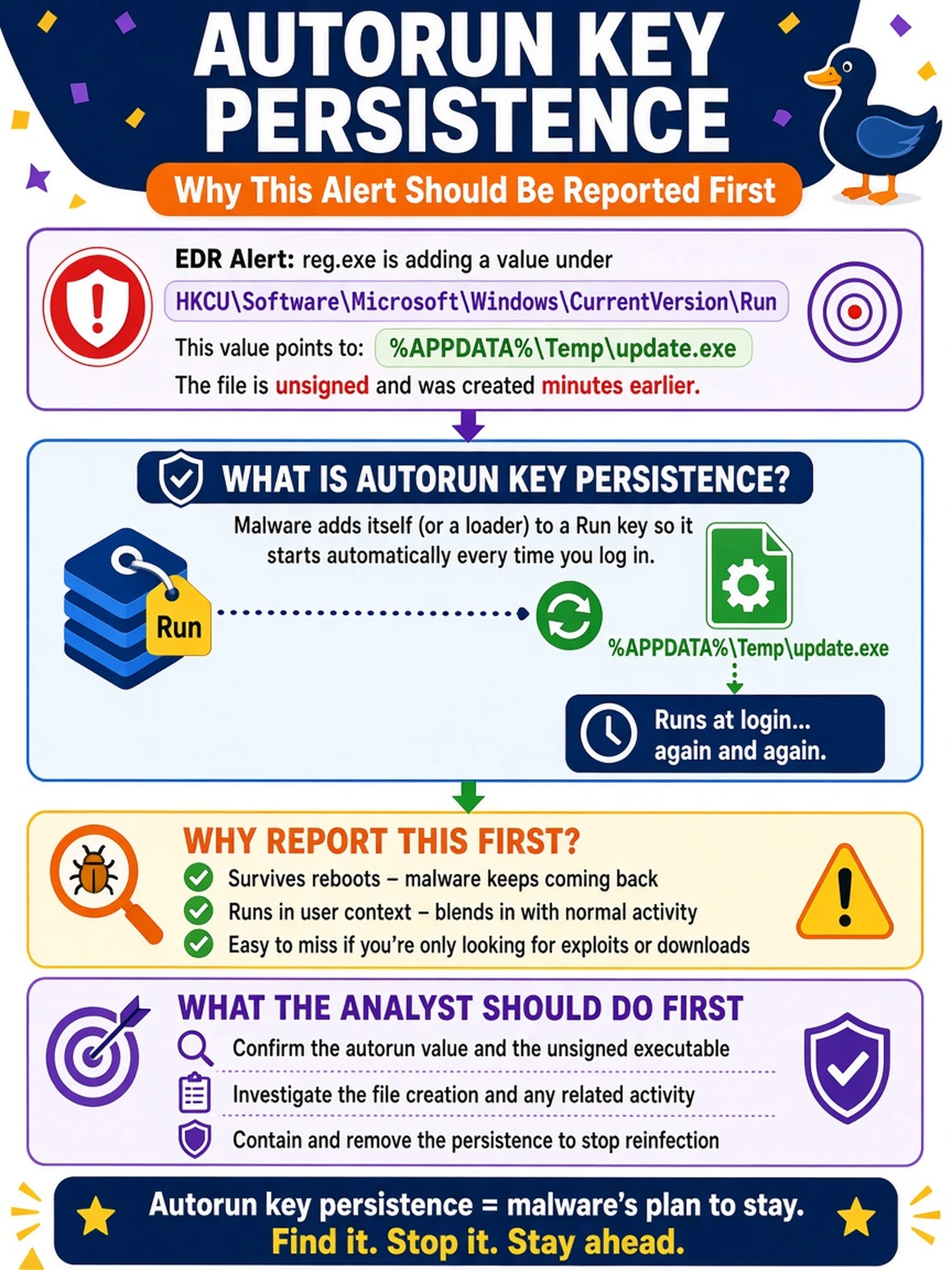
An EDR alert shows reg.exe adding a value under HKCU\Software\Microsoft\Windows\CurrentVersion\Run that points to %APPDATA%\Temp\update.exe. The file is unsigned and was created minutes earlier. Which type of malicious activity should the analyst report first?
Select an answer to reveal the explanation.
Short Explanation
Think of the Run key like a sticky note Windows reads every time someone signs in. If malware writes there, it's planting itself to come back, even though reg.exe itself is built-in. You don't need a service or scheduled task to spot persistence—registry changes launching an unknown temp file are enough.
Full Explanation
Autorun key persistence occurs when an attacker writes an executable path to a Windows auto-start location, such as the Run or RunOnce key under HKCU or HKLM. The operating system evaluates those keys during user logon or system startup, so the malicious binary launches without further user action. In this case, the parent process reg.exe is not inherently malicious; the suspicious behavior is the new registry value pointing to an unsigned file in a temporary user directory. Service installation persistence depends on creating or modifying a service entry that is started by the service control manager, which would generate service creation, configuration, or start events rather than a Run key modification. Scheduled task persistence depends on a task definition with a trigger such as a time, login, or event, and the artifact would be a task creation or task scheduler change. Startup folder persistence relies on placing a shortcut or executable in a Startup directory, so the evidence would be file creation in that folder rather than a registry value. Exam caveat: CompTIA often asks for the persistence mechanism evidenced by the artifact, not the name of the tool that made the change. Operational check: pivot from the registry value to the parent process, file hash, and destination path, then compare them with known-good baseline locations before escalating.