
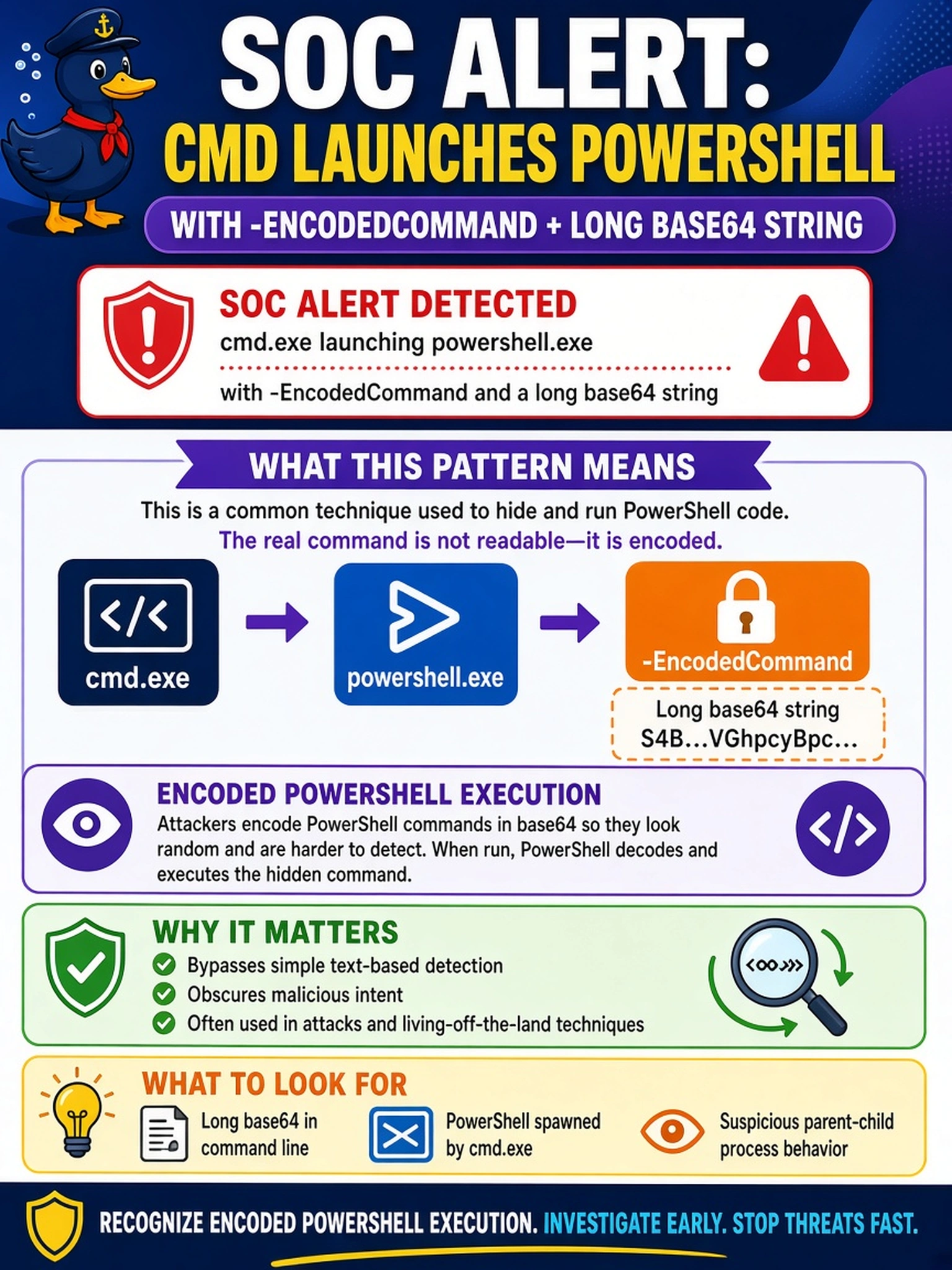
A SOC alert shows cmd.exe launching powershell.exe with -EncodedCommand and a long base64 string. What should the analyst identify?
Select an answer to reveal the explanation.
Short Explanation
Think of encoded PowerShell like a note passed around in code: if an attacker can read it, so can you, but you have to decode it first. When you see cmd.exe spawning powershell.exe with -EncodedCommand, treat it as a big clue, not a normal admin habit. Don't let a long base64 blob hide a simple malicious execution indicator.
Full Explanation
Encoded PowerShell execution is suspicious because the -EncodedCommand parameter places the command inside a base64 blob, preventing quick inspection and often defeating simple string-based detection. In a hybrid SOC, analysts should treat encoded PowerShell spawned from cmd.exe as an execution indicator and decode it safely on an isolated analysis host to determine whether it downloads payloads, tampers with defenses, or creates persistence. Signed binary activity is a different concept: a valid digital signature can be abused, but the presence of a signature alone does not explain the encoded command. Approved administrative login is an access event, not a process-execution pattern, and would be evaluated through authentication logs rather than PowerShell arguments. Expected scheduled maintenance may be normal, but maintenance tasks are usually documented, signed, or launched by known schedulers; an unsolicited encoded command lacks that context. Exam caveat: choose the indicator that matches the observed behavior, not a broad category that might be benign in another context. Operational check: capture the full command line, file hash, parent process, user, and network destination, then decode the base64 in an isolated environment and correlate it with MITRE ATT&CK execution and defense evasion techniques.