
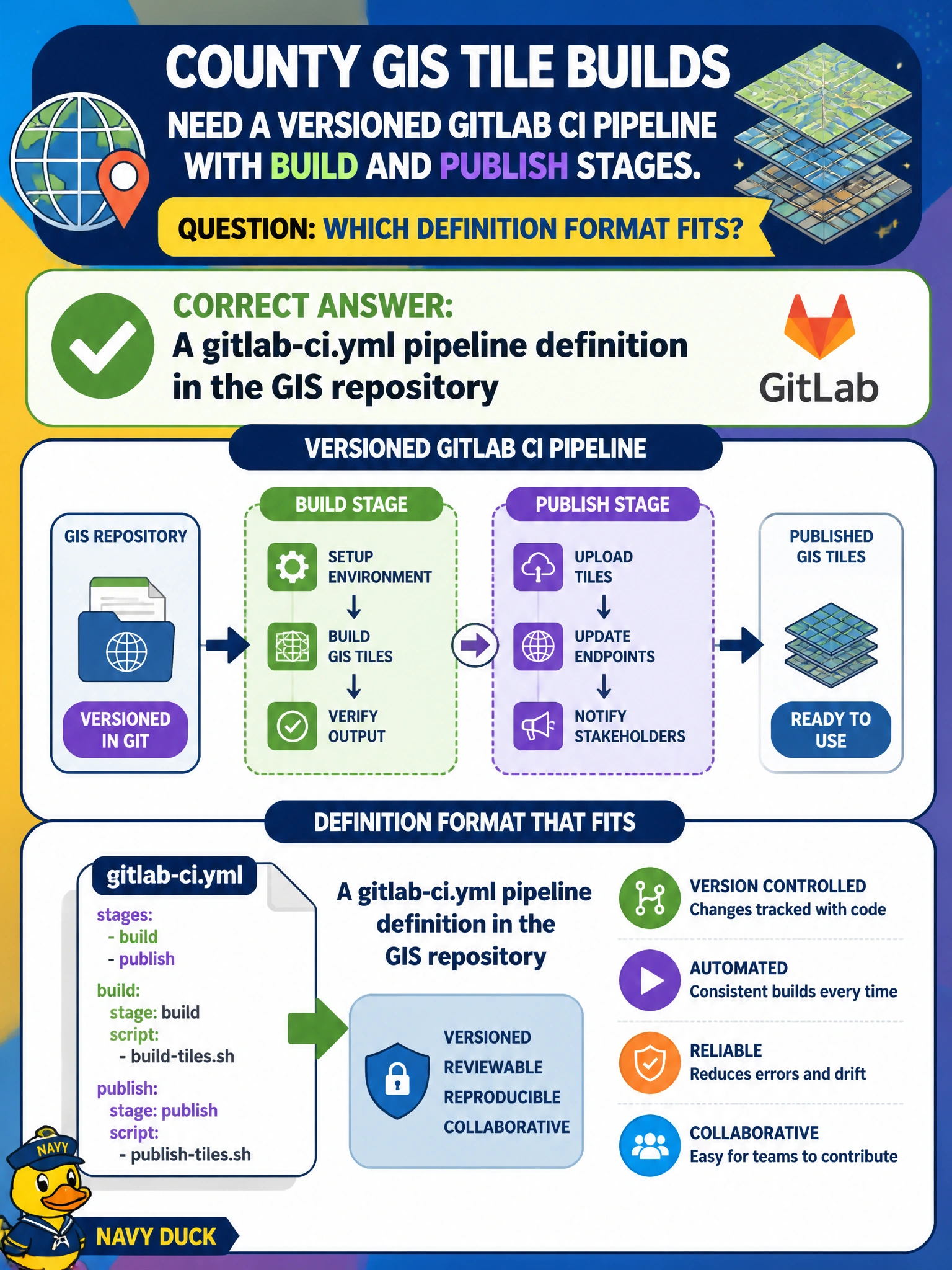
County GIS tile builds need a versioned GitLab CI pipeline with build and publish stages. Which definition format fits?
Select an answer to reveal the explanation.
Short Explanation
You can keep county GIS tile builds reviewable and reproducible by defining the build and publish stages in gitlab-ci.yml in your GIS repository. A never-committed whiteboard, a contractor-only binary blob, or an emailed spreadsheet cannot serve as that versioned GitLab CI definition.
Full Explanation
GitLab CI uses a gitlab-ci.yml file, or included YAML, as the pipeline definition versioned with the project. For county GIS tile builds, declare the build and publish stages in gitlab-ci.yml inside the GIS repository. GitLab runners execute that definition, making changes reviewable in merge requests and reproducible across environments. Applying code review to municipal GIS pipelines matters because a faulty publish stage can push bad tiles to public maps. A handwritten whiteboard diagram that is never committed is not machine-executable or versioned with the project. A proprietary binary blob that only one contractor can open prevents the county from reviewing, comparing, or recovering the definition without that contractor’s tooling. A spreadsheet of stage names emailed after each outage is after-the-fact documentation, not the GitLab CI definition that triggers jobs. Exam caveat: gitlab-ci.yml is GitLab-specific; included YAML may split the definition across files, but the pipeline remains versioned in the GitLab project. Practical check: confirm the GIS repository’s gitlab-ci.yml defines build and publish stages, push a commit, and verify that the pipeline graph matches the file. Then edit a stage through a merge request and confirm reviewers can see the YAML diff before tiles publish.