
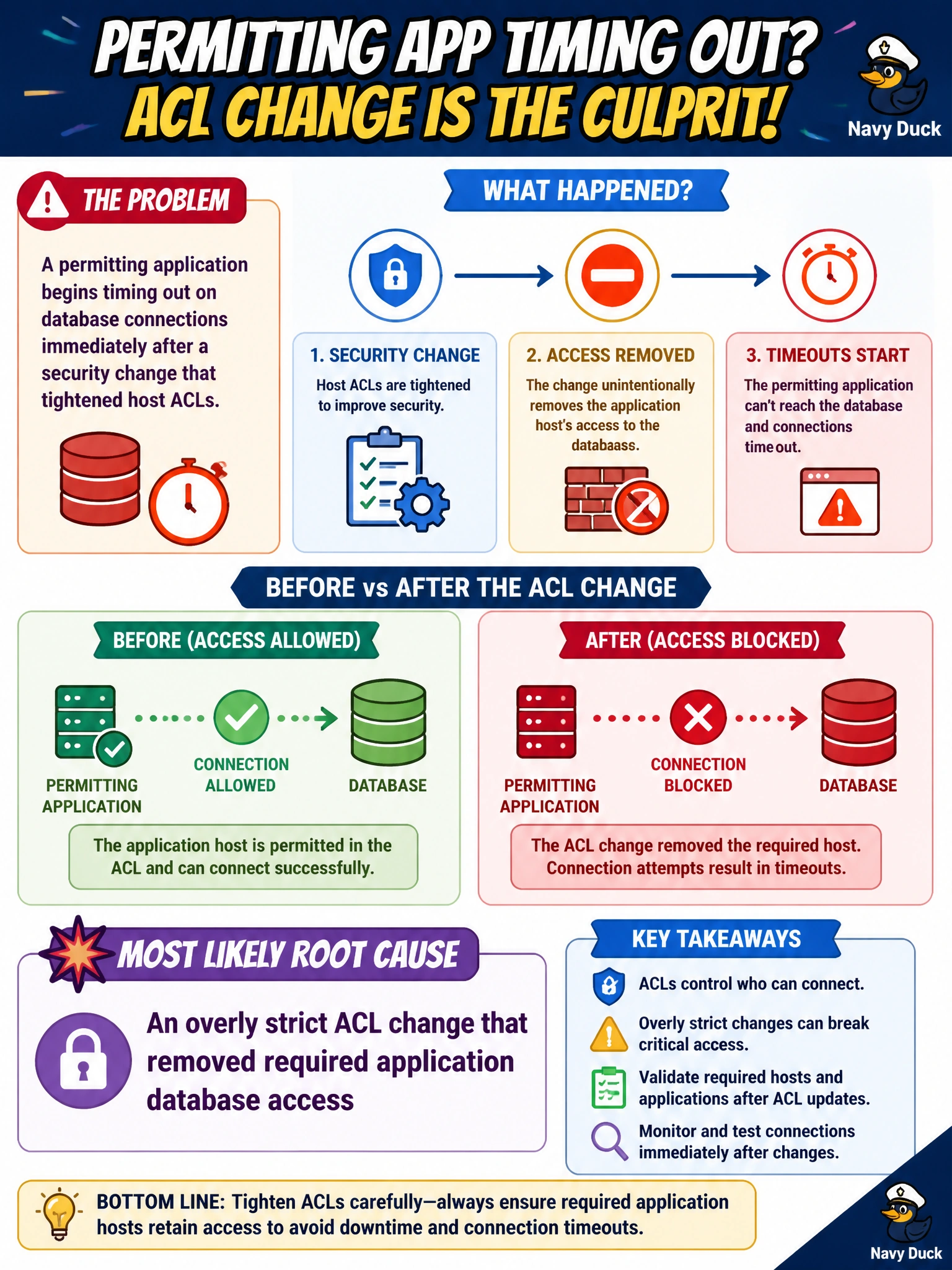
A permitting application begins timing out on database connections immediately after a security change that tightened host ACLs. What is the most likely configuration root cause?
Select an answer to reveal the explanation.
Short Explanation
When you tighten host ACLs, you can accidentally block the permitting app from reaching its database. Overly strict ACLs explain the timeouts; a successful 201 response, a trailing comma in a JSON comment, or an intentional feature that makes municipal apps ignore ACLs does not.
Full Explanation
When database connection timeouts begin immediately after host ACLs are tightened, the likely root cause is an overly strict ACL change that removed required permitting-application access. Security hardening can drop previously allowed paths from the application tier to the database tier. The application still attempts connections, but filtered packets can exhaust its connection pools and leave users waiting. Restore the least-privilege rule permitting the application’s database endpoints; this fixes the regression without abandoning ACL controls. A successful 201 response from the permitting API does not reconfigure firewalls or cause database connection timeouts. A trailing comma in a JSON comment cannot upgrade firewall firmware or rewrite ACLs. An intentional feature that makes all municipal apps ignore ACLs is not a real remedy: network and security controls enforce ACLs, and applications cannot simply opt out. Exam caveat: timeouts after an ACL change can also involve security groups, NACLs, or host firewalls on either the application or database side, so trace the path in both directions. Don’t jump to scaling the database when the timing points to a security change. Practical check: map the application’s database CIDRs and ports, compare ACL revisions around the change window, restore only the minimum required allow rules, verify connections and query latency from the application tier, and add an allow-list review for critical municipal data paths to future ACL changes.