
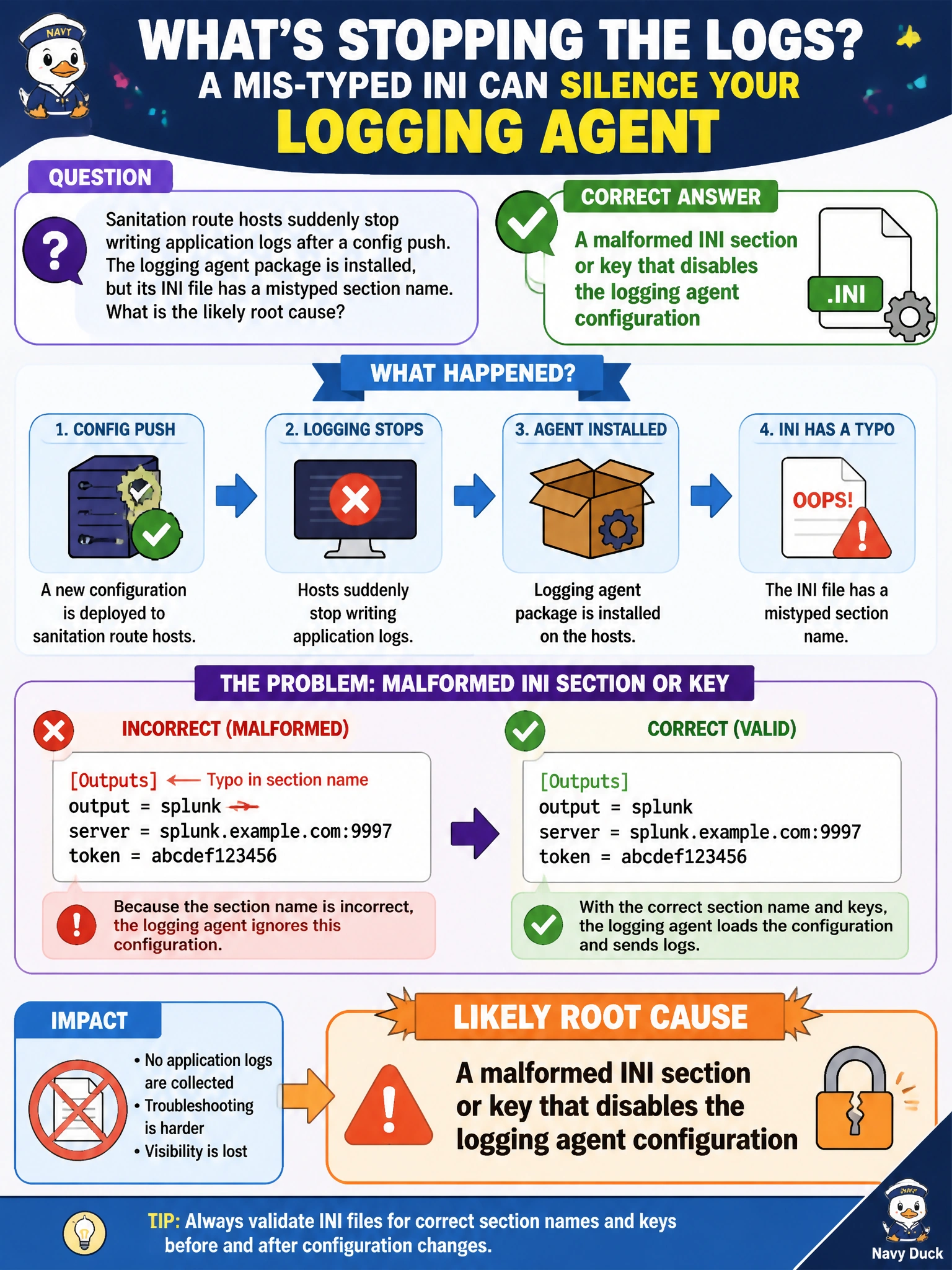
Sanitation route hosts suddenly stop writing application logs after a config push. The logging agent package is installed, but its INI file has a mistyped section name. What is the likely root cause?
Select an answer to reveal the explanation.
Short Explanation
Think of an INI file as labeled drawers: if you misspell a section name, the agent may not find its settings. You can have the package installed without the configuration loading correctly. Correct the section or key; an unrelated open-data DELETE or certificate renewal does not explain the logging failure.
Full Explanation
When sanitation route hosts stop writing application logs after a config push but the logging agent package is still installed, the likely cause is a malformed INI section or key that prevents the agent from using its intended configuration. INI settings are selected by section names and keys; a typo can make the agent load defaults or skip the intended sink, level, or destination settings. Package presence proves only that the software is on disk, not that the active configuration was parsed correctly. A healthy REST DELETE that removed an unrelated open-data handle does not explain a local logging configuration failure. Correct certificate renewal does not disable logging by design and is not a logging-off switch. Successful JSON feed validation elsewhere does not prove that local INI files are valid or unable to break logging. Exam caveat: distinguish a service being installed or running from being configured as intended; a running agent with a misspelled section may silently drop logs. Also distinguish an INI error from a YAML playbook error—the scenario specifically identifies INI. Practical check: compare the pushed INI with the last known-good file, correct the section or key spelling, reload or restart the agent, generate a test log line on a sanitation host, and confirm it reaches the central log store before rolling out the corrected configuration to the rest of the route fleet.