
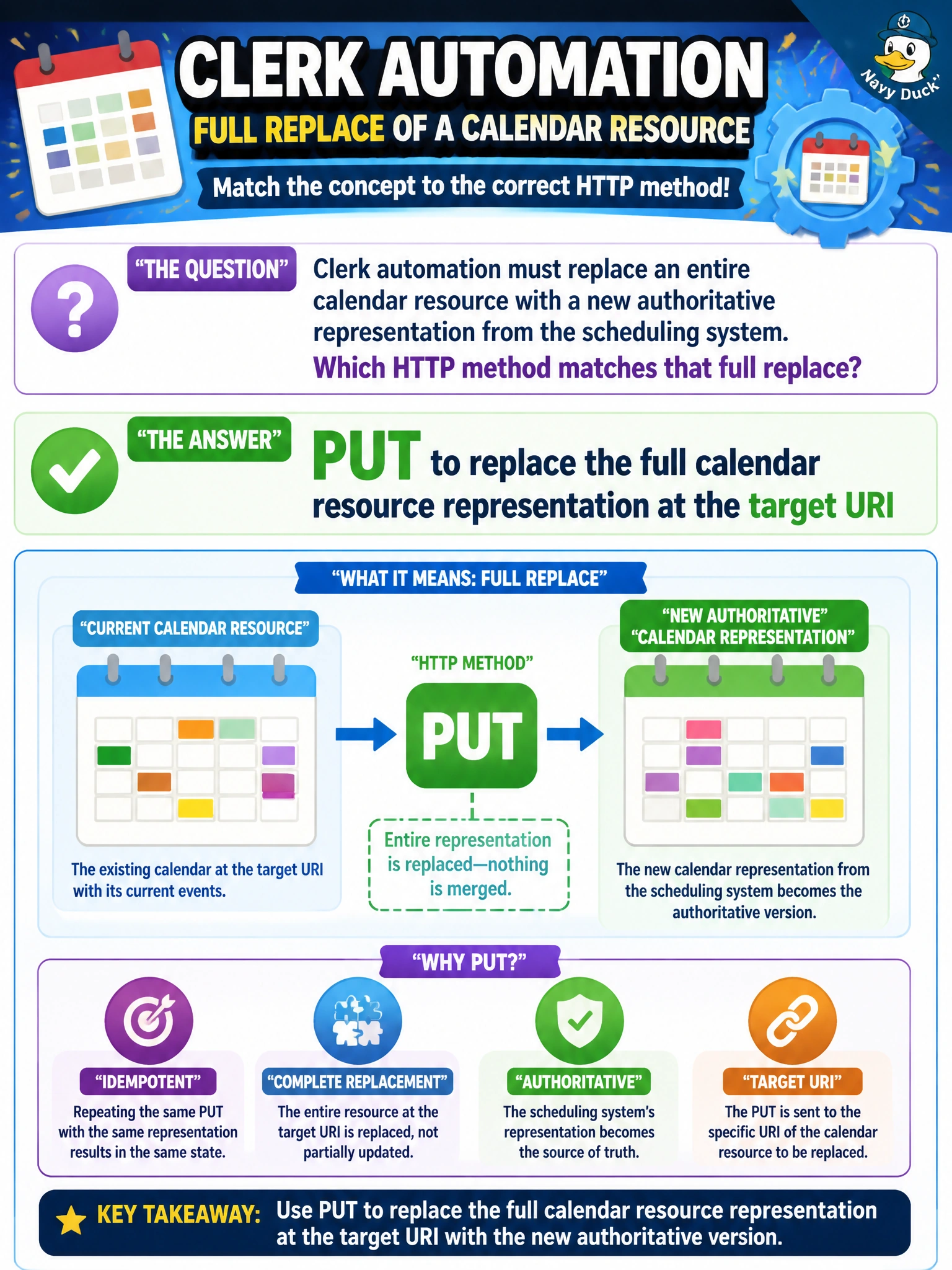
Clerk automation must replace an entire calendar resource with a new authoritative representation from the scheduling system. Which HTTP method matches that full replace?
Select an answer to reveal the explanation.
Short Explanation
You can think of PUT as swapping the whole clerk calendar binder for a new one in the same shelf slot, with complete contents. When the scheduling system supplies the full authoritative representation, PUT replaces the resource at its target URI. PATCH changes only the unrelated annotation, leaving stale fields behind.
Full Explanation
Clerk automation that must replace an entire calendar resource with a new authoritative representation from the scheduling system should use HTTP PUT to the calendar’s target URI. PUT replaces the full resource at a known location with the client-supplied representation, making it appropriate for an authoritative sync that publishes a complete new calendar body rather than tweaking individual fields. After a successful PUT, the stored representation should match the scheduling system’s full payload. PATCH of a single unrelated annotation fails the full-replace requirement: a partial update leaves other fields alone, so outdated calendar data would remain. GET downloads the calendar but never writes the new representation, so it cannot perform the sync. HEAD checks existence or metadata without supplying a replacement body, so it cannot install the new authoritative calendar either. Exam caveat: PUT is an idempotent full replacement at a known URI; use it when the question emphasizes replacing an existing resource’s complete representation. Practical check: PUT a full calendar document in a test clerk tenant, then use GET to verify that all fields match the authoritative source. Confirm that an annotation-only PATCH is not used for full synchronization, and make jobs fail loudly if the PUT response indicates a conflict rather than silently leaving stale calendars in place.