
EMS CAD printer mappings keep changing after night-shift troubleshooting. What drift-detection output helps the platform team?
Select an answer to reveal the explanation.
Short Explanation
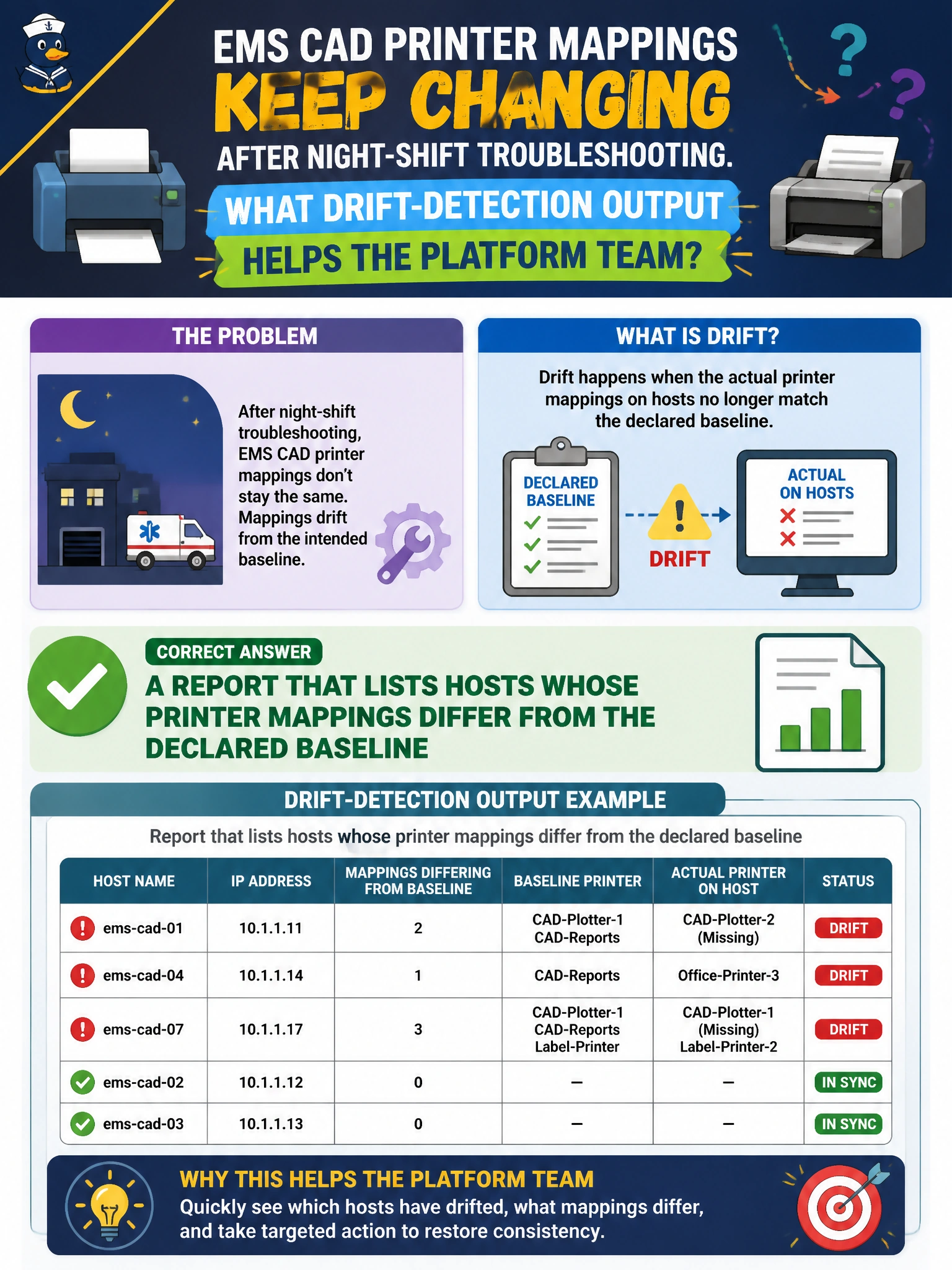
Drift reports are the roster of which stations wandered off the map. Listing hosts with wrong CAD printer mappings tells the team where to look. A green blob with no names is not actionable.
Full Explanation
EMS CAD printer mappings that keep changing after night-shift troubleshooting need drift-detection output that lists hosts whose printer mappings differ from the declared baseline. Actionable drift reports name the station or workstation, show expected versus actual printer queues, and let the platform team remediate specific outliers instead of guessing which night shift changed which mapping.
A marketing slide that lists every printer vendor logo without hostnames is not an operational drift artifact. A single green dashboard tile with no per-host detail hides which CAD clients are wrong until the next print failure during a call. An email that only says “printers exist somewhere” with no inventory likewise fails triage under time pressure.
Exam caveat: detection without remediation leaves known drift; pair reports with converge that re-applies approved CAD printer mappings. Some “drift” may be intentional temporary redirects during printer outages—classify before mass overwrite, then either update the baseline or restore the standard mapping. Ensure the baseline distinguishes EMS CAD queues from general staff printers.
Operational check: generate the drift report after a known bad mapping change on a lab CAD client, confirm that host appears with expected-versus-actual detail, remediate via config management, re-run the report to verify clearance, and retain the report output for after-action review with night-shift supervisors.