
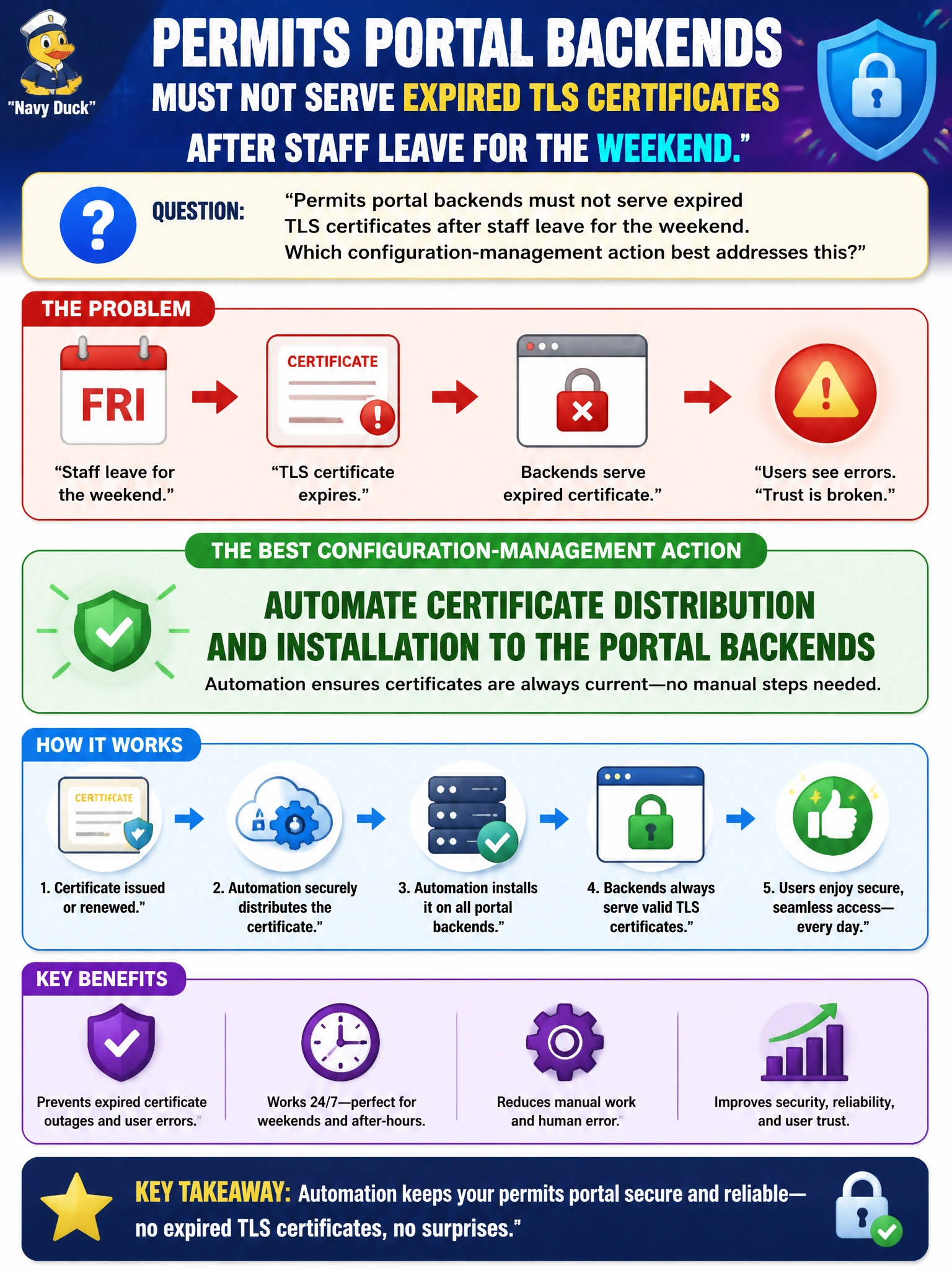
Permits portal backends must not serve expired TLS certificates after staff leave for the weekend. Which configuration-management action best addresses this?
Select an answer to reveal the explanation.
Short Explanation
Certs expire whether anyone is watching the calendar. Automating distribution to permits backends is how the city avoids weekend browser scare screens. Calendar invites and USB keys are not a delivery system.
Full Explanation
Permits portal backends must not serve expired TLS certificates after staff leave for the weekend; the configuration-management action that best addresses this is automating certificate distribution and installation to those backends. Automation pulls or pushes renewed certs and keys into the correct keystore paths, reloads services as designed, and removes dependence on someone noticing a calendar invite before Monday morning citizen traffic.
Emailing a reminder calendar invite with no automated install path fails when people are offline, tickets are mis-prioritized, or the wrong host is updated. Allowing browsers to click through certificate warnings indefinitely trains users to ignore TLS failures and invites interception risk—unacceptable for a permits portal handling personal data. Storing private keys only on a shared USB drive in the permitting office is neither distribution nor secure key management.
Exam caveat: automation must include safe key handling (HSM/secret store, restricted ACLs, no plaintext keys in Git) and a reload strategy that avoids dropping all portal workers simultaneously. Automating distribution without monitoring expiry still leaves blind spots—pair deployment automation with expiry alerting and staged rollout.
Operational check: stage a renewal in lower environments, confirm config management deploys the new cert chain to portal backends, validate the served chain with an external TLS check, and verify weekend monitoring would alert before NotAfter rather than after citizens report errors.