
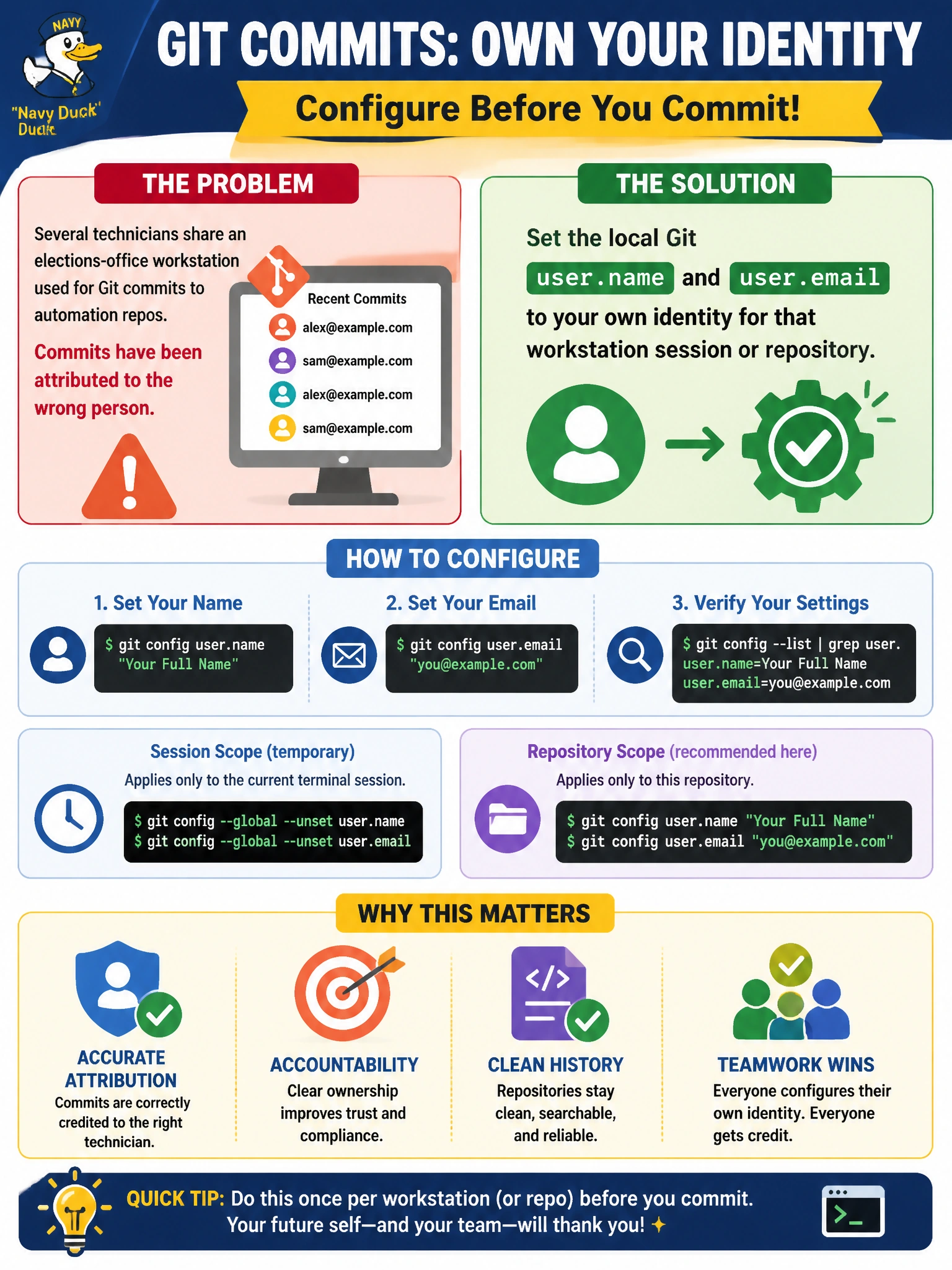
Several technicians share an elections-office workstation used for Git commits to automation repos. Commits have been attributed to the wrong person. What should each technician configure before committing?
Select an answer to reveal the explanation.
Short Explanation
Git authorship is the signature line on a city work order. On a shared elections workstation, each tech should set their own name and email so the ledger shows who actually made the change.
Full Explanation
When several technicians share an elections-office workstation for Git commits, authorship must still map to the person who made the change. Each technician should set local Git user.name and user.email to their own identity for that session or repository so commits recorded from the shared machine remain attributable. Accountability for elections automation depends on that identity being correct before commit, not corrected after the fact.
Sharing one generic elections account identity makes every commit look identical and defeats non-repudiation. Disabling commit authorship so Git stores only the remote URL is not a supported way to omit author metadata for normal commits and fails the attribution requirement. Overwriting ~/.ssh/known_hosts adjusts SSH host trust; it does nothing to configure commit author identity.
Exam caveat: prefer includeIf or per-repo config on shared kiosks so identities do not permanently overwrite a colleague’s global gitconfig. Operational check: before committing, run git config user.name and user.email, make a test commit on a scratch branch, and verify git log shows the expected author. On shared elections workstations, document a login checklist: set identity, verify with git config, commit, then unset or switch identity before the next technician sits down—prevents the next person’s commits inheriting the prior author.