
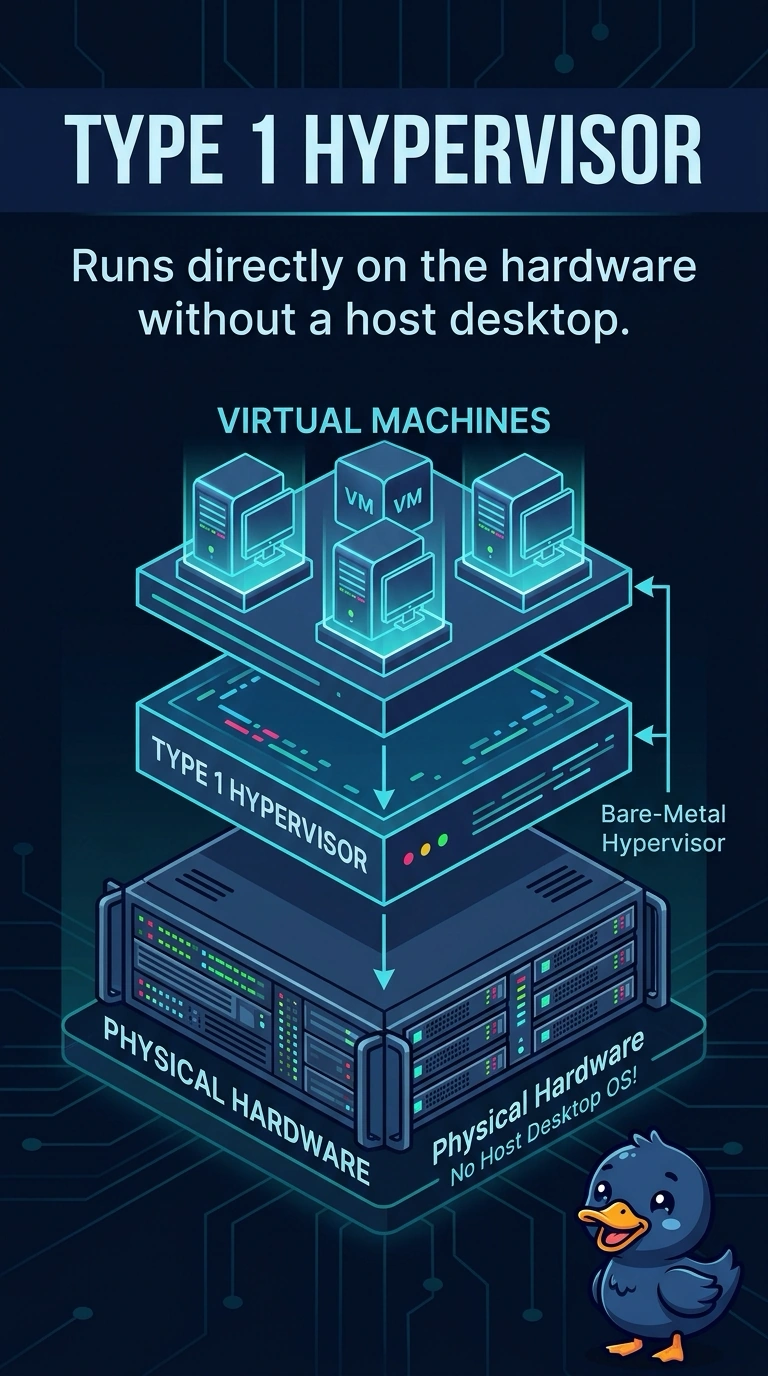
A server room runs several guest machines on a hypervisor that is installed directly on the hardware. No desktop operating system sits underneath. Which hypervisor is this?
Select an answer to reveal the explanation.
Short Explanation
The guests sit on the foundation, not on a finished apartment. A type 1 hypervisor is that foundation on the bare hardware. A type 2 product lives inside a desktop operating system you said is not there, and a container or a public web app is a different kind of tenant.
Full Explanation
A type 1 hypervisor installs on the server hardware and schedules the guest machines itself. The room has no desktop operating system under the guests, so the hypervisor is type 1. A type 2 hypervisor installs as an application on a host operating system such as Windows or a desktop Linux. That host OS is what this design does not have. Containers share the host kernel. They do not each receive a full guest kernel, and they are not this hypervisor. Software as a service is a finished application the vendor runs. It is not the name of an on-premises hypervisor. Exam caveat: a type 1 product still has a management VM or a small console. That console is not a general-purpose desktop under the guests. Operational check: confirm the host boots into the hypervisor and that a guest starts without a Windows or desktop Linux install on the hardware. Look at the host boot screen: it should land in the hypervisor console, and a guest should start from that console without a Windows desktop underneath.