
Users must reach file shares on a server using the protocol Windows uses for those shares. Which port should the firewall permit?
Select an answer to reveal the explanation.
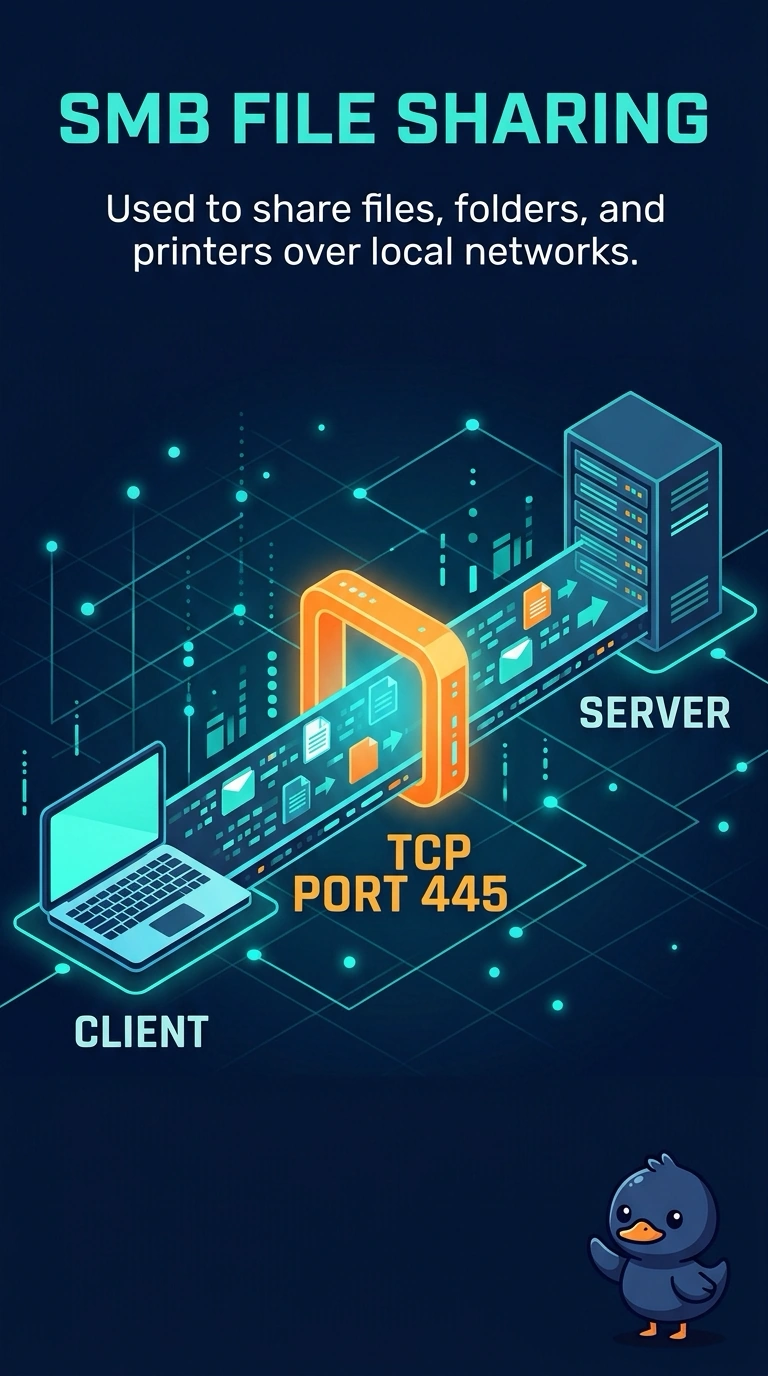
Short Explanation
The users want the file cabinet, not the website, the mail slot, or the remote screen. You open TCP 445, the port Windows file sharing uses. The encrypted web port, the mail port, and the remote-desktop port do not carry those shares.
Full Explanation
SMB file sharing on modern Windows uses TCP port 445. Permitting that port lets users reach the shares. TCP port 443 is HTTPS. It protects web traffic. It is not the file-share port, even though both can be encrypted in other designs. TCP port 25 is SMTP, used to transfer mail. Windows does not open a file share on it. TCP port 3389 is Remote Desktop Protocol, a graphical session. It is not the protocol that serves the file shares. Exam caveat: older NetBIOS file sharing used other ports. This stem is the Windows file-share port in current use, which is TCP 445. Operational check: permit TCP 445, open a share from a user PC, and confirm a connection aimed at port 25 does not present the files. Open a share by name from a user PC and confirm the files appear. Confirm a connection to the mail port does not show the files. Browse to a share from a second PC so the permission is not a one-user fluke. Repeat the share open after a reboot of the user PC.