
Handheld scanners at a market only support 2.4 GHz. Neighboring networks already occupy channels 1 and 6. Which channel avoids overlapping those neighbors?
Select an answer to reveal the explanation.
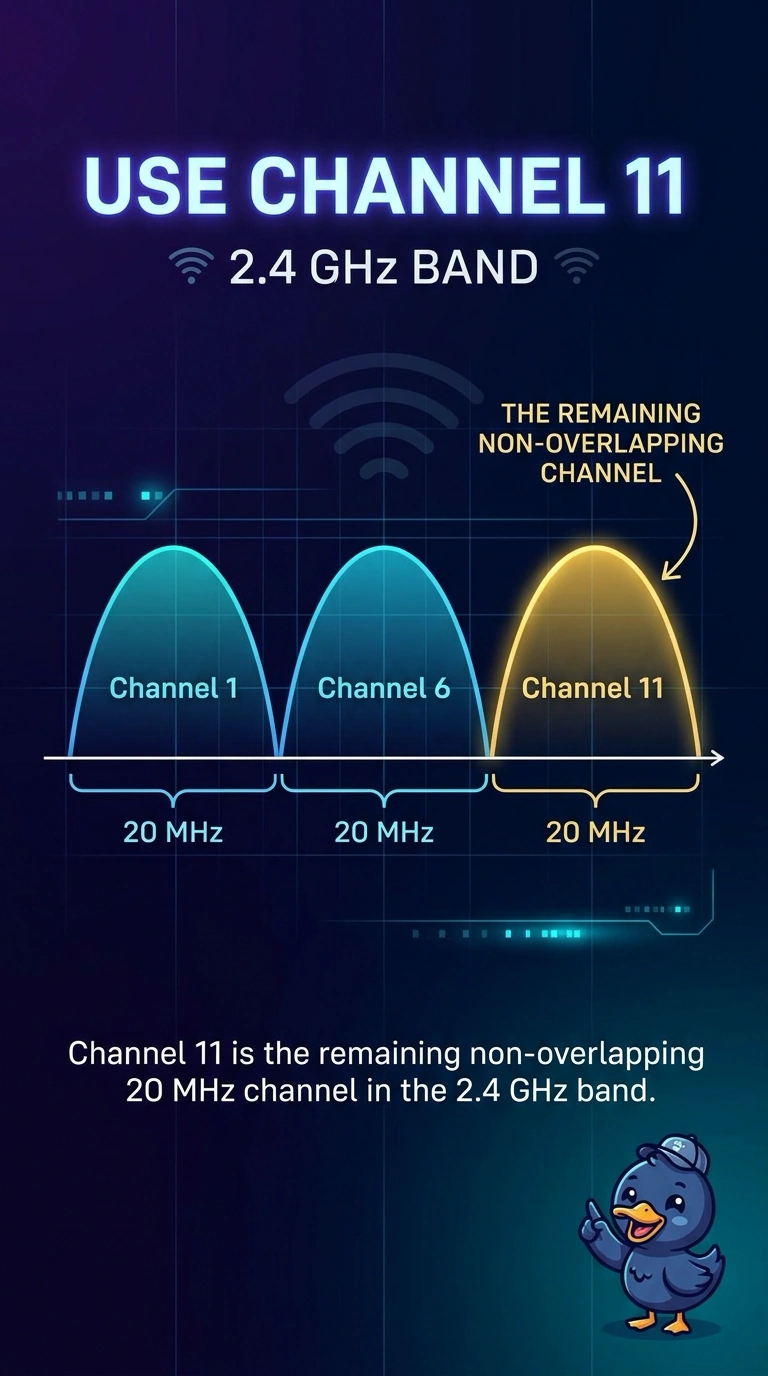
Short Explanation
On the 2.4 GHz band the non-overlapping lanes are 1, 6, and 11. Two of those lanes are taken, so you put the scanners on channel 11. Channel 2 still collides with channel 1, channel 6 is already occupied, and a wide channel centered on 6 covers the neighbors instead of missing them.
Full Explanation
In the 2.4 GHz band the 20 MHz channels that do not overlap each other are 1, 6, and 11. Neighbors already use 1 and 6, so channel 11 is the remaining non-overlapping choice for the scanners. Channel 2 overlaps channel 1, so it does not sit clear of that neighbor. Channel 6 is the channel a neighbor already occupies, so choosing it puts the scanners on top of that network. A 40 MHz channel in this band spans more than one of those lanes. Centering it on channel 6 overlaps the neighbor on 6 and reaches toward the others. It does not dodge them. Exam caveat: if 11 is also busy when you scan, you still pick the least-overlapping 20 MHz channel rather than widening to 40 MHz. Operational check: survey the band, set the access point to channel 11 at 20 MHz, and confirm the scanners stay associated. Walk the market with a scanner after the change and confirm it stays on channel 11. Leave the channel width at 20 MHz so the scanners do not cover channel 6. Save the setting so a reboot does not return the access point to a wide channel.