
After the display bezel was opened, a laptop microphone records silence. The small cable at the microphone is unplugged. Which reconnection restores it?
Select an answer to reveal the explanation.
Short Explanation
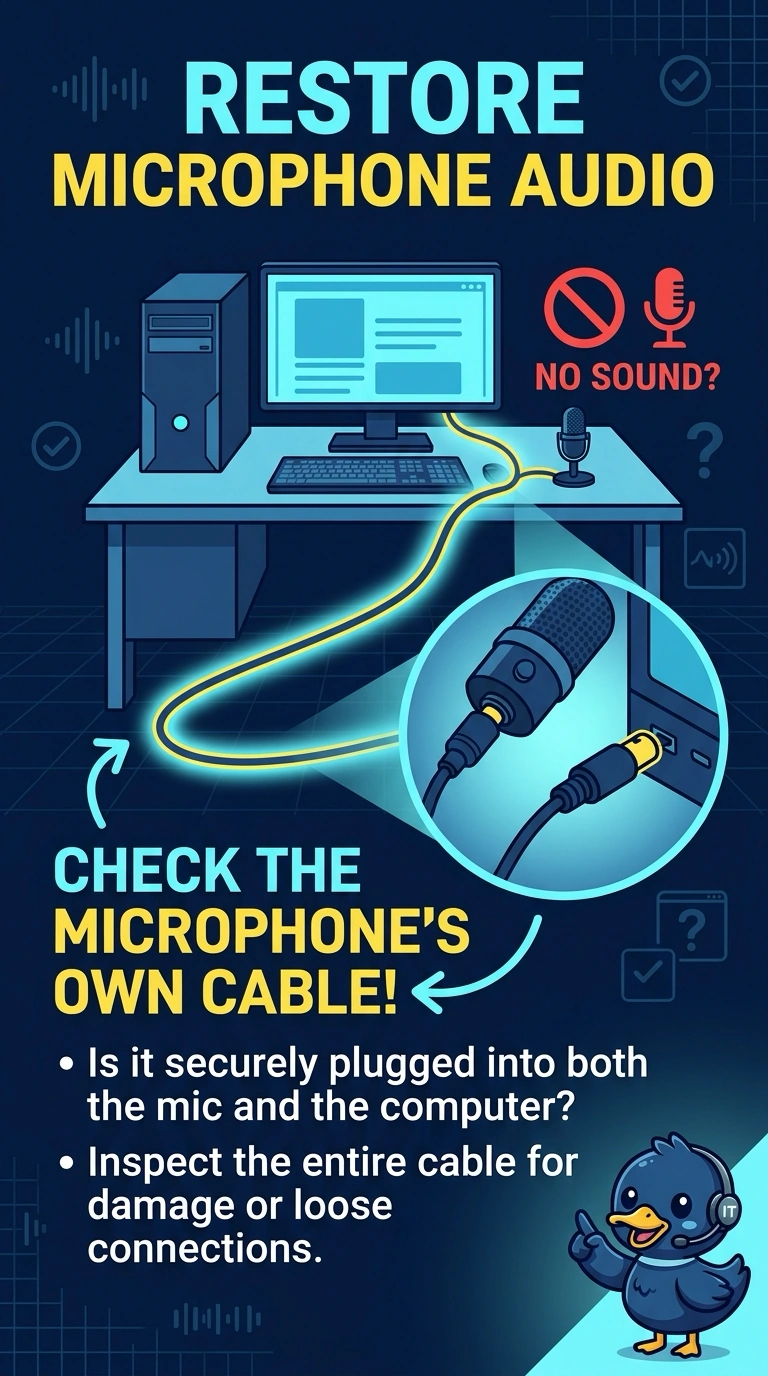
The microphone has its own lead, and that lead is off after the bezel work. You reconnect the microphone cable. The camera, the battery, and the cellular tray are not the connector sitting loose at the mic.
Full Explanation
A laptop microphone is a separate part, and its cable has to be seated before the system can record. The cable at the microphone is unplugged, so reconnecting it restores the mic. The camera cable feeds the camera. It does not carry the microphone. The battery powers the laptop. An unplugged battery lead would shut the machine off, not silence only the mic. A SIM is a cellular identity. It is not a microphone. Exam caveat: seat the flex straight. A cocked connector looks attached and still records silence. Operational check: reconnect the cable, record a short clip, and confirm the playback has audio before you close the bezel. Record a short clip and play it back before you close the bezel. Record the result on the ticket before you close the call. Do not pinch the microphone flex when the bezel goes back on.