
A laptop's only storage bay holds a 2.5-inch SATA drive. The owner wants a larger solid-state drive in that same bay. Which part fits?
Select an answer to reveal the explanation.
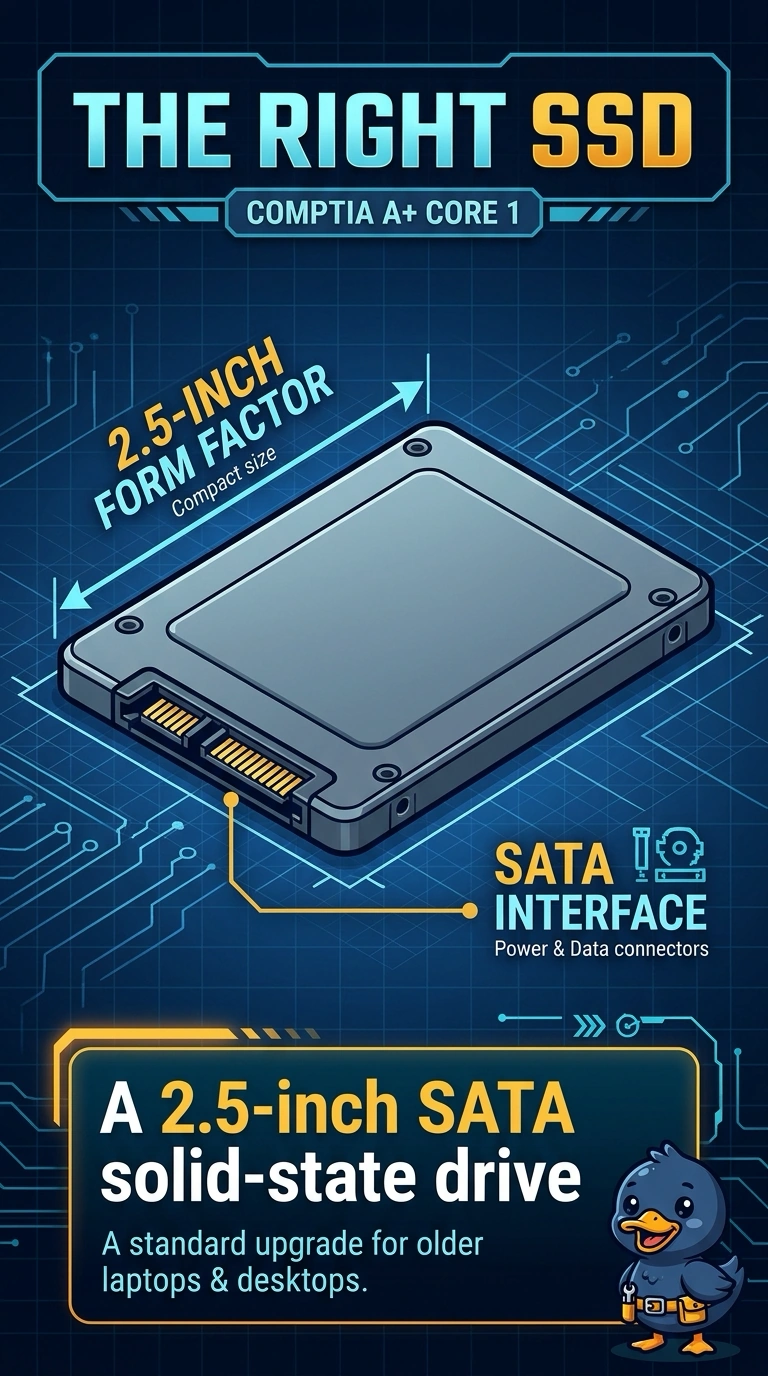
Short Explanation
The bay is a shoe of a certain size, and the shoe is a 2.5-inch SATA drive. You replace it with a solid-state drive of that same size and interface. A desktop-width disk, a memory module, or a gumstick will not occupy a bay built only for that 2.5-inch drive.
Full Explanation
The laptop bay already uses a 2.5-inch SATA drive, so the larger solid-state drive has to use that same form factor and interface. A 2.5-inch SATA solid-state drive is the part that fits. A 3.5-inch drive is the desktop width. It will not enter a laptop bay. A SODIMM is memory. Seating it adds RAM in a memory slot, not capacity in the drive bay. An M.2 drive needs an M.2 slot. A bay built only for a 2.5-inch SATA drive has no place to screw that gumstick in. Exam caveat: cloning the old drive, or reinstalling and restoring the files, still has to happen after the new drive is in. The form factor only solves the fit. Operational check: confirm the bay is 2.5-inch SATA, install the solid-state drive, and confirm the firmware lists it. Copy the user's files only after the firmware lists the new drive. Match the screw holes on the 2.5-inch drive so it does not rattle in the bay. Boot the firmware once and read the drive size before you close the laptop. Close the bay only after the drive sits flat on its screws.