
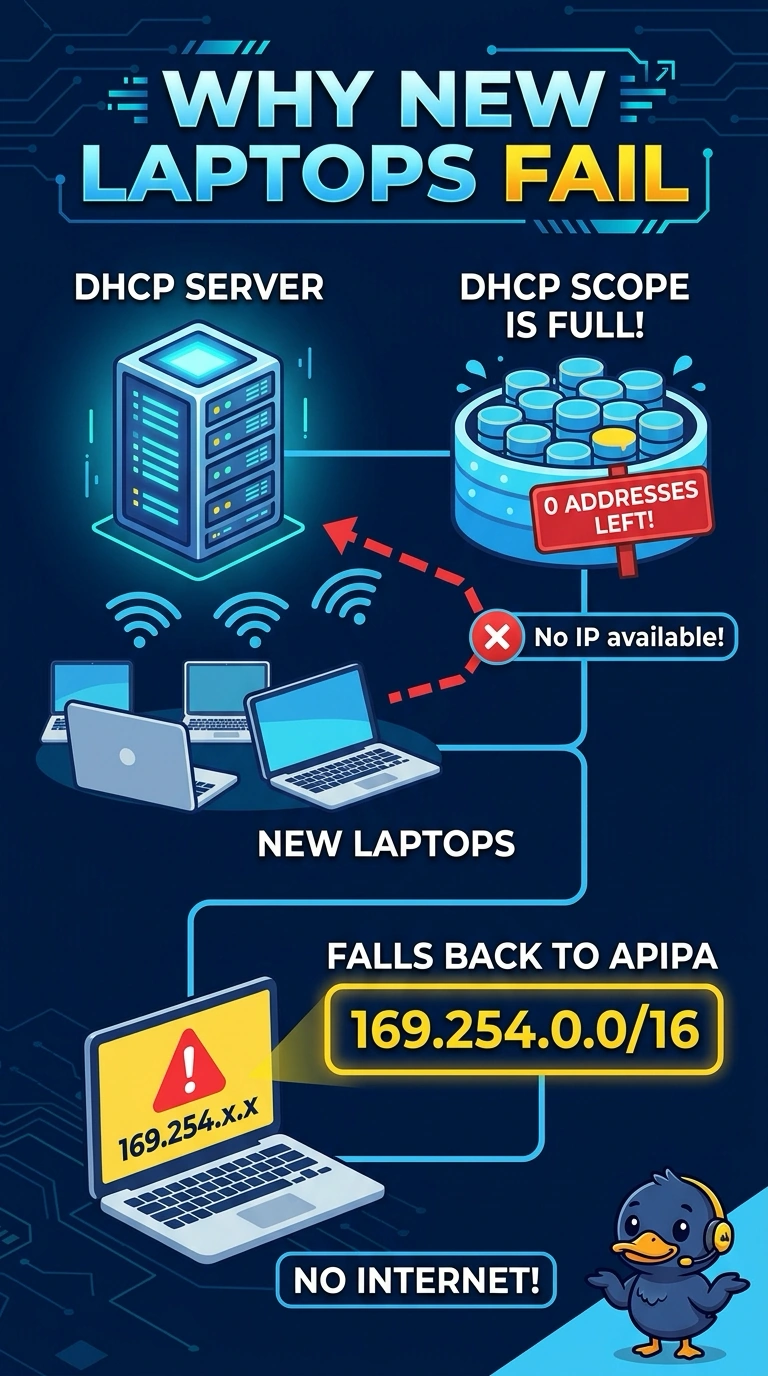
New laptops receive addresses in 169.254.0.0/16 and cannot reach the office servers. Laptops that already had a lease still work. The DHCP scope shows no free addresses. Which condition explains the new laptops?
Select an answer to reveal the explanation.
Short Explanation
You can see why the new laptops use an automatic private address: the DHCP pool is empty, while laptops with existing leases can keep working. That’s an exhausted scope; a toner cartridge or monitor cable does not assign addresses or use up DHCP addresses.
Full Explanation
An address in 169.254.0.0/16 is an automatic private address, used when a client expecting DHCP does not receive a lease. The DHCP scope shows no free addresses, so it is exhausted; laptops that already have a lease can continue using it. The claim that working laptops prove the scope still has free addresses confuses active leases with available addresses: those laptops may simply be using valid leases they received earlier. A dead toner cartridge does not assign IP addresses, and a monitor cable does not consume addresses in a DHCP scope; neither explains the new laptops’ automatic private addresses. The condition that explains the behavior is that the scope has no addresses left, causing new clients to fall back to an automatic private address. Exam caveat: a scope can become exhausted because leases are too long, even if some devices are no longer actively using their addresses. Freeing addresses or shortening the lease duration can help restore availability. As a practical check, free or add addresses, renew a new laptop’s DHCP lease, and confirm that it receives an office address instead of a 169.254 address.