
One network printer has no link light and will not print. Another printer on the same network prints from the same PC. The first printer's network cable is unplugged. Which action restores the first printer?
Select an answer to reveal the explanation.
Short Explanation
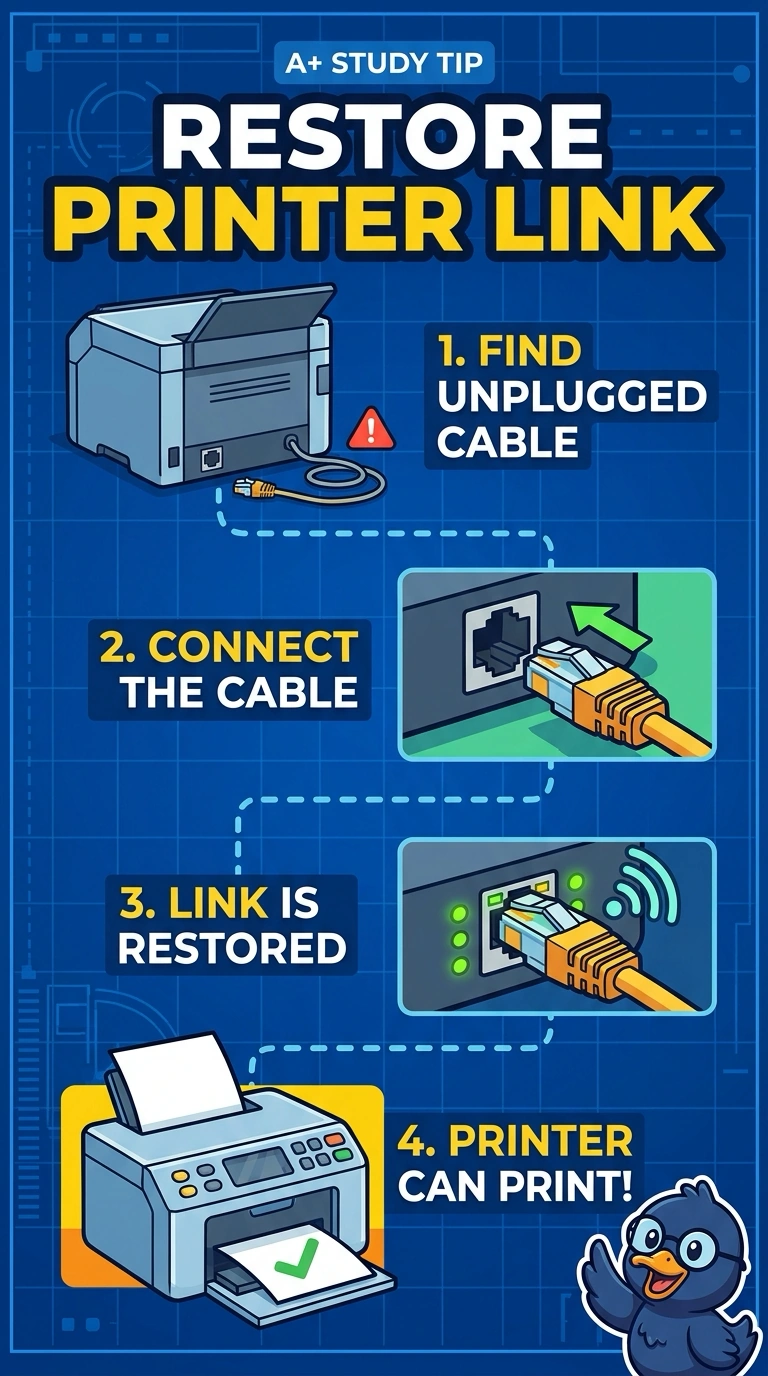
You’ve found the break: the printer’s network cable is unplugged, and the dark link light fits. Plug in the cable to restore the connection; a fuser, imaging drum, or DNS change cannot light a port with no cable. You’re on the right track.
Full Explanation
The first printer’s network cable is unplugged, and its lack of a link light is consistent with having no physical network connection. Plugging in that printer’s network cable restores the path so it can communicate and receive print jobs. The other printer works from the same PC, which points away from a problem with the PC or the shared network and toward the disconnected first printer. Replacing the fuser would not restore the link: the fuser bonds toner to paper and does not establish network connectivity or create a link light. Replacing the imaging drum would also fail because the drum is part of the print-imaging process; it cannot connect a printer whose network cable is out. Changing the PC’s DNS server would not help either: DNS resolves names, but it cannot make a physical link or light a printer port with no cable attached. Exam caveat: once the link is up, the PC still needs to be directed to this printer, so a restored link does not by itself prove that printing is configured correctly. Practical check: plug in the cable, confirm that the link light comes on, and print a test page to the first printer.