
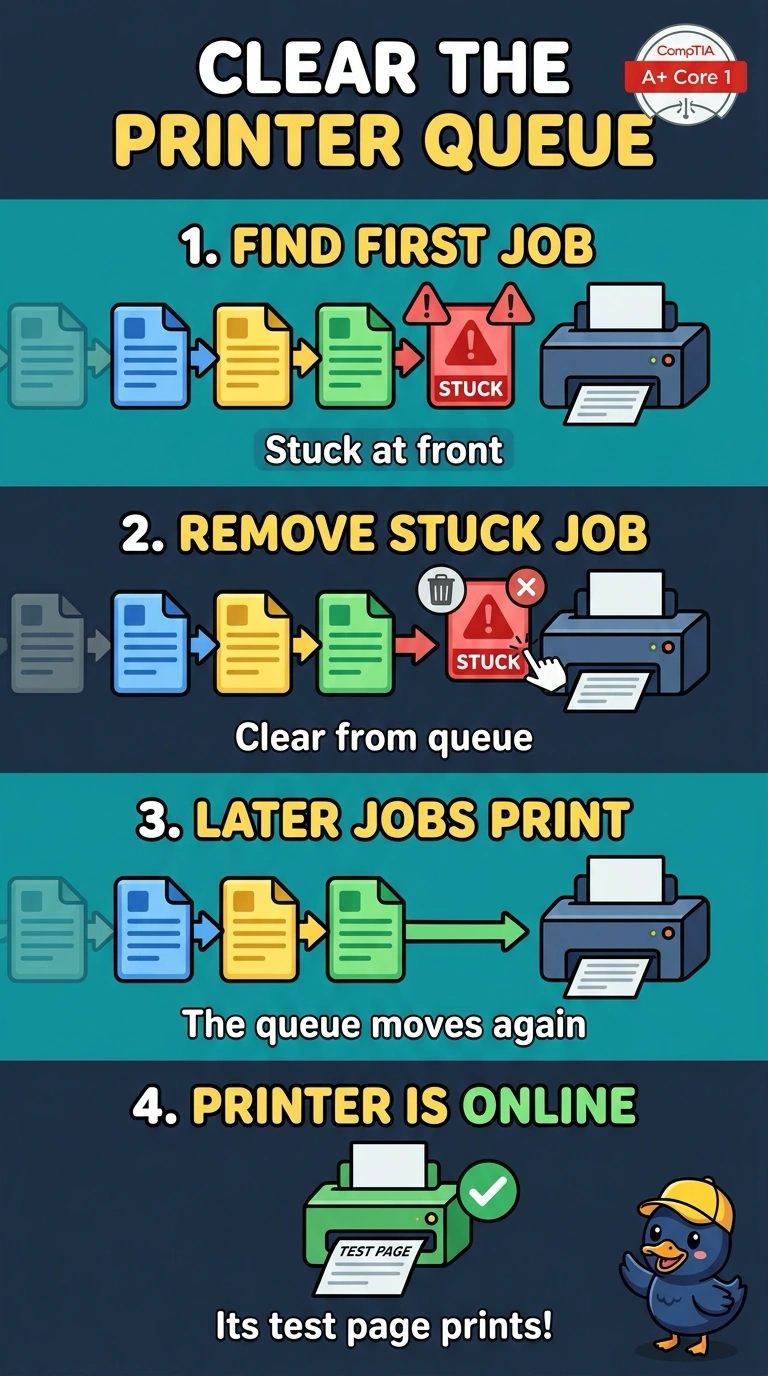
A laser printer's queue will not move. The first job stays at the front and later jobs wait behind it. The printer is online and its own test page prints. Which action lets the later jobs print?
Select an answer to reveal the explanation.
Short Explanation
The printer can print, and one job is sitting in the doorway. You remove that stuck job so the rest can pass. A fuser, a drum, and a gateway address are not what is blocking a queue whose test page already works.
Full Explanation
A job that stays at the front of the queue blocks the jobs behind it. The printer is online and its own test page prints, so the hardware path works and the stuck job is the blockage. Removing it lets the later jobs print. The fuser melts toner onto paper. A printer that can print its test page does not have a fuser holding the queue. The imaging drum places the image. It does not store jobs. The default gateway is an IP setting. It does not release a job that is already stuck on a printer you can still test. Exam caveat: if the same job fails again, look at that document. The queue itself is clear once the stuck job is gone. Operational check: remove the front job, print the next one, and confirm the queue keeps moving.