
A desktop is on and its fans are spinning. The monitor is dark, and the monitor's power cable is unplugged. Which repair brings the picture back?
Select an answer to reveal the explanation.
Short Explanation
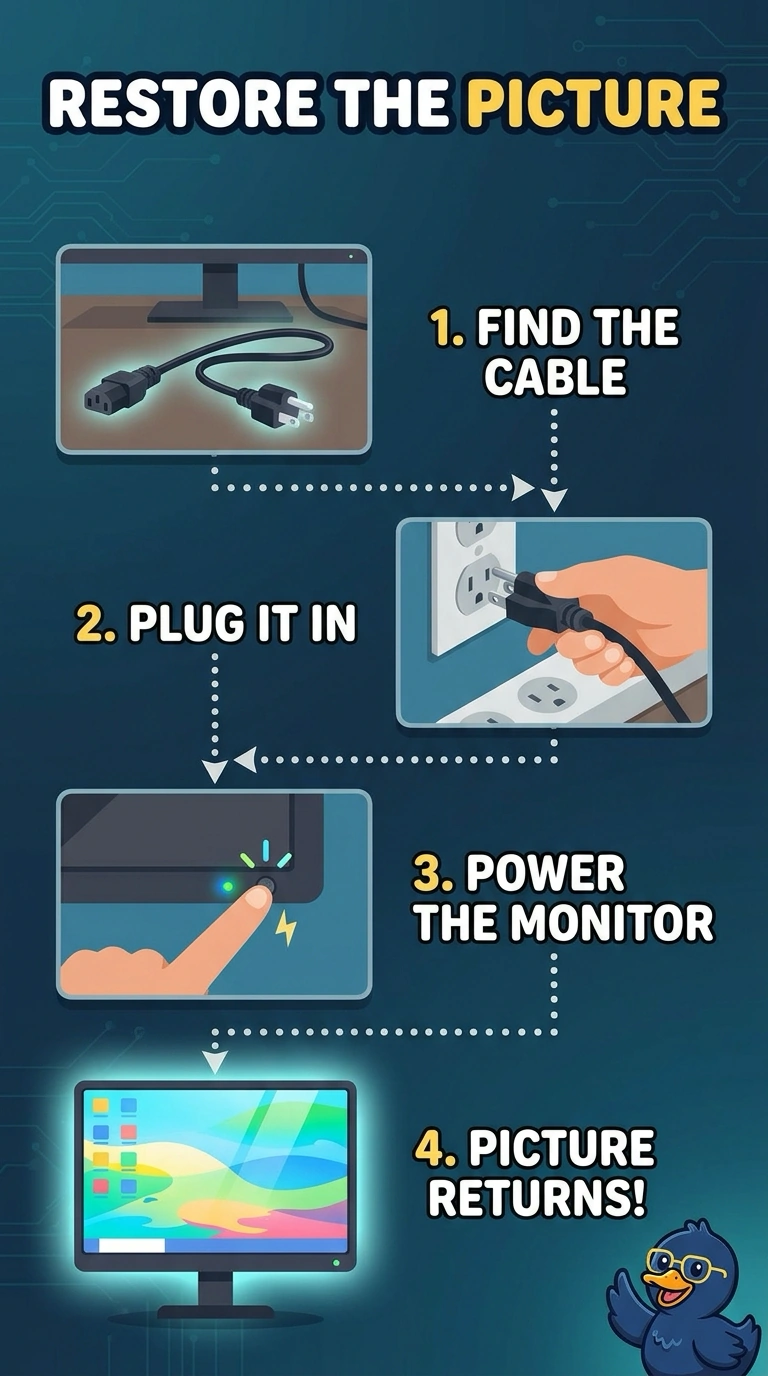
The computer is awake and the screen has no power cord. You plug the monitor in. A new supply in a PC that is already running, a memory reseat, and a printer part do not feed a monitor whose own cord is out.
Full Explanation
A monitor with its power cable unplugged cannot light, even when the desktop is running. Plugging that cable in is the repair. The desktop supply is already running the fans, and it does not feed the monitor through the video cable in place of the monitor's own power cord. Reseating memory can fix a no-boot PC. This PC is on, and the dark screen is explained by the unplugged monitor cord. A fuser is a printer part. It does not light a monitor. Exam caveat: after the monitor has power, you may still need the correct input. Power comes first because the cord is out. Operational check: plug the monitor in, confirm its power light, and select the input that matches the desktop's cable. Plug the monitor in, confirm its power light, and then select the matching input. Note the result on the ticket. Select the input only after the monitor's own power light is on.