
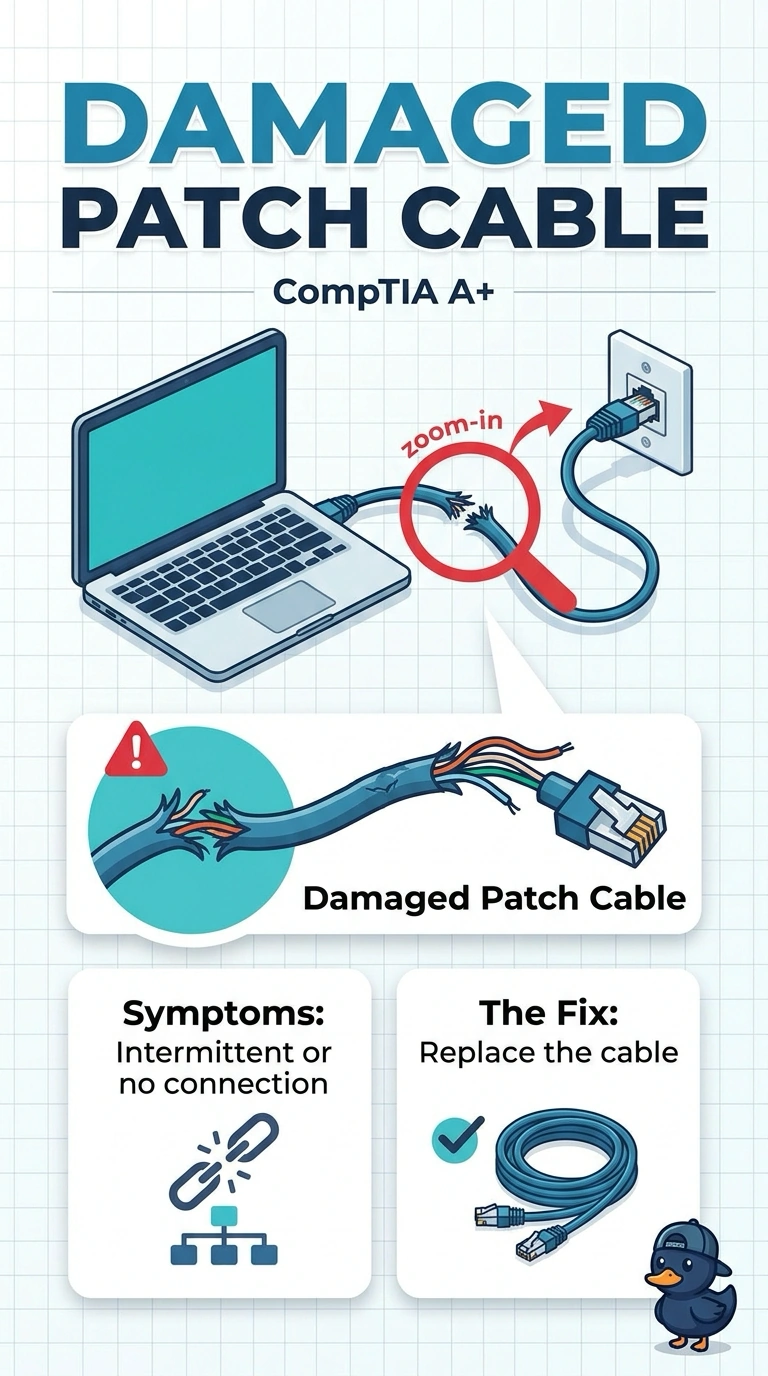
A workstation's link is up, but it runs much slower than the switch port supports. Replacing a damaged patch cable restores the higher speed. Which part caused the slow link?
Select an answer to reveal the explanation.
Short Explanation
The door was open, but only a narrow crack, and a new cable opened it all the way. You replace the damaged patch cable. A name server, a printer cartridge, and a clock battery do not negotiate the speed of that port.
Full Explanation
A link that is up but far below the speed the switch port supports, and that returns to the higher speed when the cable is replaced, was limited by the damaged cable. DNS is used after the link exists. It does not set the link speed. Toner is a printer supply. It does not negotiate Ethernet. The CMOS battery keeps firmware time. It does not limit a switch port. Exam caveat: a damaged pair can hold a link up and still drop it to a slower mode. The link light alone does not prove the cable is fine. Operational check: leave the new cable in place, confirm the link stays at the higher speed, and throw the damaged cable away. Leave the new cable in place and discard the damaged one. Confirm the link stays at the higher speed after the cable is changed. Write the result on the ticket before you close it.