
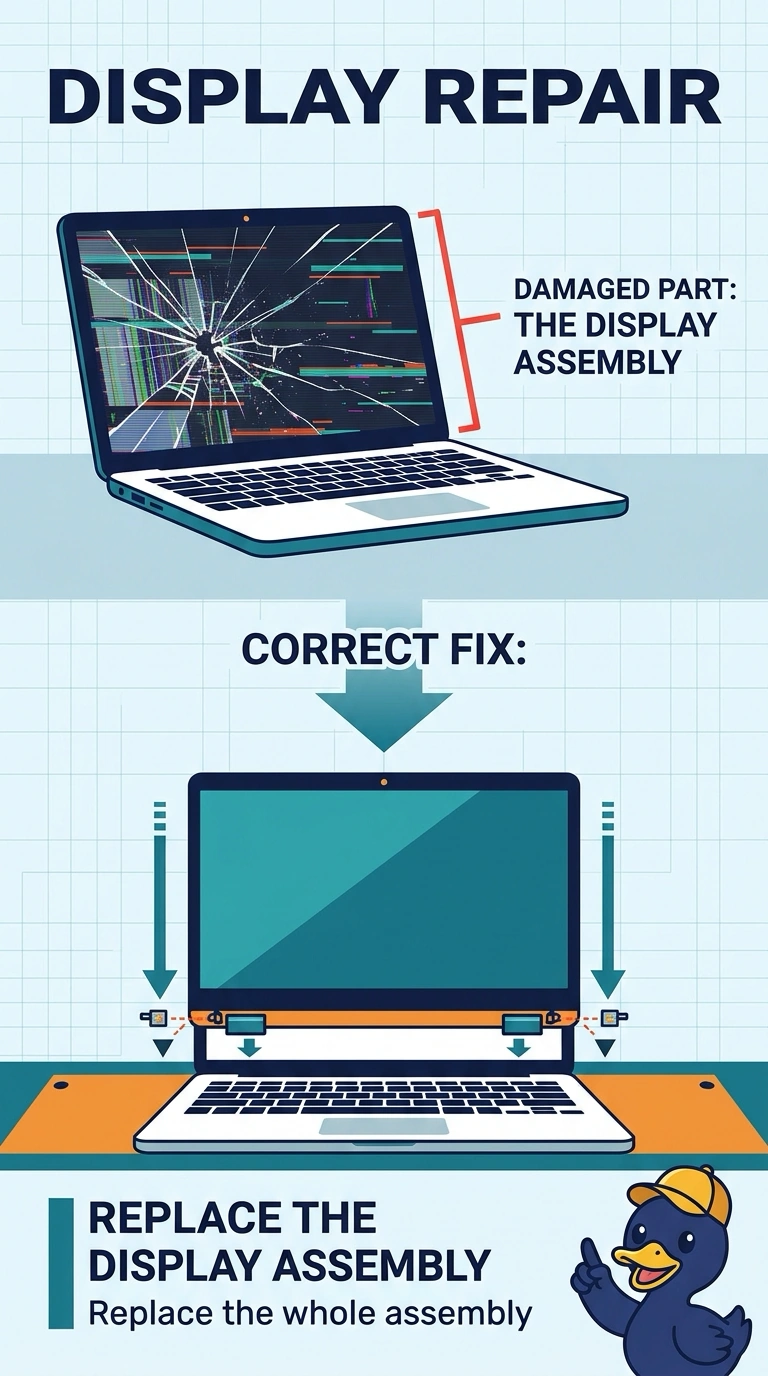
A laptop screen is covered in spiderweb cracks. The picture is broken along those cracks, and touch no longer follows a finger. Which repair fits?
Select an answer to reveal the explanation.
Short Explanation
You’ve got spiderweb cracks, a broken picture, and touch that no longer tracks, so you need to replace the display assembly. A new battery, an operating-system reinstall, or a clean charge port won’t repair a broken display.
Full Explanation
Spiderweb cracks with the picture broken along them, plus touch that no longer follows a finger, mean the display assembly itself is damaged. Replacing the display assembly is the repair. Replacing the battery will not redraw a cracked panel: the battery supplies power, and a cracked panel still needs replacement even if the battery is healthy. Reinstalling the operating system will not repair spiderwebbed glass. The operating system draws the desktop, but it cannot repair glass or make touch follow a finger across a broken digitizer. Cleaning the charge port can clear lint that stops charging, but it does not remove cracks from the display. Exam caveat: on many laptops, the glass, panel, and digitizer are one assembly, so order the assembly named in the service manual rather than a sheet of glass alone. Practical check: after installing and seating the assembly, confirm the picture is continuous and touch tracks across the whole screen, including all four corners, before returning the laptop.