
While a user types on a laptop with no external mouse, the pointer jumps and occasionally clicks. Which part is sending that stray input?
Select an answer to reveal the explanation.
Short Explanation
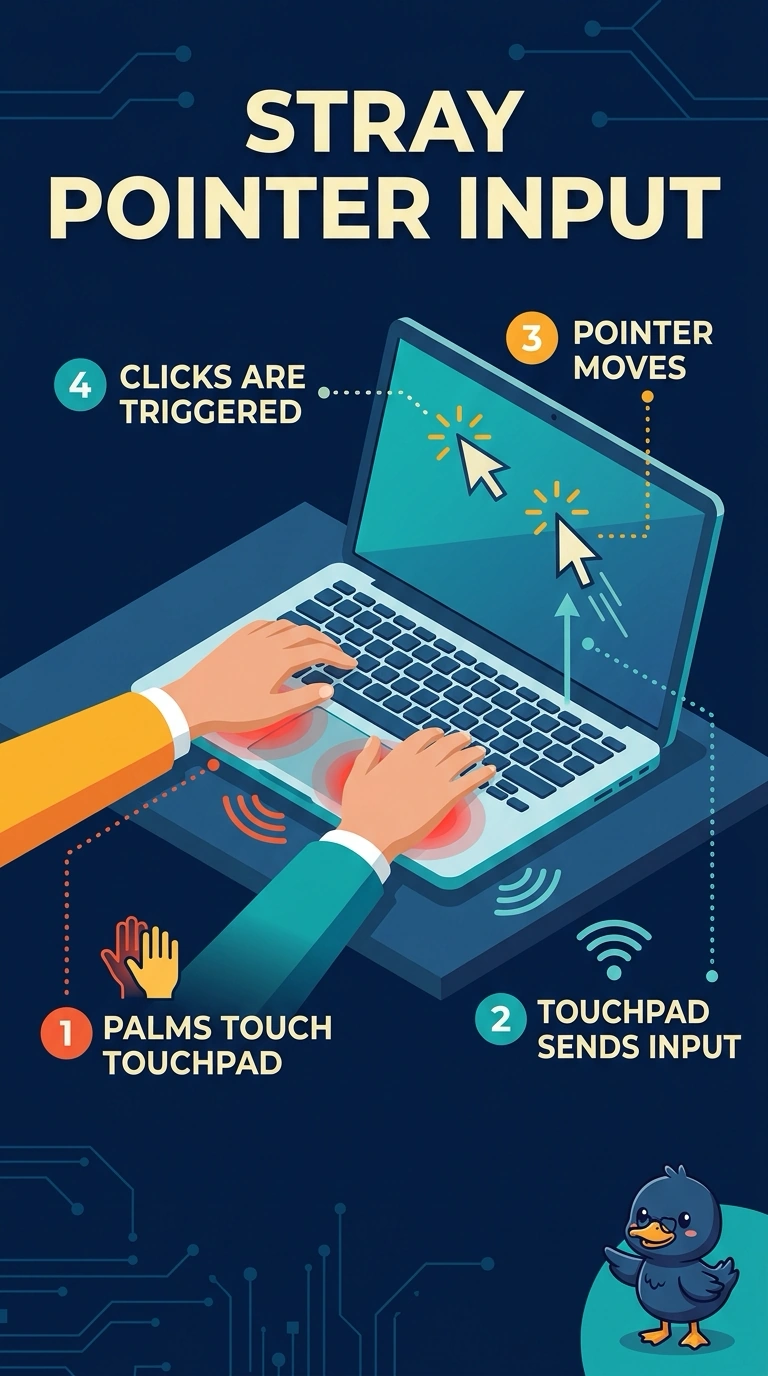
You can trace the stray input to the touchpad, which may read your palms as pointer movement or clicks while you type. The hard disk reads files, the Wi-Fi card handles network traffic, and the CMOS battery maintains the clock; none of those sends pointer input.
Full Explanation
Cursor drift and stray clicks while you type commonly occur when the touchpad reads your palms or is set too sensitively. The touchpad is sending the stray input, so you can adjust its sensitivity, disable it while typing, or have it serviced if it generates movement when your hands are off it. The hard disk reads and writes data; reading a file does not provide a path for it to move the pointer. The Wi-Fi card handles network traffic, and a strong signal does not inject clicks. The CMOS battery maintains the firmware clock and settings; clock drift does not drag the pointer across the screen. Exam caveat: palm contact is a common cause, but a touchpad that moves the pointer with your hands off it may need service rather than a sensitivity adjustment. Practical check: turn off the touchpad in settings, type a full paragraph, and confirm that the pointer stays still. If it does, adjust the pad or have it serviced; if the pointer still jumps with the pad off, the touchpad is not causing that movement.