
A conference projector says no signal. The laptop's own screen shows the desktop, and the video cable is seated at both ends. Which check comes first?
Select an answer to reveal the explanation.
Short Explanation
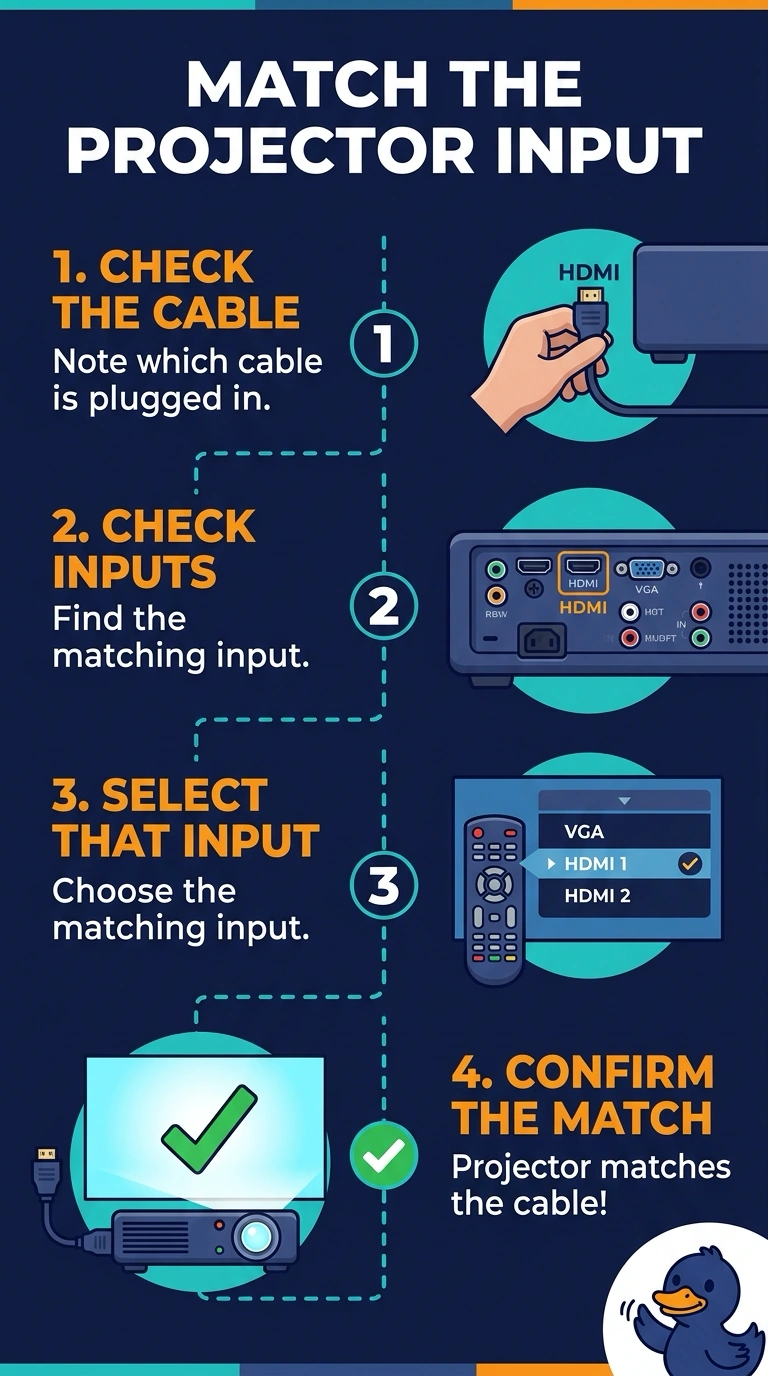
Your laptop is already showing the desktop, so you know the picture exists. The projector may be listening at the wrong input, so select the one that matches your cable before replacing a lamp that has not been shown to be dark. Reseating memory or changing a printer tray will not select a video input.
Full Explanation
Projectors and monitors have several inputs, and a no-signal message often means the selected input does not match the connector in use. Your laptop displays the desktop and the cable is seated at both ends, so select the projector input that matches the cable, such as HDMI or DisplayPort. Replacing the lamp is not justified by a no-signal message: a failed lamp usually leaves the image dark or produces a lamp error, rather than explaining why the projector is not receiving a signal on the selected input. Reseating laptop memory is also not the first check. A memory fault can cause a black laptop screen or a crash, but your laptop screen works. Changing the printer tray cannot select a projector input; it chooses paper. Exam caveat: even with the correct projector input selected, the laptop may still need its display mode set to duplicate or extend. Treat that as a subsequent check, not a reason to replace the lamp. Practical check: select the matching input and see whether the picture appears. If it does, label the remote’s input for that room; if the matching input remains dark, set the laptop to duplicate its screen before opening the projector lamp door.