
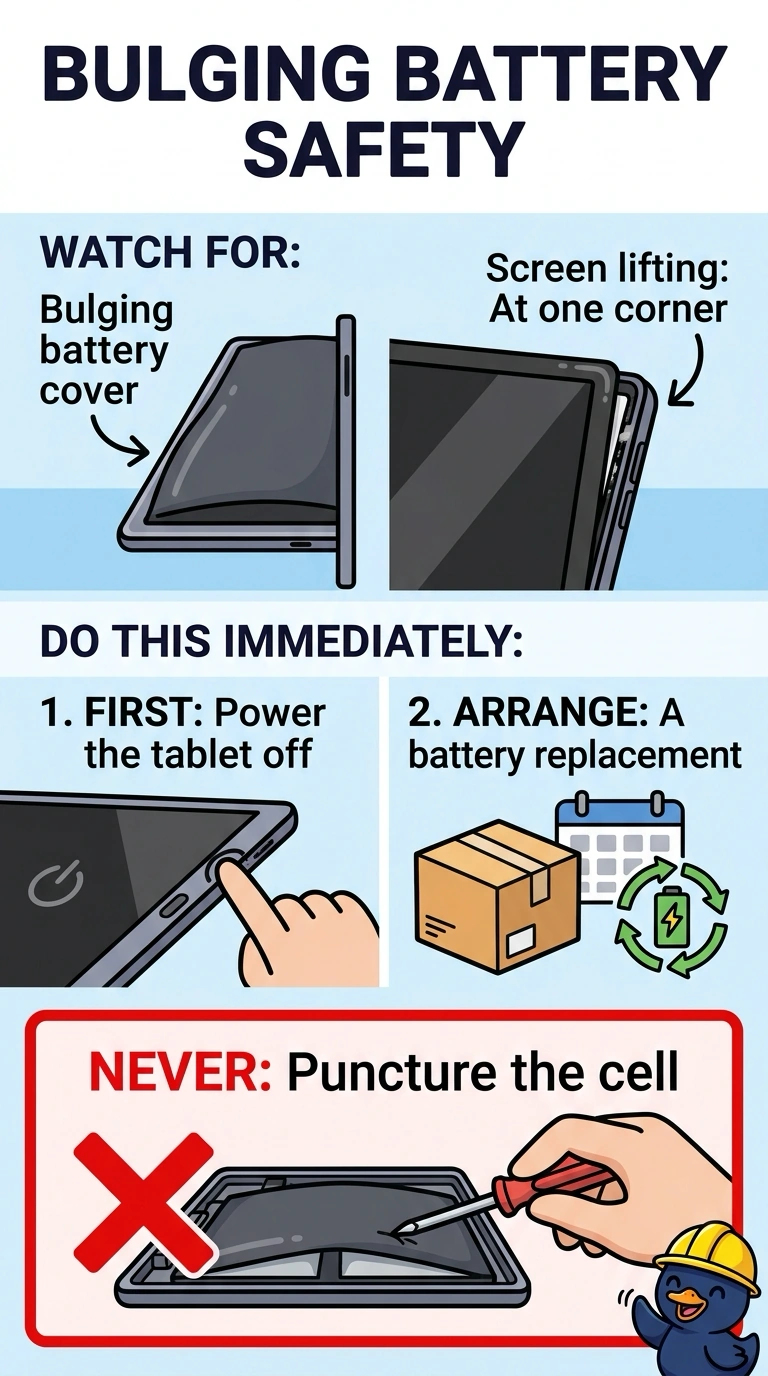
A tablet's battery cover is bulging and the screen is lifting at one corner. Which action should the technician take first?
Select an answer to reveal the explanation.
Short Explanation
You’re right to take a bulging battery seriously: it can vent or ignite, so power it off and arrange a replacement without puncturing the cell. Don’t keep it charging, freeze it, or clamp the screen flat; those actions can make a damaged cell more dangerous.
Full Explanation
A bulging case and a lifting screen indicate a swollen, failed battery that can vent or ignite. Power the tablet off and arrange a battery replacement through a proper service path; do not puncture the cell. Keeping it on the charger feeds a damaged cell and will not make it settle back into the case. Freezing the tablet does not restore a swollen lithium battery and can crack it. Clamping the screen flat presses on the swollen cell and can rupture it. Exam caveat: do not put a swollen battery in ordinary trash; give it to the service shop or a battery recycler. Practical check: power the tablet off, leave it unplugged, and move it to a nonflammable surface while you arrange replacement. Do not plug it back in or press the lifted corner while you wait. Photograph the bulge for the service ticket, and address the battery before worrying about the lifted glass.