
An external drive is slow when it is plugged into a USB 2 port and clearly faster in the USB 3 port on the same desktop. Which port should the drive use?
Select an answer to reveal the explanation.
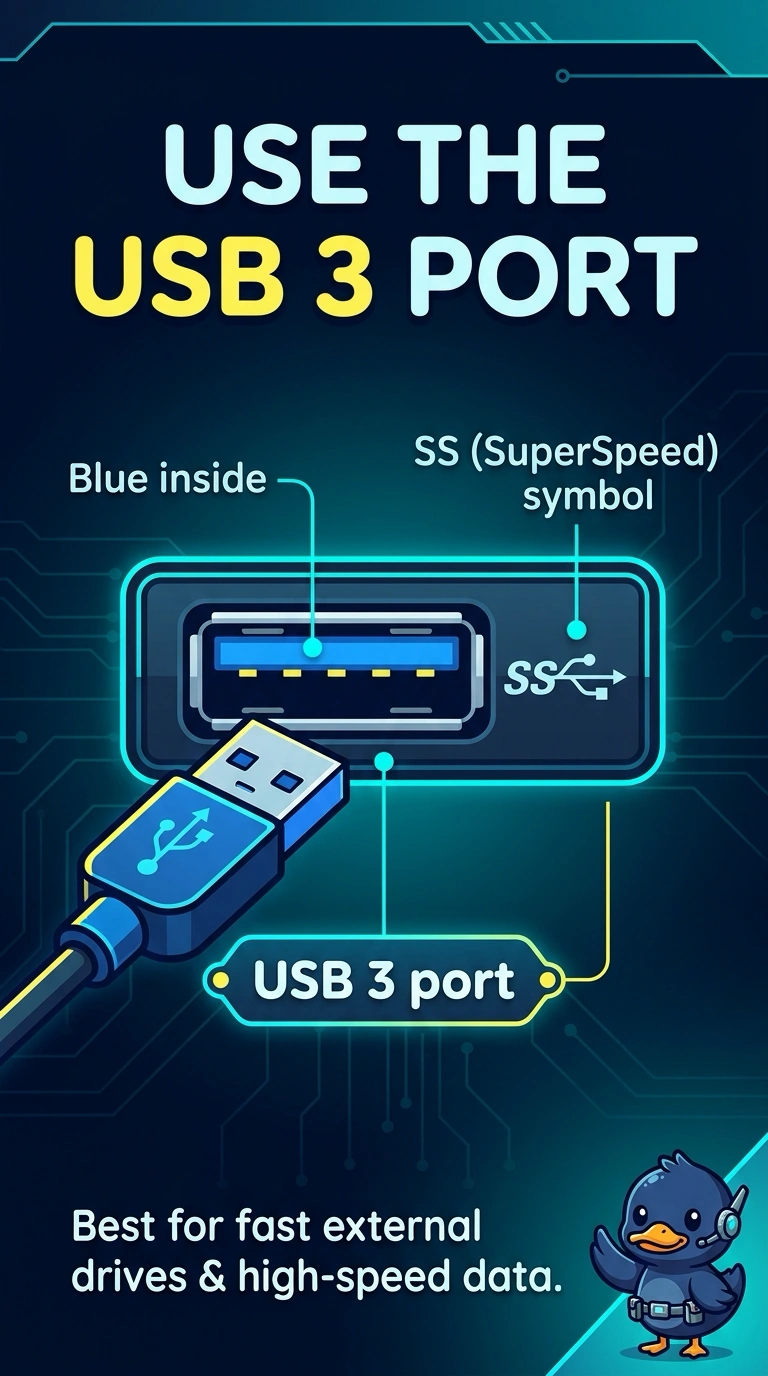
Short Explanation
The same drive woke up when it was moved to the faster USB port. You leave it on the USB 3 port. The older USB port, a video connector, and a telephone jack are not where this drive belongs.
Full Explanation
USB 3 is the faster USB generation on the outline, and this drive demonstrated that by running faster in the USB 3 port than in the USB 2 port. The drive should stay on USB 3. Calling the USB 2 port the faster one contradicts the test the desktop just showed. VGA is a video connector. It does not attach storage. RJ11 is a telephone plug. It does not feed an external drive. Exam caveat: the cable and the drive's enclosure also have to support USB 3. A drive plugged into a USB 3 port with a USB 2 cable may stay slow. Operational check: use the USB 3 port and a matching cable, copy a large folder, and confirm it stays faster than the USB 2 test. Note which physical port was faster so the next person does not move the drive back.