
A desktop produces no sound from its speakers or its headset jack. A USB audio adapter plays sound from the same application. Which part has failed?
Select an answer to reveal the explanation.
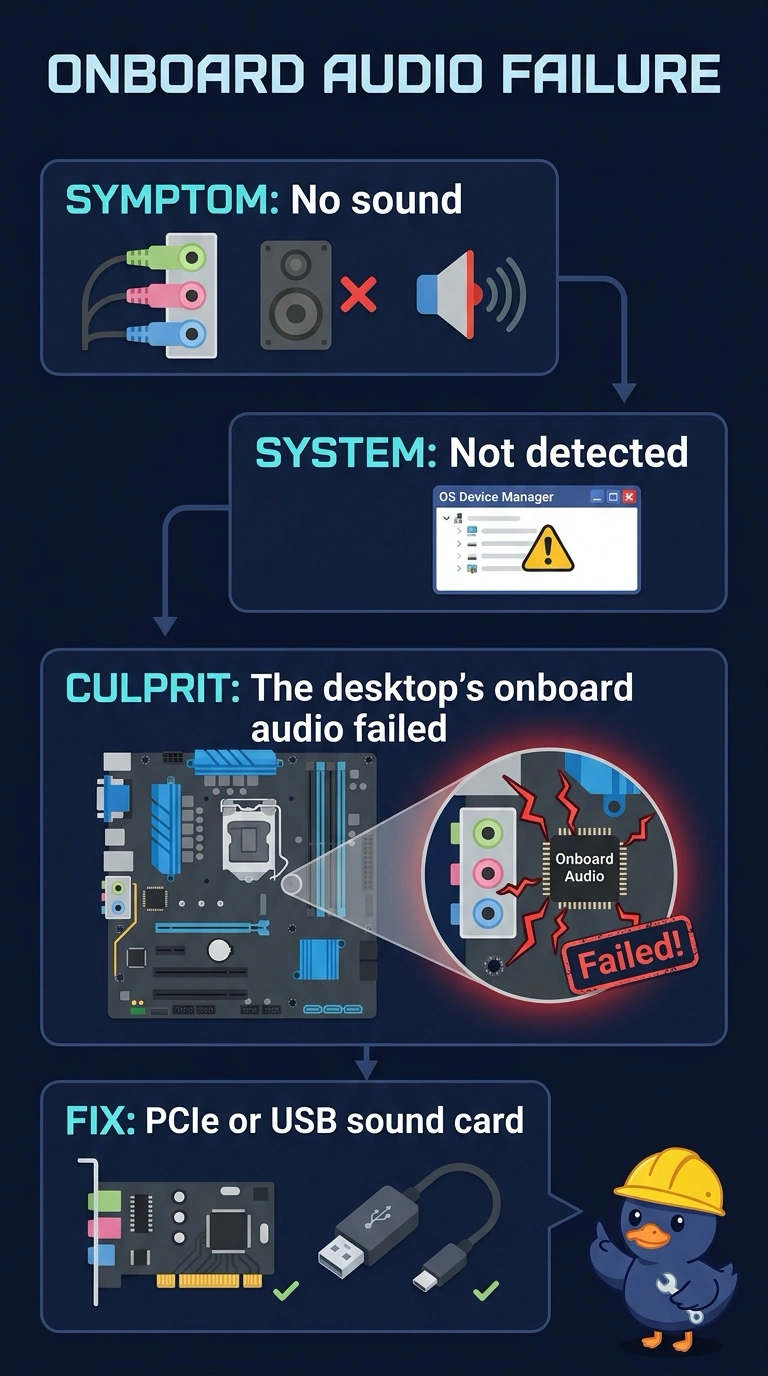
Short Explanation
You can tell the application is producing sound because the USB audio adapter plays it, while the desktop’s built-in speakers and headset jack remain silent. That points to failed onboard audio. The printer, DNS server, and monitor cable do not generate or route sound to the headset jack.
Full Explanation
The desktop’s onboard audio is the failed part: the same application plays through a USB audio adapter, so it can produce sound, but the built-in speakers and headset jack remain silent. The printer is not responsible because it does not generate the desktop’s audio. The DNS server is not responsible because it resolves names; it does not route sound to a headset jack. The monitor cable is not responsible because it carries video, not the audio handled by the onboard audio device. Exam caveat: a muted mixer or a device still selected as the silent onboard audio can produce similar symptoms, so silence alone does not prove hardware failure. Practical check: select the USB audio adapter and confirm that the same application plays through it; then verify that the onboard outputs remain silent before planning repair or using the adapter as the permanent audio output. Record the result on the ticket.